WhatsApp Ticket Management

Resolve Customer Queries Faster with WhatsApp Ticket Management

WhatZCRM's WhatsApp Ticket Management turns every incoming message into a trackable support ticket so you can assign, prioritize, and resolve queries without losing context. From handling product inquiries and order issues to managing high-volume support requests, this feature ensures your team delivers faster resolutions and exceptional service directly on WhatsApp.
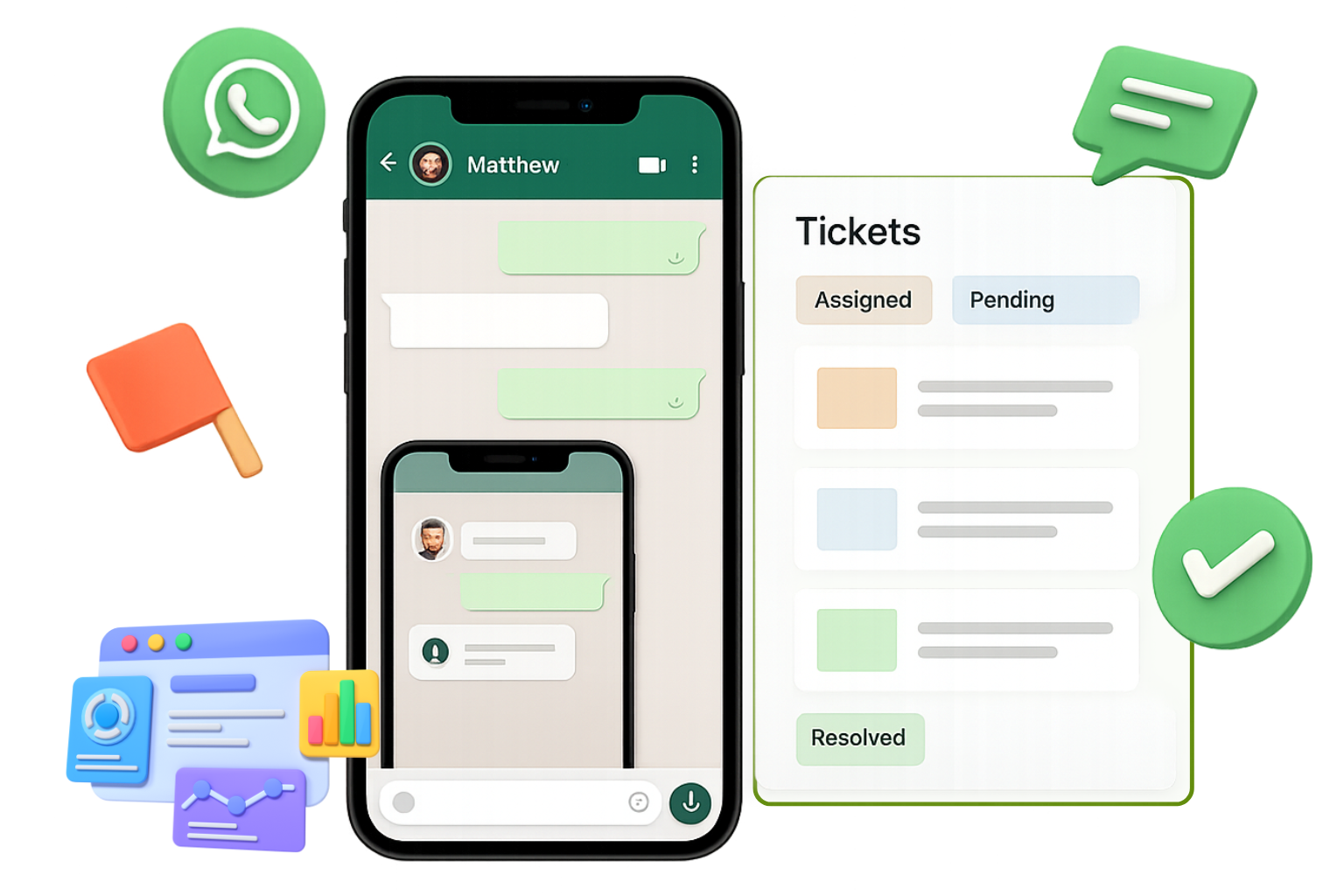
WhatsApp Ticket Management Dashboard
OUR EXPERTISE

Why Use WhatsApp Ticket Management in WhatZCRM?

Customer support on WhatsApp often gets messy without a proper system in place. Our ticket management feature turns every conversation into a well-structured ticket, giving you complete visibility from first message to final resolution.

Instant Ticket Conversion

Instantly convert WhatsApp conversations into support tickets for faster handling.

Smart Assignment

Assign tickets to the right team or agent automatically in just seconds.

Complete Context View

Keep full customer context, chat history, and attachments organized in one view.

Team Collaboration

Collaborate efficiently with private notes and shared updates across teams.

Automated Workflows

Automate ticket creation, assignment, and follow-ups to save time and reduce errors.

Performance Analytics

Track performance with analytics to improve response times and resolution rates.

What Can You Do with WhatsApp Ticket Management in WhatZCRM?

Transform your WhatsApp support operations with comprehensive ticket management that organizes, tracks, and resolves customer queries efficiently while maintaining complete visibility and team collaboration.

Auto-Create Tickets from Chats

Every incoming WhatsApp message is instantly converted into a structured ticket containing customer details, complete chat history, and categorized issue type. This eliminates manual tracking, reduces errors, and ensures every query is accounted for from the start.

Route to the Right Agent or Department

Set smart automation rules to assign tickets instantly based on keywords, customer profile data, department expertise, or current agent availability. This ensures faster responses and reduces time spent on manual ticket routing.

Track Ticket Status in Real Time

Monitor whether a ticket is new, in progress, on hold, or resolved through a clear, centralized dashboard. This real-time visibility ensures no customer query is overlooked or delayed.

Collaborate Seamlessly Across Teams

Allow multiple agents to contribute to the same ticket, share internal notes, and view the complete conversation thread in one place. This fosters better teamwork and consistent, informed responses to customers.

WhatsApp Ticket Management Dashboard
WhatsApp Ticket Analytics Dashboard

Respond with AI-Powered Suggestions

Access instant, context-aware reply recommendations for common customer queries. AI suggestions speed up resolution while still allowing agents to personalize responses for a more human touch.

Share Media and Documents

Send PDFs, images, videos, payment links, instructions, or product demos directly within the ticket conversation. This makes it easy to provide customers with the exact information they need without switching platforms.

Link Tickets to CRM Records

Automatically sync every ticket with the corresponding customer profile in your CRM. This gives agents complete visibility into past orders, previous conversations, preferences, and support history before replying.

Analyze Support Performance

Track key support metrics such as first response time, average resolution time, agent workload, and customer satisfaction ratings. Use these insights to optimize team performance and enhance service quality.

HOW DOES IT WORK

How Does WhatsApp Ticket Management Work in WhatZCRM?

Simple 5-step process to capture, assign, track, and resolve customer queries through structured ticket management workflows.

Capture Incoming Messages

When a customer sends a WhatsApp message, the system instantly logs it as a ticket, complete with the whole conversation history, customer details, and timestamp. This ensures nothing slips through the cracks.

Auto-Assign or Manually Assign

Tickets are routed automatically using predefined rules such as keywords, customer priority, or department. Alternatively, a manager can manually assign them to the most suitable team member for personalized handling.

Manage and Respond

Agents reply directly from the ticket interface, using quick templates, AI-suggested responses, or rich media sharing. They also have full CRM context at their fingertips for faster, more accurate replies.

Track Until Resolution

Each ticket remains active and visible in the dashboard until it's resolved. Agents and managers can update status, add notes, and ensure follow-ups are completed so no query is left unanswered.

Review and Optimize

Managers can analyze ticket reports to identify common issues, measure agent performance, track response times, and spot opportunities to automate repetitive tasks, improving both efficiency and customer satisfaction.

Ready to Scale Your Business with WhatZCRM?

WhatsApp Ticket Management For:

Designed for teams that need structured support workflows to handle customer queries efficiently while maintaining complete visibility and accountability.

Customer Experience Teams

Deliver fast, personalized resolutions to customer queries while ensuring every interaction is logged and tracked for future reference.

E-Commerce & Retail Teams

Manage product inquiries, order tracking, returns, and refund requests seamlessly from a single WhatsApp-first dashboard.

Technical Support Teams

Handle troubleshooting requests, bug reports, and service outages efficiently, with precise ticket tracking and real-time updates.

Healthcare & Appointment-Based Services

Manage patient queries, appointment changes, and follow-up care instructions without losing conversation history.

TESTIMONIALS

What Our Users Say About WhatZCRM

Hear from business professionals who have transformed their customer support operations with WhatZCRM's WhatsApp Ticket Management

"No ticket slips through the cracks now. Our team responds faster, and we've cut our average response time in half, which has boosted customer satisfaction significantly."

Anita Rao
Anita Rao
Support Manager
Tech Company

"The ticketing system has made it so easy to assign incoming queries to the right person instantly. It has improved team coordination and reduced unnecessary delays in responses."

Rahul Menon
Rahul Menon
Operations Head
E-commerce Platform

"We can now track every customer issue from start to finish with complete transparency. This has helped us resolve problems faster and build more trust with our clients."

Simran Kapoor
Simran Kapoor
Customer Experience Lead
Service Company
FAQ

Frequently Asked Questions

Find answers to common questions about WhatsApp Ticket Management

It's a feature that converts incoming WhatsApp messages into structured, trackable support tickets. This makes it easy for teams to assign, monitor, and resolve customer queries while keeping all communication, history, and CRM records in one place.

Yes. The WhatsApp Business API is required for multi-agent access, automated ticket routing, compliance-approved message templates, and real-time CRM integration.

Yes. You can configure intelligent routing rules that assign tickets based on keywords, department, customer priority, geography, or agent availability. Assignments are logged in the CRM for full visibility.

Yes. Team members can work together on the same ticket by sharing private notes and accessing the full conversation history. All updates sync to the CRM, ensuring everyone has complete context.

Absolutely. AI can handle FAQs, suggest replies, categorize queries, prioritize urgent tickets, and even resolve common issues before handing them to a human agent.

Yes. Agents can share PDFs, images, videos, invoices, or payment links directly within the ticket. All files are stored alongside the customer's CRM profile for future reference.

Yes. Each ticket can be tracked through statuses like "new," "in progress," and "resolved." Status updates sync in real time within both the ticketing dashboard and CRM.

Yes. WhatZCRM integrates seamlessly with popular CRMs, payment gateways, and helpdesk tools. Ticket data, notes, and conversations are automatically synced for a unified customer view.

Yes. It supports over 50 languages with automatic detection. Agents can handle tickets in a customer's preferred language, and transcripts are stored in the CRM for clarity.

Yes. You get access to detailed analytics like first response time, resolution time, agent productivity, and CSAT (customer satisfaction scores). These metrics are tied to CRM data for deeper reporting.

Get Started Today

Turn every WhatsApp message into a trackable ticket. Assign, prioritize, and resolve faster with WhatZCRM's WhatsApp Ticket Management.

Built to Work with WhatsApp Business API