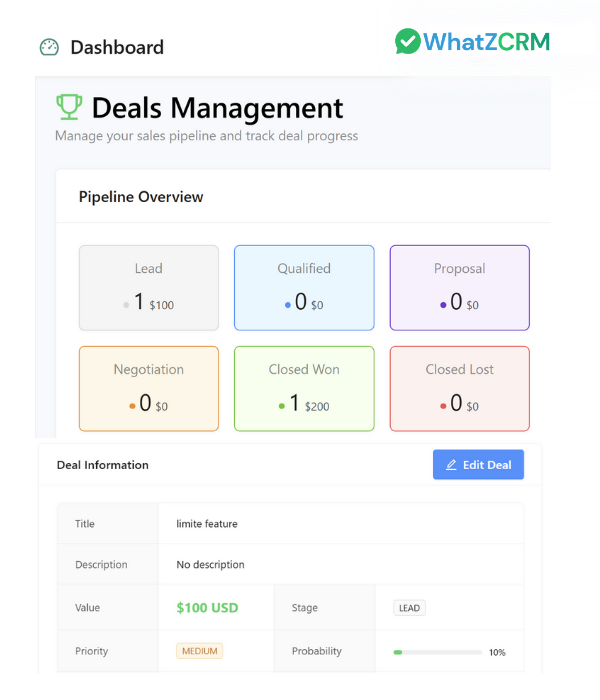
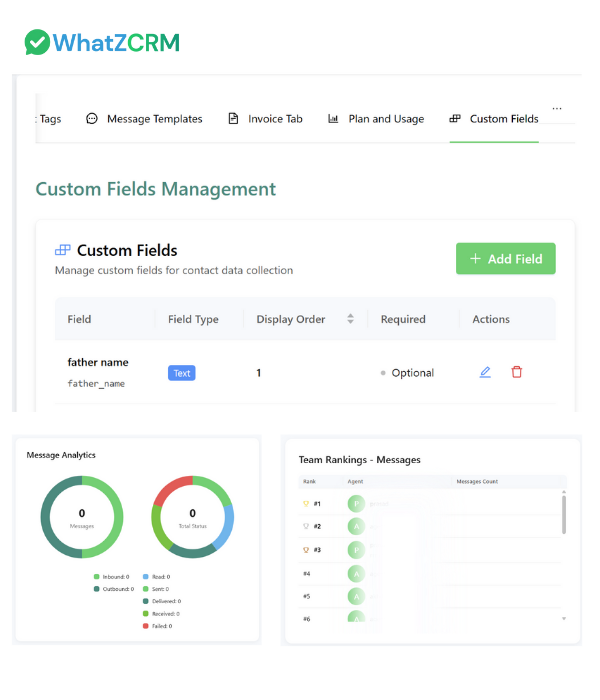
The CRM Dashboard & Lead Manager in WhatZCRM gives you a centralized, real-time view of your contacts, leads, and pipelines across WhatsApp conversations. Easily monitor team activity, automate lead follow-ups, and move deals forward without switching tabs.
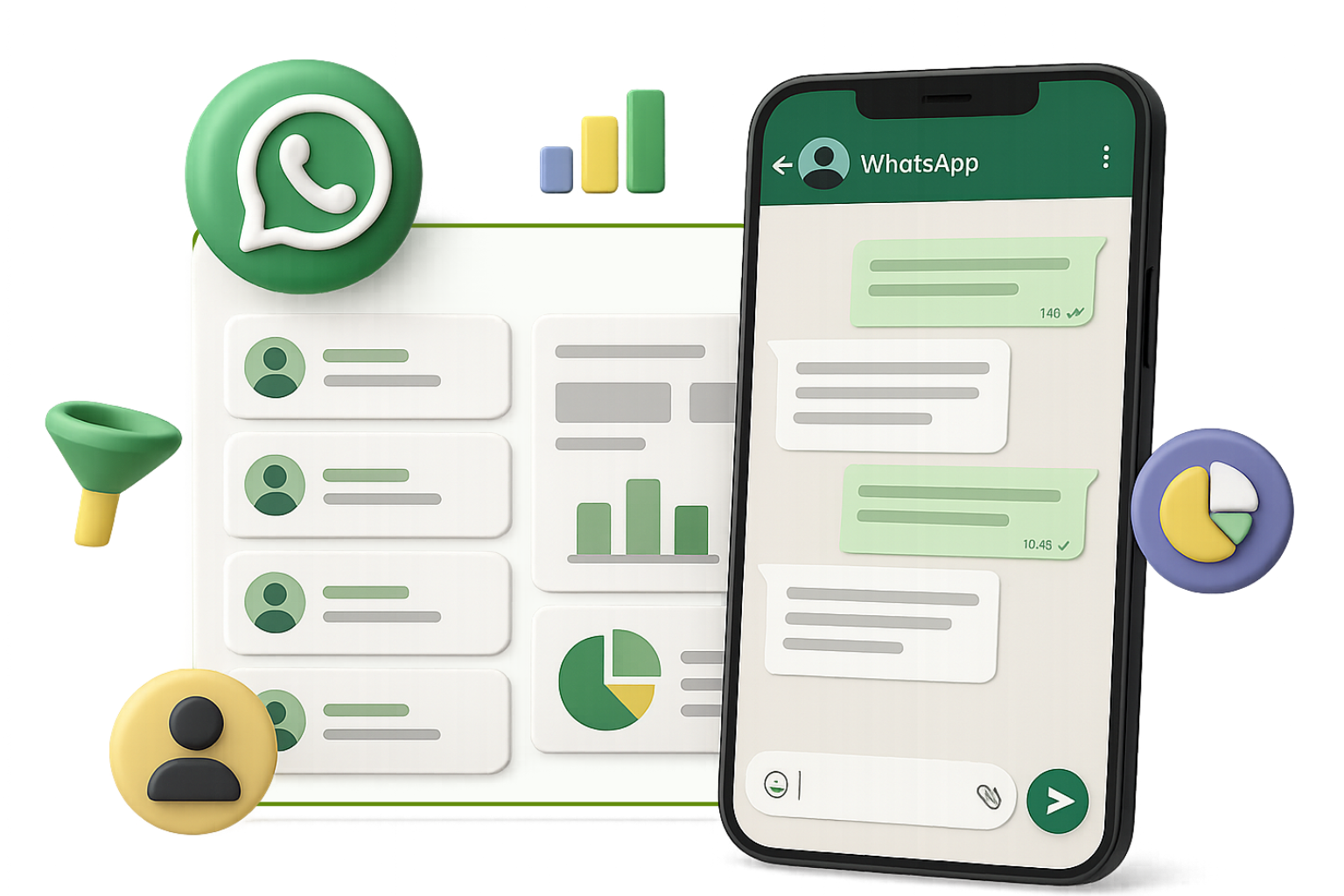
WhatZCRM's CRM Dashboard & Lead Manager empowers teams to capture, manage, and nurture leads directly from WhatsApp while tracking performance in real time. With automated lead tagging, visual pipelines, and custom views, your sales and support teams gain total visibility and control.
Visualize lead journeys from inquiry to conversion with clear pipeline views and stage tracking.
Assign and track leads in real time with automated notifications and status updates.
Segment contacts by stage, campaign, or tags for targeted and personalized outreach campaigns.
Automate follow-ups to save time and ensure no lead falls through the cracks in your pipeline.
Measure performance with instant dashboards showing conversion rates, response times, and team metrics.
Boost collaboration across sales, marketing, and support teams with shared lead visibility and notes.
Transform your lead management with powerful tools designed to capture, organize, and convert leads efficiently through WhatsApp integration.
Track leads from first contact to closed deal in customizable pipeline views. Drag and drop cards, update statuses, and assign tasks directly from the board.
Automatically tag leads by source (e.g., WhatsApp, Instagram, Google Ads), interest level, or campaign. Build smart segments for personalized outreach.
Add notes, set reminders, and assign leads to agents instantly. Everyone has access to the same contact history, templates, and chat logs.
Measure conversion rates, lead aging, agent performance, and source-based ROI in one unified dashboard - optimized for WhatsApp lead generation.
Tailor your CRM to match your industry or workflow. Use custom fields like deal size, location, or urgency. Filter leads by any field or tag.
Every new WhatsApp inquiry is logged instantly. Leads are automatically tagged and visible in your dashboard, complete with full message history and channel attribution.
Launch follow-up messages or WhatsApp campaigns directly from the dashboard. Schedule reminders and automate next steps in your sales process to stay organized and efficient.
View a complete history of conversations, forms, documents, notes, and tags for every contact - no need to dig through inboxes or spreadsheets.
Transform your lead management with our simple 5-step process that captures, organizes, and converts leads seamlessly through WhatsApp integration.
As soon as a contact messages you or submits a form
WhatZCRM logs the lead with auto-tagged source and campaign info
The lead is displayed in your pipeline
Ready to be assigned, tagged, or followed up with a template message
Drag the lead to a new stage (e.g., Qualified, Proposal Sent)
Attach files or assign it to a teammate with notes
Use WhatsApp templates, AI bots, or reminders
Follow up automatically based on stage or inactivity
Managers view conversion reports, lead status trends
Response times inside the live analytics dashboard
Designed for teams that need complete visibility and control over their lead management process through WhatsApp integration.
Segment leads by campaign, channel, or engagement level. Launch WhatsApp follow-ups that convert.
Track deal stages, assign leads, and automate follow-ups without switching tools or missing messages.
Organize inbound inquiries, prioritize based on tags, and assign cases by urgency—all from one screen.
View team performance, follow-up times, and lead sources in real-time to identify opportunities and gaps.
See how teams are transforming their lead management and boosting conversions with WhatZCRM's dashboard
"The CRM dashboard gives us full visibility into every WhatsApp lead. It's the best lead manager we've ever used."
"We track every inquiry now. The drag-and-drop pipeline and follow-up reminders help us close deals faster."
"Our team collaboration improved 3x since switching to WhatZCRM. Everyone's on the same page, with no manual updates."
Find answers to common questions about CRM Dashboard & Lead Manager
It's a real-time lead management interface that lets you view, organize, assign, and follow up with leads from WhatsApp and other sources.
Yes. You can create custom pipelines by department, campaign, or service type and assign leads accordingly.
Every WhatsApp inquiry is automatically logged in the CRM with source, campaign, and chat history.
Yes. You can use dynamic tags and filters to sort leads by stage, interest, source, and more.
Absolutely. You can send follow-ups, broadcast templates, or chatbot flows directly from any lead profile.
Yes. Team members can view, update, and comment on lead cards. Notes and activity logs are visible to all.
Yes. It scales easily—whether you're a solo founder or managing a multi-agent sales team.
Yes. You get reports on conversion rates, team response times, source ROI, and more.
Yes. Add fields for industry, deal value, urgency, next step, or anything that suits your workflow.
You can go live within 3–5 business days after WhatsApp API approval. Setup is fully guided.
Boost your leads today quickly and efficiently with personalized follow-ups that close more deals.