

Key Takeaways WhatsApp Team Inbox
- A WhatsApp team inbox (also called a shared inbox or multi-agent inbox) lets multiple team members manage customer conversations from one WhatsApp Business number, through a single dashboard.
- It runs on the WhatsApp Business API; the standard WhatsApp Business inbox app only supports one device at a time.
- Core capabilities: shared conversation view, chat assignment/routing, internal notes, tags, chatbot-to-human handoff, and role-based access (admin, manager, agent).
- Most team inbox tools stop at messaging. WhatZCRM’s inbox is built on top of a full sales pipeline; every WhatsApp conversation becomes a trackable lead or deal, not just a closed chat thread.
- Setup takes five steps: connect your WhatsApp Business Account, choose a provider, add team members with roles, configure routing rules, and go live.
What Is a WhatsApp Team Inbox?
A WhatsApp team inbox is a centralized dashboard that gives multiple agents shared access to one WhatsApp Business number, so conversations can be viewed, assigned, and answered without duplicate replies or missed messages.
It’s the direct answer to a scaling problem: the standard WhatsApp Business app only works on one device at a time, so once message volume grows past what one person can handle, businesses need a WhatsApp business team inbox built on the WhatsApp Business API instead.
Also Read: How WhatsApp Team Inbox Works and Is Better for Customer Conversations?
You’ll see this same concept described under a few different names depending on the vendor: WhatsApp shared inbox, WhatsApp multi-agent inbox, or simply WhatsApp business inbox. They all refer to the same underlying setup: one number, many agents, one shared view of every conversation.
WhatsApp Business App vs. WhatsApp Team Inbox
WhatsApp Business App | WhatsApp Team Inbox (API-based) | |
Devices/agents | 1 device at a time | Unlimited agents, role-based access |
Conversation sync | No real-time multi-user sync | Full real-time sync across agents |
Chat assignment | Manual, no routing | Rule-based auto-assignment |
Internal collaboration | None | Internal notes, tags, @mentions |
CRM/pipeline tracking | None | Native in platforms like WhatZCRM |
Automation | Basic quick replies | Chatbots, drip sequences, broadcast |
Analytics | None | Response time, resolution rate, agent load |
How a WhatsApp Multi-Agent Inbox Works
- A customer messages your WhatsApp number. The conversation lands in the shared inbox instantly, visible to every authorized agent.
- Automated first response or routing. A chatbot can greet the customer, answer FAQs, or route the chat to the right team based on language, product interest, or customer tag.
- An agent takes over. For anything beyond FAQs, an agent steps in with full context: chat history, past purchases, tags, and (in WhatZCRM) the customer’s position in your pipeline.
- Resolution and pipeline update. The chat gets marked resolved and archived. In a CRM-native inbox, that same conversation also updates the lead’s stage, deal value, or follow-up task so nothing gets lost between “chat closed” and “deal won.”
Also Read: How Multi-Agent WhatsApp Inbox Solves Team Collaboration Challenges
Key Features of a WhatsApp Shared Inbox
- Shared, unified dashboard: Every incoming message lands in one place, visible to all authorized agents, eliminating duplicate replies and missed chats.
- Multi-agent access with roles: Agents, managers, and admins get different permission levels, so collaboration doesn’t come at the cost of control.
- Smart chat routing and assignment rules: route by language, region, product interest, or VIP status so the right agent gets the right chat automatically.
- Internal notes and @mentions: Agents add context or loop in a teammate without the customer seeing it.
- Chatbot-to-human handoff: Automated replies hand off to a live agent with full conversation history intact, so customers never repeat themselves.
- Contact and CRM integration: Every chat attaches to a customer record instead of disappearing once it’s marked “done.”
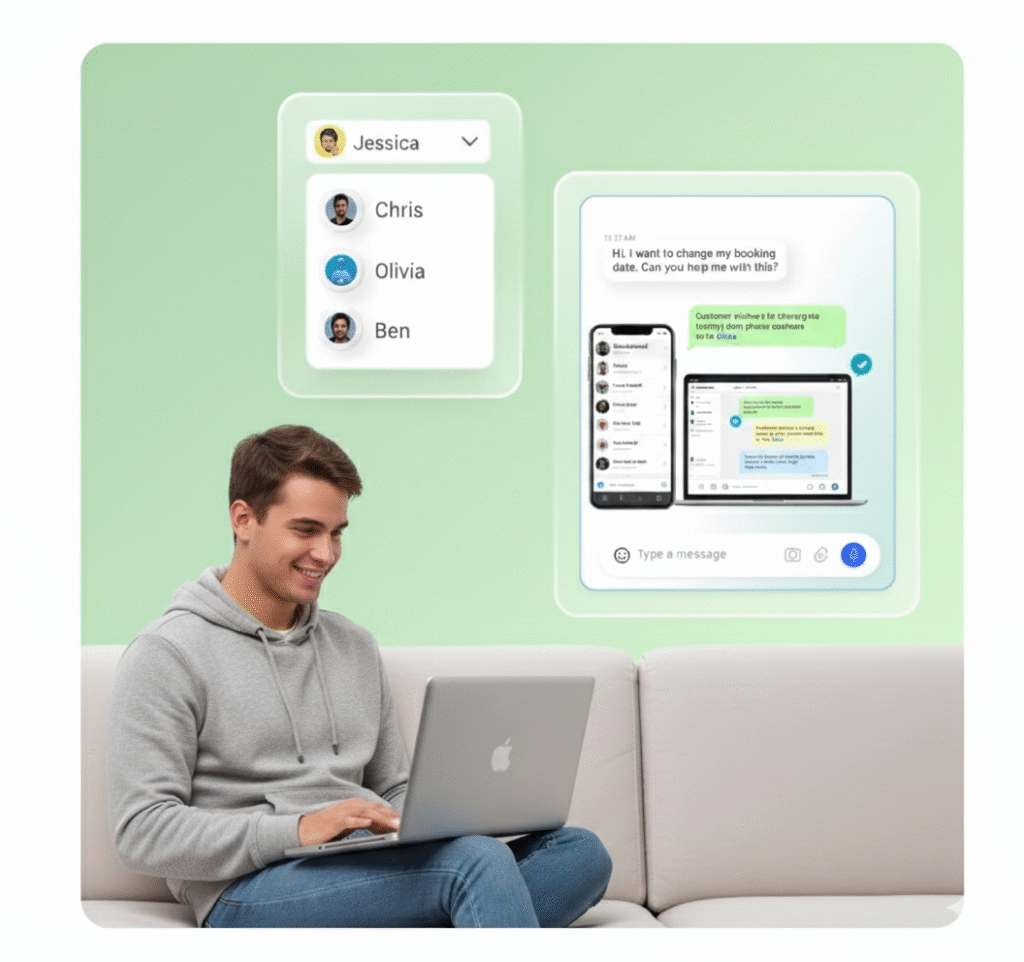
Where Most WhatsApp Team Inboxes Stop and Where WhatZCRM Doesn’t
Here’s the gap worth knowing about before you pick a provider: most WhatsApp team inbox tools are messaging platforms with a CRM label bolted on. They centralize chats, assign them, and log basic contact fields, but the moment a conversation needs to become a tracked deal, with a pipeline stage, a proposal, an invoice, or a follow-up sequence, you’re exporting data into a separate CRM.
WhatZCRM closes that gap by building the shared inbox directly on top of a sales pipeline:
- Deal and pipeline tracking: every WhatsApp lead moves through stages (new, qualified, proposal sent, won/lost) without leaving the inbox.
- Proposals and invoicing: share and track proposals or invoices in the same thread the deal was born in.
- Lead segmentation and drip automation: tag leads by source or intent and drip-nurture them automatically, not just broadcast to everyone.
- Shared inbox + shared pipeline: your sales and support teams see the same conversation and the same deal record, so handoffs don’t require re-explaining context.
This is the difference between a WhatsApp inbox that helps you reply faster and one that helps you close more.
Also Read: WhatsApp Broadcast vs Group: Which Is Right for Business Communication?
Benefits of a WhatsApp Team Inbox for Businesses
Faster response times: Multiple agents replying in parallel cuts wait times, critical since WhatsApp had over 3.3 billion monthly active users in 2026, and customers expect chat-speed replies, not email-speed ones.
No missed leads: Centralized visibility plus assignment rules means every inbound message gets an owner, vital for real estate and education businesses running paid ad traffic straight into WhatsApp.
Better cross-team collaboration: Internal notes and tags let support flag a hot lead to sales without leaving the conversation or forwarding screenshots.
A scalable channel, not a bottleneck: Add agents, automate FAQs with a chatbot, and handle rising volume without proportional headcount growth.
Full visibility for managers: Track response times, resolution rates, and agent workload and, with a CRM-native inbox, pipeline velocity and deal conversion from the same dashboard.
How to Set Up a WhatsApp Team Inbox
- Choose a WhatsApp Business API provider: You can’t access the API directly; you need a platform like WhatZCRM connecting your number to a shared dashboard.
- Create or connect your WhatsApp Business Account (WABA): Add business details, verify your number, and get it approved by Meta.
- Add team members and assign roles: Set up admins (full control), managers (oversight and routing), and agents (conversation handling).
- Configure routing and workflows: Build assignment rules, department queues, quick replies, and chatbot flows for common questions.
- Connect your pipeline and tools. Link the inbox to lead stages, proposal templates, and any existing tools so conversations convert into tracked deals, not just closed tickets.
- Train your team and launch. Cover assignment, internal notes, tagging, and escalation before going live, then monitor response time, resolution rate, and lead-to-deal conversion.
To Sum Up
A WhatsApp team inbox is table stakes now; most providers offer shared access, routing, and basic automation. What separates a messaging tool from a growth engine is what happens after the chat: whether that conversation turns into a tracked deal or just a closed ticket.
With a WhatsApp team inbox by WhatZCRM, you get:
- Multi-agent collaboration without duplicate replies or missed messages
- Intelligent chat routing so every conversation reaches the right agent, not just any agent
- A pipeline built into the inbox leads move through stages, proposals, and invoices without leaving WhatsApp
- Faster response times backed by shared context and internal notes
- Data-driven growth insights that track not just resolution time, but pipeline velocity and deal conversion
That’s the real difference: WhatZCRM doesn’t just organize your WhatsApp conversations; it turns them into a sales pipeline that runs itself.