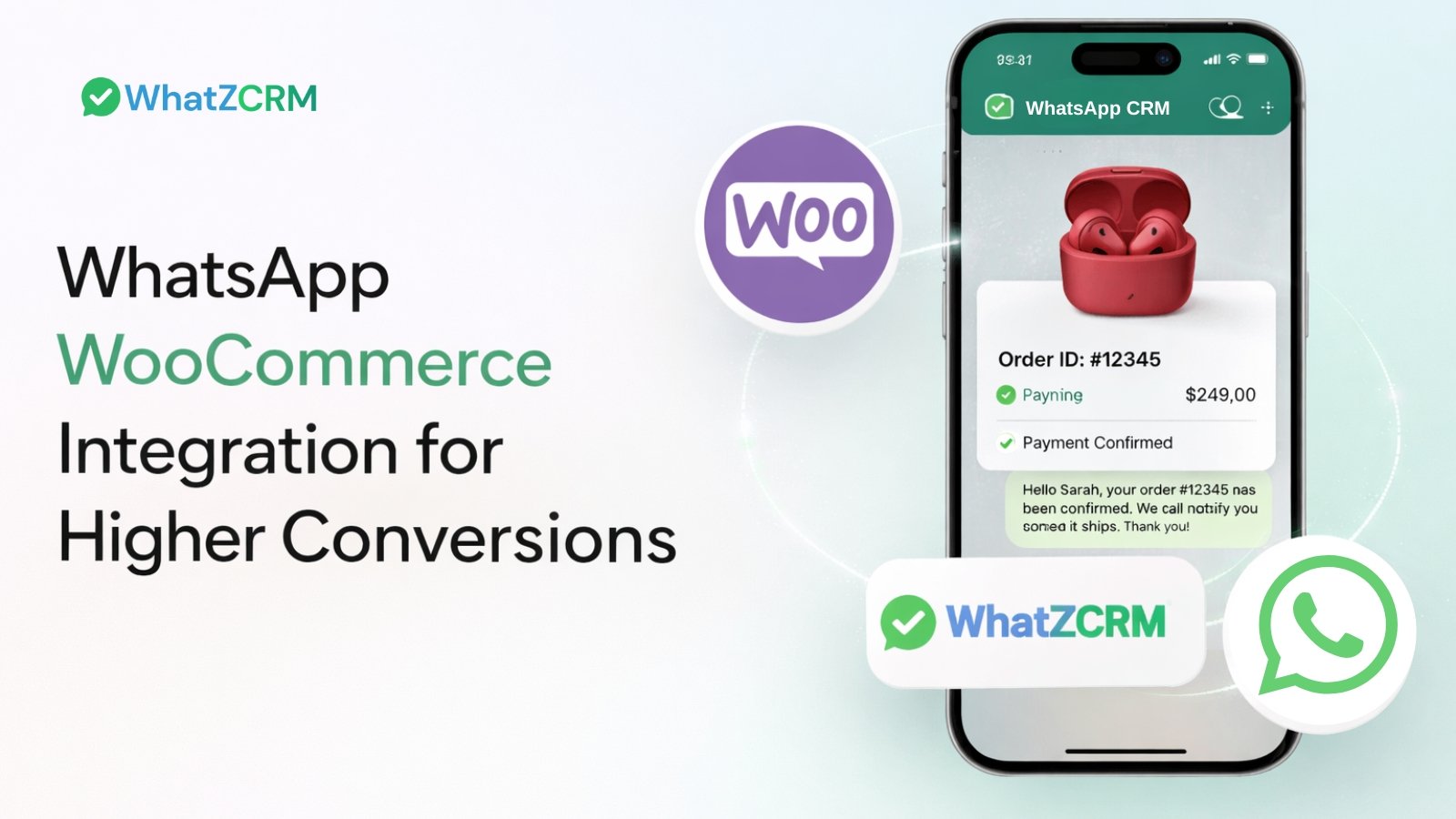

WooCommerce WhatsApp integration connects your store to the WhatsApp Business API, so order confirmations, shipping updates, abandoned-cart reminders, and support conversations happen automatically inside WhatsApp instead of email or SMS. Most stores set it up in under a day using a connector like WhatZCRM, with no custom code required.
WooCommerce powers over 5 million online stores, but traffic alone doesn’t pay the bills. Conversion depends on how fast you respond, how personal your messages feel, and how easy it is for a shopper to finish checking out. Email struggles on all three counts; average open rates sit around 20–22%, and a message that lands an hour later has already lost the moment.
WhatsApp doesn’t have that problem. Open rates for WhatsApp business messages run as high as 95–98%, and most are read within minutes of being sent. When you connect that channel directly to your WooCommerce store, you turn one-off transactions into an ongoing conversation one that recovers lost carts, cuts support tickets, and keeps customers coming back.
Also Read: How Many Messages Can I Send Per Day on WhatsApp Business API?
This guide covers what the integration actually does, how to set it up, ready-to-use message templates, and the questions people ask most before they commit.
What Do We Understand by WooCommerce WhatsApp Integration?
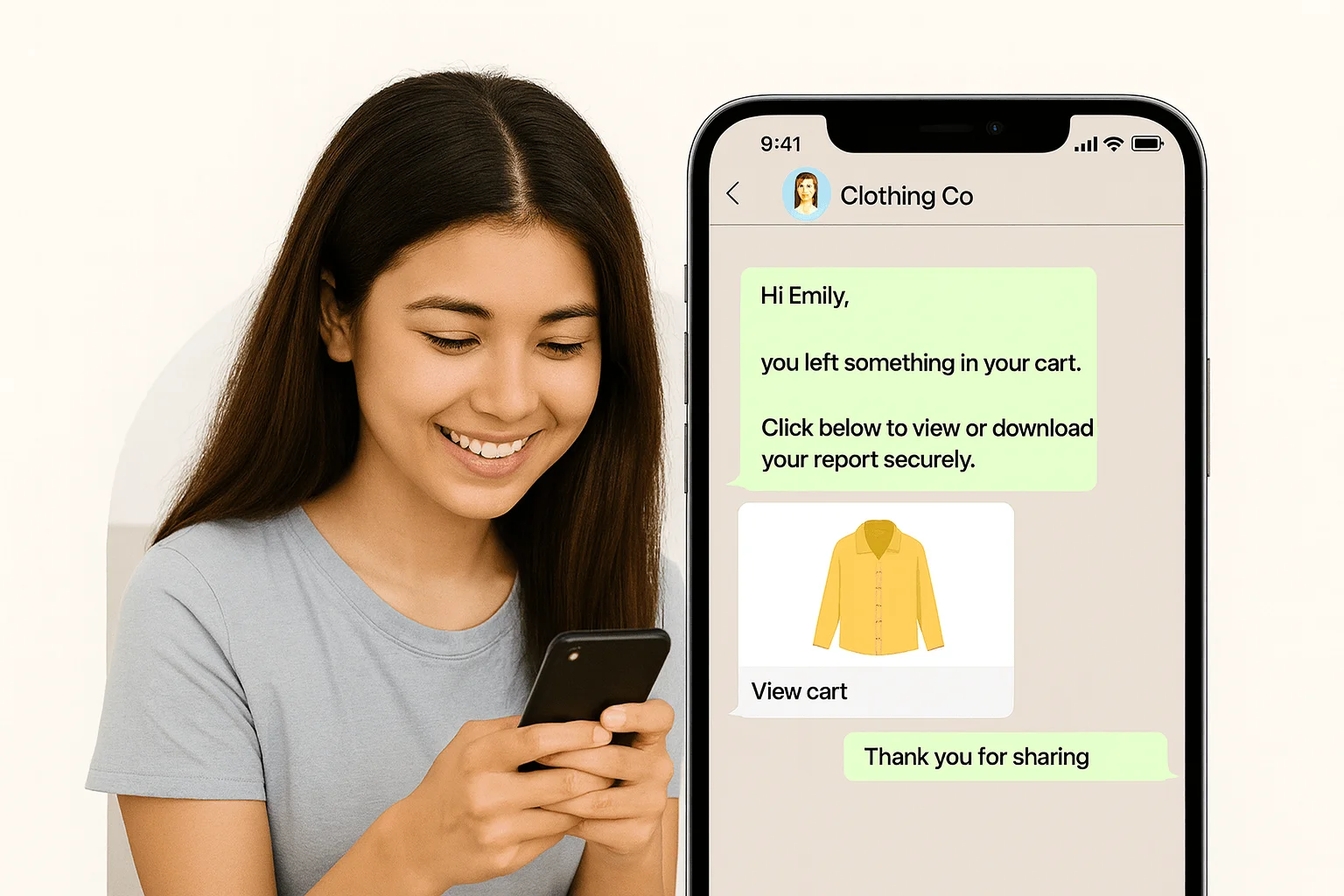
WooCommerce WhatsApp integration is the connection between your WooCommerce store and the WhatsApp Business API (via a connector platform) that lets store events- new orders, shipped packages, abandoned carts automatically trigger a WhatsApp message to the customer. It also lets your support team reply to customer questions from WhatsApp in a single shared inbox, instead of juggling email, live chat, and DMs separately.
There are three ways stores typically do this:
| Approach | How it works | Best for |
| Free WooCommerce plugin (click-to-chat only) | Adds a WhatsApp chat button to your site; no automation, no order data sync | Very small stores just starting out |
| Direct WhatsApp Business API | Raw API access from Meta, requires developer setup and template approval yourself | Teams with in-house engineering resources |
| WhatsApp CRM connector (e.g., WhatZCRM) | Pre-built WooCommerce sync, automation builder, shared inbox, and approved templates in one dashboard | Most stores, fastest path from signup to live automation |
The rest of this guide focuses on the third approach, since it’s what most growing WooCommerce stores actually use.
Why This Matters for Your Store, in Three Numbers
- 70%+ of online shopping carts are abandoned before checkout, according to Baymard Institute’s meta-analysis of ecommerce studies, meaning most of your “lost” revenue is still recoverable if you reach the shopper fast enough.
- ~95–98% of WhatsApp business messages get opened, compared to roughly one in five emails, so a WhatsApp reminder is far more likely to actually be seen.
- Minutes, not hours: WhatsApp messages are typically read within minutes of delivery, which matters most in the first 15–30 minutes after someone abandons a cart, when purchase intent is still warm.
Put together, this is why WhatsApp has become the default recovery and notification channel for WooCommerce stores that outgrow email alone.
Also Read: How WhatsApp CRM Improves Online Stores’ Businesses
Top Benefits of WhatsApp x WooCommerce Integration
1. Automated Order & Shipping Notifications
Every order status change placed, paid, shipped, out for delivery, delivered can fire an automatic WhatsApp message. Customers stop emailing “where is my order?” because they already know.
2. Abandoned Cart Recovery
When a shopper leaves without checking out, an automated WhatsApp reminder (often paired with a discount code) can bring them back with far higher visibility than an abandoned-cart email, given WhatsApp’s open-rate advantage above.
3. Real-Time Customer Support
Shoppers ask questions before they buy: stock availability, sizing, return policy, delivery timelines. A shared WhatsApp inbox lets your team answer instantly, or lets a chatbot handle the repetitive ones while agents focus on the conversations that need a human.
4. Personalized Upselling & Cross-Selling
“Customers who bought this also loved…” works even better in a conversational format, with product images and a direct buy link, sent to someone who already trusts your brand enough to have made one purchase.
5. Segmented Broadcast Campaigns
New arrivals, flash sales, restock alerts, loyalty offers sent only to the customer segments they’re relevant to, rather than a single blast to your entire list.
6. A Single Source of Truth for Customer Conversations
Every WhatsApp thread, tagged by order and purchase history, sits in one CRM so any agent picking up a conversation already has context, instead of asking the customer to repeat themselves.
Also Read: WhatsApp CRM for E-Commerce: Build Customer Trust & Boost Sales
How to Set Up WooCommerce WhatsApp Integration (Step-by-Step)
Step 1: Get Your WhatsApp Business API Access
You need an approved WhatsApp Business API number to send automated messages (a personal WhatsApp account won’t work). WhatZCRM handles this application and verification for you as part of onboarding.
Step 2: Connect Your WooCommerce Store
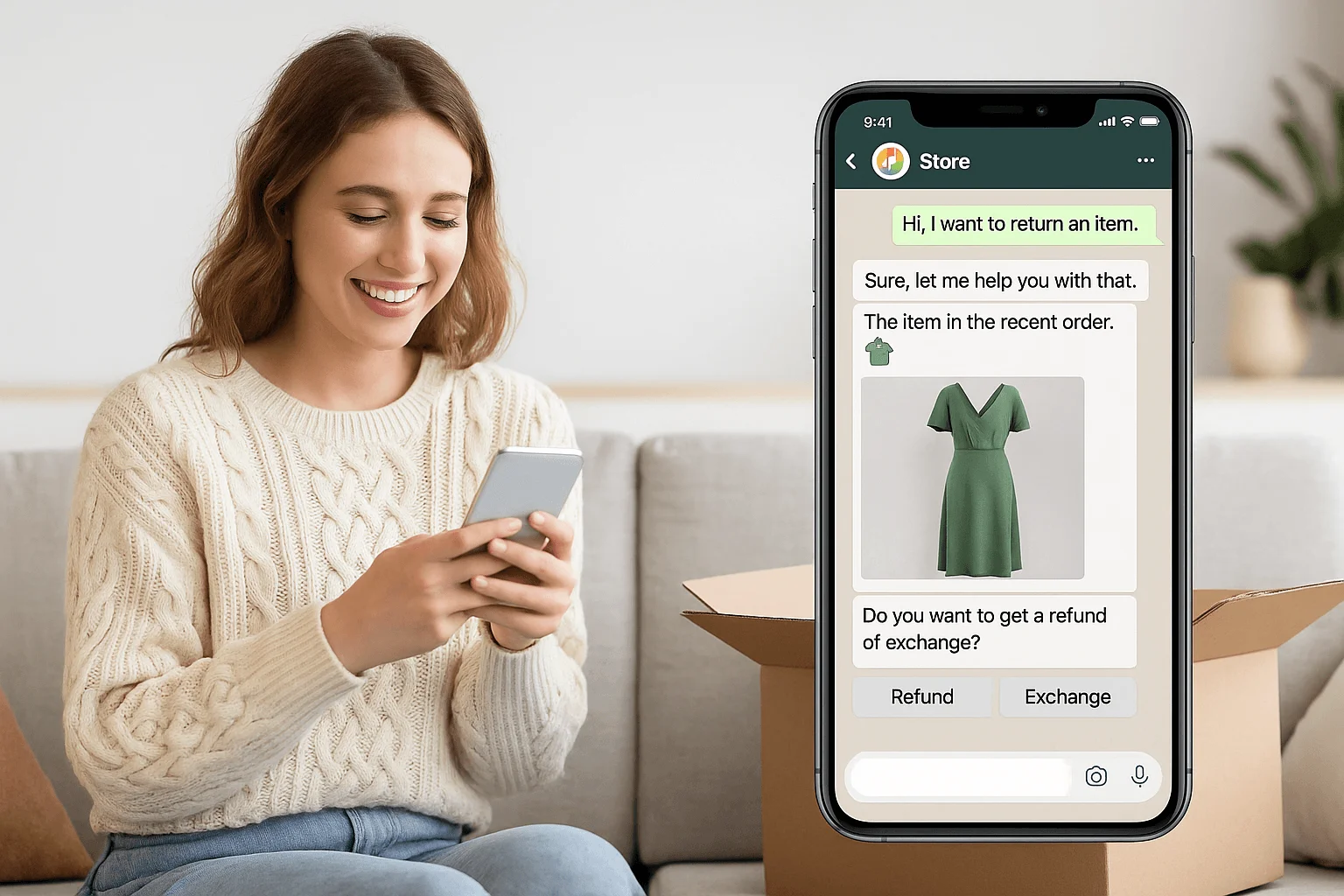
From your WhatZCRM dashboard, link your store using your WooCommerce API keys. This syncs order data, customer details, product catalog, and cart status in real time no code required.
Step 3: Build Your Automation Workflows
Using WhatZCRM’s chatbot builder, set triggers for the events that matter: order placed, payment confirmed, cart abandoned for X minutes, order shipped, order delivered. Each trigger maps to an approved message template.
Step 4: Get Your Message Templates Approved
WhatsApp requires templates to be pre-approved before they can be sent as automated (non-24-hour-window) messages. Submit your order confirmation, shipping, cart recovery, and feedback templates; approval typically takes minutes to a couple of hours.
Step 5: Segment Your Audience
Use AI Segmentation to group customers by order value, purchase frequency, product category, or lifecycle stage, so broadcasts and offers stay relevant instead of generic.
Step 6: Route Support Into the Unified Inbox
Add a WhatsApp chat button to your storefront and route incoming questions into WhatZCRM’s Unified Inbox, where your team can tag, assign, and track conversations alongside CRM data with Hybrid Chat handing off from bot to human whenever a query needs a person.
Step 7: Monitor and Optimize
Track delivery, open, click, and conversion rates per campaign from the dashboard, and refine templates and timing based on what’s actually recovering revenue.
Also Read: Shopify WhatsApp Integration: Setup, Automation & Best Tools (2026)
High-Converting WhatsApp Template Messages for WooCommerce
Use these as a starting point. WhatsApp template guidelines require that the merge fields (in brackets) be dynamic and that the copy stay close to what’s approved.
Order Confirmation
Hi {{customer_name}}, your order {{order_id}} is confirmed! We’ll notify you the moment it ships. Thanks for shopping with us.
Shipping Update
Good news, {{customer_name}} order {{order_id}} is on its way. Track it here: {{tracking_link}}
Abandoned Cart Reminder
Hi {{customer_name}}, you left something in your cart. Complete your order here: {{checkout_link}}. Reply if you need any help.
Post-Delivery Feedback
Hope you’re loving your order, {{customer_name}}! Mind sharing quick feedback here: {{review_link}}
Win-Back Offer
We miss you, {{customer_name}}! Here’s {{discount_code}} for your next order. Valid for a limited time.
Why Stores Choose WhatZCRM for WooCommerce + WhatsApp
Rather than stitching together a plugin, a separate chatbot tool, and a spreadsheet for customer segments, WhatZCRM combines the WooCommerce connection, automation builder, shared team inbox, CRM tagging, AI segmentation, and Click-to-WhatsApp ad tracking into one dashboard built specifically for the workflows Indian SMBs and growing D2C brands run day to day.
Use Cases & E-Commerce Growth Stories
Example 1 — Cart Recovery Boost
A fashion retailer saw a 35% increase in recovered revenue within weeks of enabling WhatsApp abandoned cart reminders.
Example 2 — Reduced Support Load
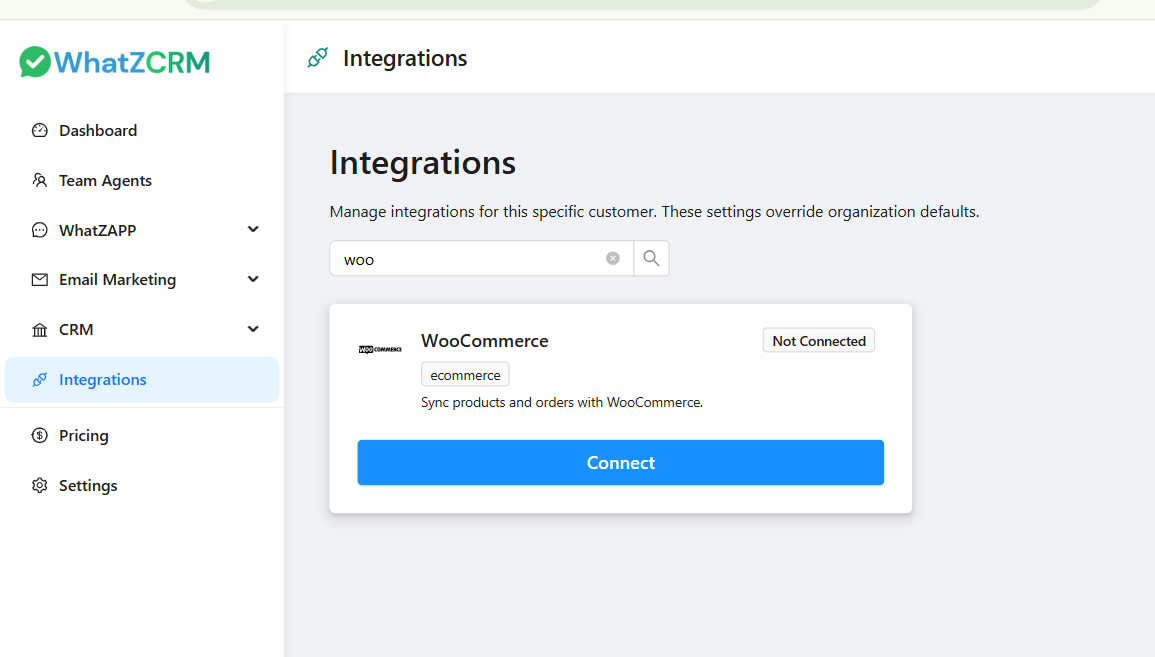
An electronics brand automated shipping notifications, reducing “where is my order?” tickets by 60%.
Example 3 — Personal Offers that Convert
A beauty store used segmented broadcasts to increase repeat purchases by nudging previous buyers with tailored recommendations.
Why Choose WhatZCRM for WhatsApp WooCommerce Integration
WhatZCRM is an AI-powered WhatsApp CRM that helps businesses manage customer conversations, automate customer support, and convert WhatsApp chats into qualified sales leads.
It combines access to the WhatsApp Business API, automation workflows, a multi-agent inbox, CRM tracking, and sales pipeline management into a single unified platform.
Instead of using multiple plugins and disconnected tools, WhatZCRM centralizes everything in one dashboard.
While many tools promise WhatsApp integration, WhatZCRM stands out with:
✔ Seamless WooCommerce connection
✔ Advanced automation workflows
✔ Built-in CRM for customer messaging history
✔ Broadcast campaigns with audience segmentation
✔ Dashboards to analyze engagement & revenue
✔ Scalability for small stores to enterprise brands
With WhatZCRM, you don’t just send messages, you build meaningful commerce conversations that drive measurable revenue.
Final Thoughts
WooCommerce gives you the store. WhatsApp gives you the channel your customers actually check. Connecting the two turns order updates into trust-building touchpoints, turns abandoned carts into recovered revenue, and turns support tickets into two-minute conversations all in the app your customers already have open.
Ready to connect your WooCommerce store to WhatsApp? Start your free WhatZCRM setup