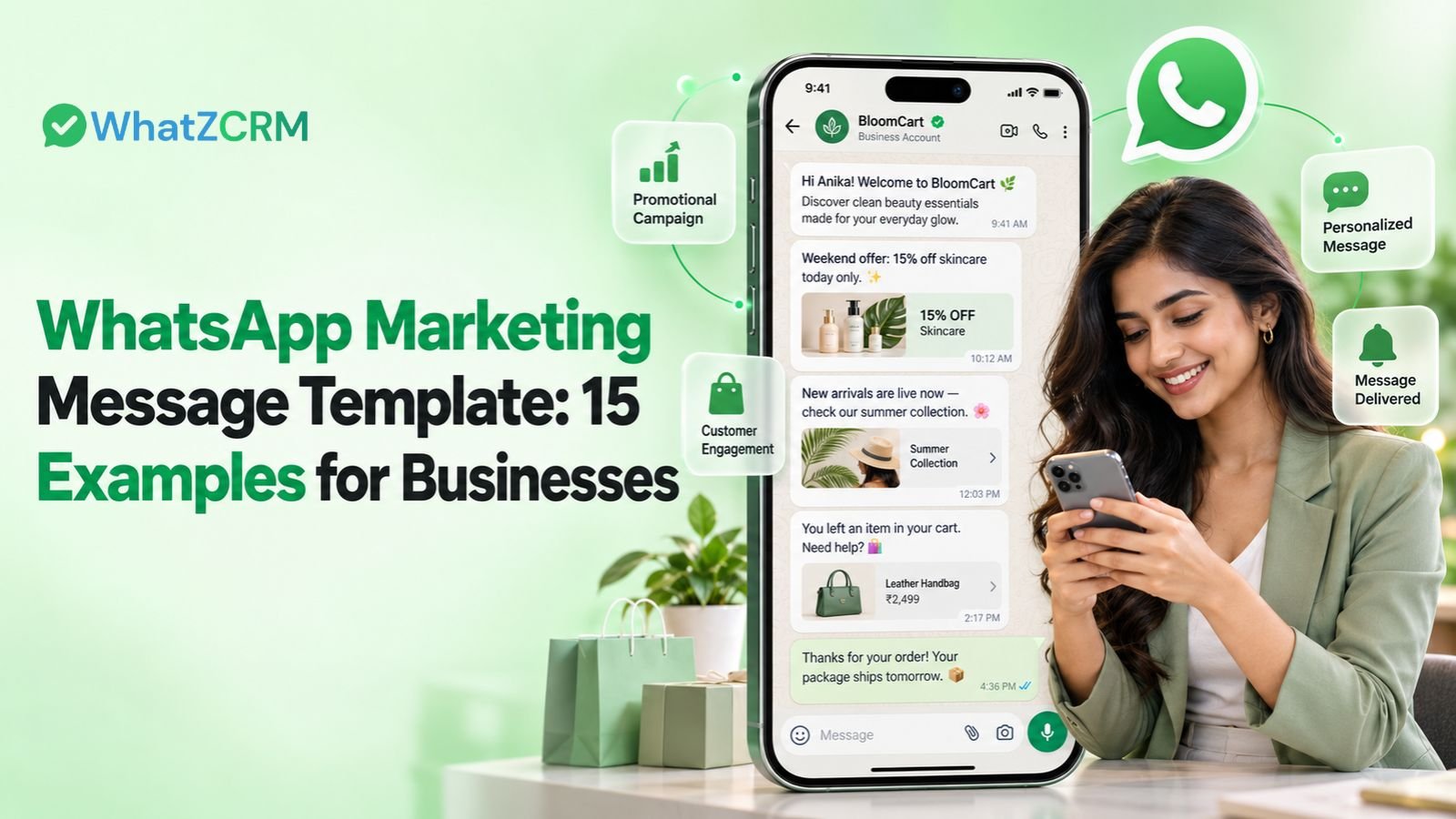

A well-written WhatsApp marketing message can help businesses promote products, announce offers, follow up with leads, and build stronger customer relationships. However, sending the same generic message to every contact rarely creates a meaningful customer experience.
The right WhatsApp Marketing Message Template should be short, personalized, relevant to the recipient, and built around one clear action. Businesses can use templates for promotional campaigns, product launches, abandoned cart recovery, customer re-engagement, and lead nurturing.
In this guide, you will find 15 ready-to-use WhatsApp marketing message examples, practical writing tips, and ways to manage campaigns more efficiently using WhatsApp CRM automation.
What Is a WhatsApp Marketing Message Template?
A WhatsApp marketing message template is a pre-approved message format that businesses use to send promotional content, product announcements, offers, and customer engagement messages through the WhatsApp Business Platform.
These templates can include dynamic variables such as customer names, product details, discount codes, and personalized links. Businesses can reuse an approved template while changing the variable values for each recipient.
For example:
“Hi {{1}}, enjoy {{2}} off your next purchase! Explore our latest collection here: {{3}}.”
This format helps businesses personalize messages without writing every message manually. Marketing templates must follow Meta’s policies and receive the required approval before use.
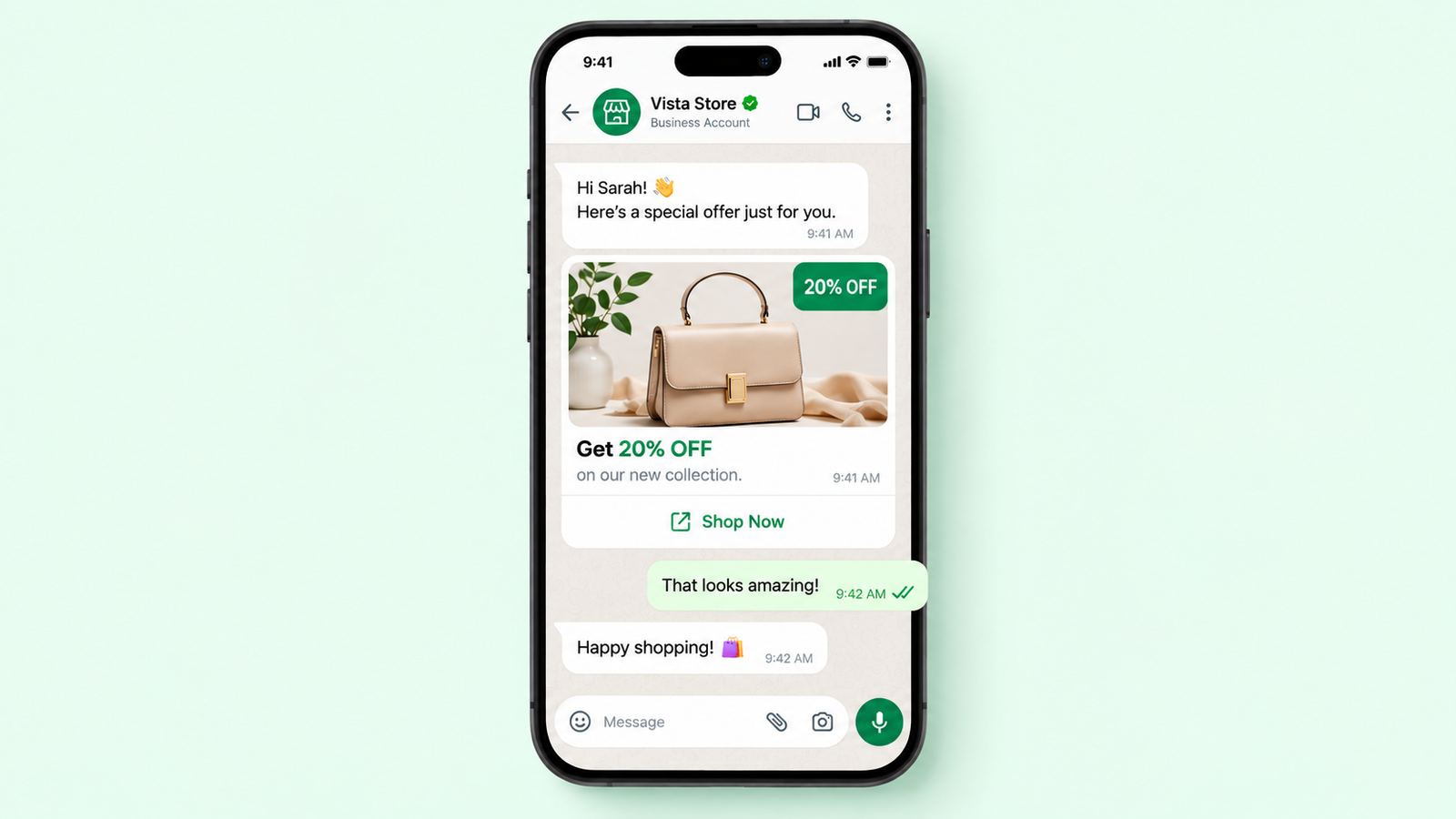
15 WhatsApp Marketing Message Templates for Businesses
The following WhatsApp marketing message examples cover common situations across sales, e-commerce, B2B marketing, and customer retention. Replace the placeholders with accurate business information before sending.
1. WhatsApp Promotional Message Template
Use this template to announce discounts, special offers, or promotional campaigns.
Example:
Hi {{1}}! We have something special for you.
Enjoy {{2}}% off on selected products at {{3}}.
Shop now: {{4}}
Offer valid until {{5}}. Don’t miss out!
2. WhatsApp Flash Sale Message
Create awareness about a genuine, time-limited sale.
Example:
Hello {{1}}, our flash sale is live!
Get {{2}}% off on {{3}} for a limited time.
Explore the offers: {{4}}
Hurry, the offer ends on {{5}}.
3. New Product Launch Message
Introduce a new product or service to customers who have opted in to receive marketing messages.
Example:
Hi {{1}}, exciting news from {{2}}!
Our new {{3}} is now available.
Discover its features and benefits here: {{4}}
Have questions? Reply to this message, and our team will help.
4. WhatsApp Abandoned Cart Message Template
Remind interested shoppers about products they added to their cart but did not purchase.
Example:
Hi {{1}}, you left {{2}} in your shopping cart.
Your selected items are waiting for you.
Complete your purchase here: {{3}}
Need help with your order? Reply to this message.
5. WhatsApp Festive Offer Message
Promote relevant seasonal campaigns, festival offers, and special occasions.
Example:
Hi {{1}}, celebrate {{2}} with something special!
Enjoy {{3}}% off on selected products from {{4}}.
Explore the festive collection: {{5}}
Offer valid until {{6}}.
6. WhatsApp Lead Follow-Up Message
Reconnect with a prospect who previously expressed interest in your product or service.
Example:
Hi {{1}}, thank you for your interest in {{2}}.
Would you like to learn more about how it can help your business?
Reply to this message or schedule a consultation here: {{3}}.
7. WhatsApp Product Demo Invitation
This template works for SaaS businesses, service providers, and B2B sales teams.
Example:
Hello {{1}}, would you like to see how {{2}} works?
Book a personalized product demo with our team and explore the features relevant to your business.
Choose a convenient time: {{3}}
We look forward to connecting with you!
8. WhatsApp Customer Re-Engagement Message
Reconnect with existing customers who have not interacted with your business recently.
Example:
Hi {{1}}, it’s been a while since we connected!
We have some new updates from {{2}} that you may find useful.
Take a look here: {{3}}
If you would prefer not to receive promotional updates, you can opt out at any time.
9. WhatsApp Product Recommendation Message
Share relevant products based on a customer’s preferences or previous purchases, where appropriate.
Example:
Hi {{1}}, looking for something similar to {{2}}?
You might like our {{3}}, selected based on your interests.
Explore the details here: {{4}}
Let us know if you need help choosing.
10. WhatsApp Limited-Time Discount Message
Use this format when a real promotional deadline applies.
Example:
Hi {{1}}, your special offer is here!
Get {{2}}% off on {{3}} using code {{4}}.
Redeem your offer: {{5}}
Valid until {{6}}. Terms and conditions apply.
11. WhatsApp New Collection Announcement
Retailers and e-commerce brands can use this message to introduce a new collection.
Example:
Hello {{1}}, our latest {{2}} collection has arrived!
Discover new styles, explore the range, and find your favourites.
View the collection: {{3}}
We would love to hear what you think.
12. WhatsApp Customer Feedback Request
Invite customers to share feedback after an appropriate interaction or purchase.
Example:
Hi {{1}}, thank you for choosing {{2}}.
We would appreciate your feedback about your recent experience.
Share your thoughts here: {{3}}
Your feedback helps us improve our products and services.
13. WhatsApp Referral Campaign Message
Encourage satisfied customers to share a referral offer, where your business operates an eligible referral programme.
Example:
Hi {{1}}, know someone who might enjoy {{2}}?
Refer a friend using your unique referral link: {{3}}
Check the referral programme terms to learn how rewards work.
Thank you for being part of our community!
14. WhatsApp Webinar or Event Invitation
Use this template to promote a webinar, workshop, product event, or business conference.
Example:
Hi {{1}}, you’re invited to {{2}}!
Join us to learn about {{3}} and connect with industry professionals.
Date: {{4}}
Register here: {{5}}
We hope to see you there!
15. WhatsApp Repeat Purchase Reminder
Reach out to customers when a relevant replenishment or repeat-purchase opportunity arises.
Example:
Hi {{1}}, ready to restock {{2}}?
Explore the available options and place your next order whenever you’re ready.
Shop here: {{3}}
Need assistance? Our team is happy to help.
Also Read: Top 15 Ready-to-Use WhatsApp Templates for Automation
How to Write an Effective WhatsApp Marketing Message
A good template should make the message easy to understand and the next step easy to complete.
- Keep it concise: Focus on one offer, announcement, or customer need.
- Personalize the content: Use relevant customer information instead of sending identical messages to everyone.
- Include one clear CTA: Direct readers to a specific action, such as shopping, registering, or booking a demo.
- Use accurate claims: Only mention discounts, deadlines, availability, and benefits that your business can honour.
- Segment your audience: Send different messages to new leads, existing customers, and repeat buyers.
- Test performance: Compare meaningful metrics such as delivery, clicks, replies, conversions, and opt-outs.
Also Read: How WhatsApp Business Greeting Message Works and 50+ Message Templates
Understand WhatsApp Template Approval
Marketing templates sent through the WhatsApp Business Platform must comply with the applicable Meta requirements. Businesses should use the correct category, submit templates for approval where required, and follow current messaging policies.
WhatsApp template categories include:
- Marketing: Promotions, offers, product announcements, and re-engagement.
- Utility: Non-promotional updates related to a specific transaction or customer request.
- Authentication: Verification messages such as one-time passwords.
A promotional message should not be labelled as a utility message simply to change its classification. Templates may be rejected or reclassified if their content does not match the selected category.
Businesses must also respect customer opt-in requirements and honour opt-out requests.
Also Read: Effective Result-driven WhatsApp Marketing Strategy for your Business Growth
How WhatZCRM Helps Automate WhatsApp Marketing
Writing templates is only one part of a successful WhatsApp marketing strategy. Businesses also need a way to organize contacts, send relevant campaigns, manage incoming responses, and follow up with interested prospects.
WhatZCRM combines WhatsApp marketing tools with CRM workflows to help businesses manage these activities from one platform.
With WhatZCRM, businesses can:
- Run personalized broadcasts: Reach opted-in contacts with relevant promotional messages.
- Segment customer lists: Organize audiences using contact tags and available CRM information.
- Automate follow-ups: Set up workflows based on customer actions and campaign journeys.
- Manage sales conversations: Use a shared team inbox to organize customer enquiries and assign conversations.
- Monitor campaign performance: Review available delivery, engagement, and conversion-related metrics.
For businesses that want to connect marketing messages with lead management, explore WhatZCRM’s WhatsApp CRM platform.
Conclusion
The right WhatsApp Marketing Message Template helps businesses communicate offers, introduce products, recover abandoned carts, nurture leads, and encourage repeat purchases without starting every message from scratch.
Start with the templates that match your business goals, personalize them for your audience, and measure the results. For businesses looking to manage campaigns and customer conversations together, WhatZCRM’s WhatsApp marketing automation can help bring broadcasts, segmentation, and follow-up workflows into one place.