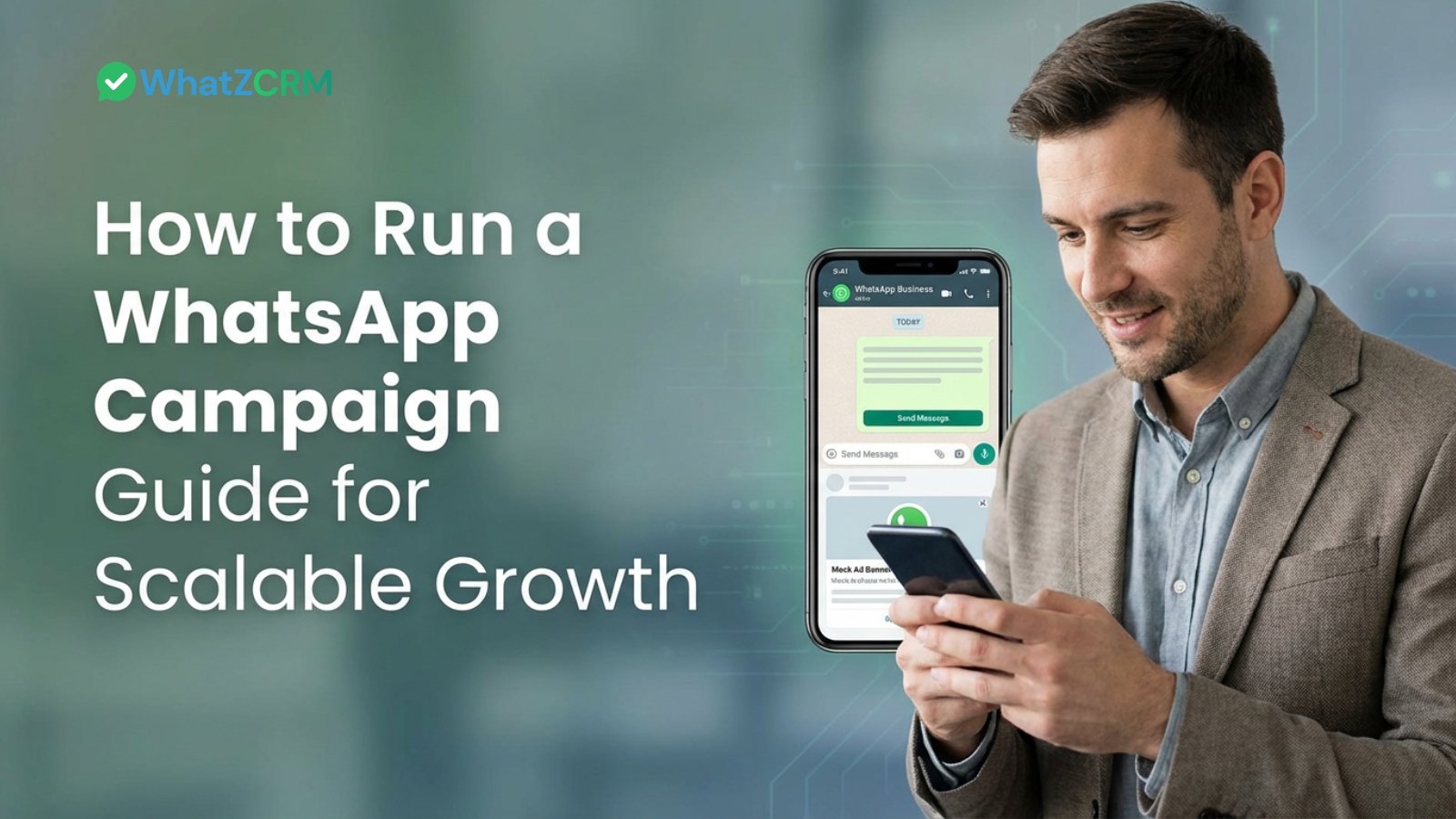

A WhatsApp marketing campaign is a structured, business-initiated messaging effort built on the WhatsApp Business API, sent to a segmented and opted-in audience using approved templates designed to drive a specific outcome such as sales, bookings, or lead conversion. Unlike a one-time broadcast, an effective 2026 campaign is CRM-connected: every reply, click, or silence updates a lead’s stage in your sales pipeline automatically.
What This Guide Covers
- A WhatsApp marketing campaign needs three things to work: API access, opted-in contacts, and approved templates.
- Segmentation and CRM tagging are what separate a 2% response rate from a 20%+ one.
- Campaigns that stop at “message sent” can’t prove ROI; campaigns wired into a CRM can show exactly which chat became which deal.
- Five-step framework: Define the objective → Segment the audience → Build the workflow → Automate follow-ups → Track pipeline-linked metrics.
- WhatZCRM is built to run this entire loop from one dashboard inbox, automation, and CRM pipeline in a single tool, not three.
What Do We Know About WhatsApp Marketing Campaign?
A WhatsApp marketing campaign is any business-initiated outbound message sent through the WhatsApp Business API to a defined, consenting audience, using a Meta-approved template, to produce a measurable business result.
It is not the same as:
- A reply inside an open support conversation (that’s service messaging, not a campaign)
- A message sent from the free WhatsApp Business App (no bulk-send or automation support)
- An unsegmented blast to your entire contact list (this is what tanks delivery scores)
A real campaign has four components: a defined objective, an approved template, a segmented audience, and a way to track what happens after the message is opened.
Also Read: WhatsApp Bulk Message Sender Software – Send, Track & Convert with WhatZCRM
Why are the Most WhatsApp Campaigns Underperforming
Most businesses don’t fail at WhatsApp marketing because of bad copy. They fail because they treat WhatsApp like an SMS blast tool instead of a revenue channel.
The typical breakdown looks like this: a lead replies with interest, that reply sits in a generic inbox, no one tags it, no one follows up within the golden 24-hour window, and the lead goes cold. The campaign “sent” successfully but nothing was sold, and no one can say why.
This is a CRM problem, not a messaging problem. Delivery rate tells you the message arrived. It tells you nothing about whether that lead became a deal.
Also Read: How WhatZCRM Helps Businesses Drive Sales Growth in 2026
5 Steps to Create a WhatsApp Marketing Campaign
Step 1: Define One Objective and One Metric
Every campaign should map to a single, measurable outcome before you write a word of copy.
Objective | Primary Metric | Where It Should Land in Your CRM |
Drive traffic to a page/offer | Click-through rate | New lead, tagged by source |
Generate qualified leads | Reply rate | Pipeline stage: “New Inquiry” |
Recover abandoned carts/inquiries | Conversion rate | Pipeline stage: “Re-engaged” |
Reactivate dormant contacts | Reply rate | Pipeline stage: “Reopened” |
Fill appointments/bookings | Booking confirmations | Pipeline stage: “Scheduled” |
If a campaign can’t answer “what pipeline stage does a reply push the lead into?”, the objective isn’t specific enough yet.
Step 2: Segment Before You Send
Segmentation is the single biggest lever on response rate and opt-out rate. Sending one generic message to your entire list is the fastest way to get flagged as spam and tank your Meta quality rating.
Segment by:
- Lifecycle stage: new lead, warm prospect, active customer, dormant
- Behavior: clicked a link, opened a proposal, abandoned a cart or inquiry form
- Source: Click-to-WhatsApp ad, website form, walk-in, referral
- Vertical-specific triggers: e.g., “viewed 3BHK listings” (real estate), “downloaded a course brochure” (education), “test-drive booked, no follow-up” (automotive)
In WhatZCRM, these segments are CRM tags, not just messaging labels so the same segment that receives a campaign also shows up as a filtered pipeline view your sales team can act on.
Also Read: How to Convert Ad Clicks into Conversations & Deal Closures in WhatsApp CRM
Step 3: Build the Campaign as a Workflow, Not a Single Message
A 2026-grade WhatsApp campaign is a sequence, not a broadcast:
- Lead enters via ad, form, or QR code.
- Automated greeting fires instantly (response speed is the #1 predictor of conversion).
- An AI chatbot asks 2–3 qualifying questions.
- The lead is auto-tagged and routed to a pipeline stage and the right sales agent.
- If there’s no reply in 24 hours, an automated follow-up template fires.
- Every interaction message, reply, tag, and stage change logs to one CRM timeline.
This is where most WhatsApp marketing tools stop at step 2 and hand the rest to spreadsheets. A CRM-backed platform carries the lead all the way to step 6 without a human copying data between tools.
Step 4: Choose the Right Send Model
- Broadcast campaigns: one message, one audience, one point in time. Best for announcements, flash sales, event reminders.
- Automation-based campaigns: triggered by behavior (cart abandoned, form submitted, no reply in X hours), not a calendar date. Best for nurturing and recovery flows.
- Drip sequences: a scheduled series of value-first messages that move a cold lead toward a decision over days or weeks, common in education and real estate cycles.
Most businesses need all three running simultaneously, not one in isolation.
Step 5: Track Metrics That Tie Back to Revenue
Delivery and open rate tell you the message arrived. They don’t tell you if it made money. Track:
- Delivery rate, read rate, click-through rate (top-of-funnel health)
- Reply rate and response time (engagement quality)
- Lead-to-deal conversion rate and revenue attributed per campaign (the number that actually matters to leadership)
- Agent response time and pipeline velocity (operational health)
Without CRM-linked tracking, you can report message stats. With it, you can report which specific campaign closed which specific deal the number your CEO actually asks for.
Types of WhatsApp Campaigns
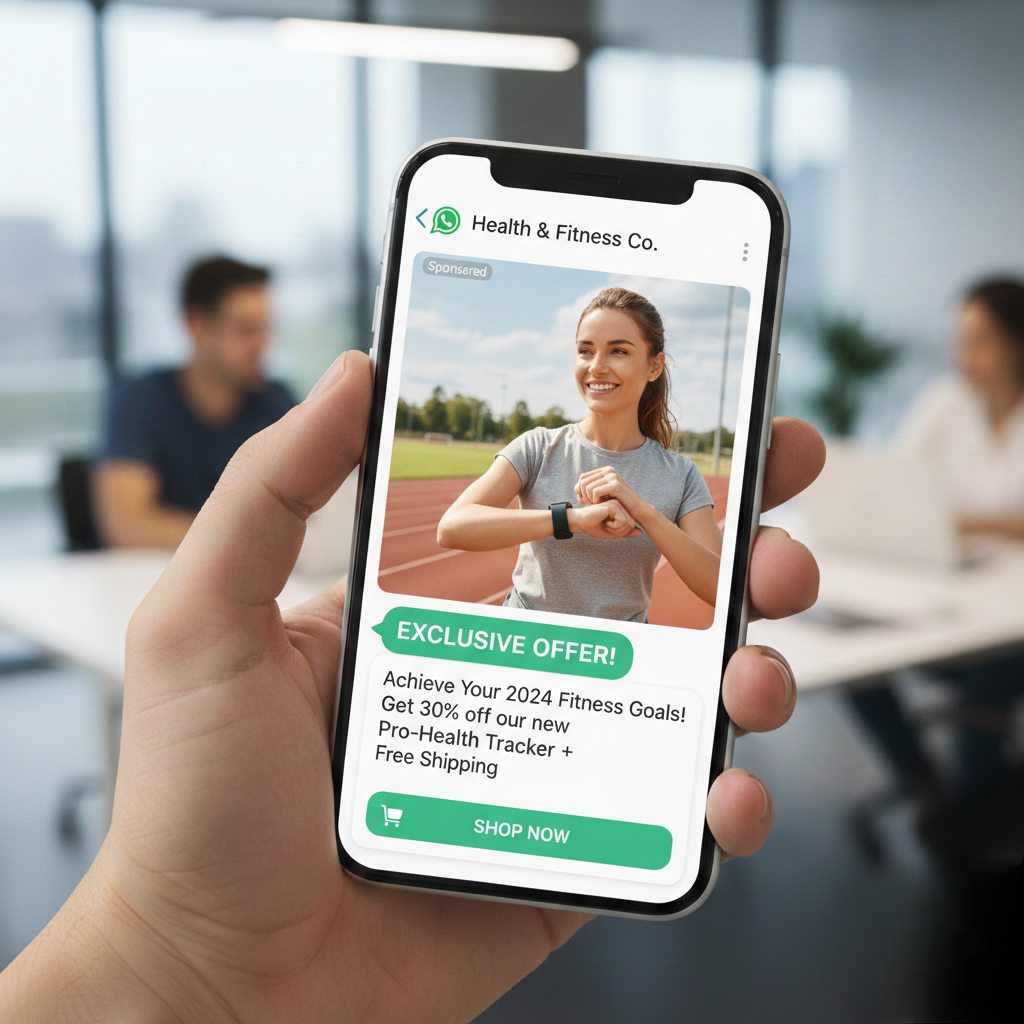
- Promotional campaigns: discounts, launches, festive offers, paired with an automated reminder for non-responders.
- Lead nurturing campaigns: value-first drip sequences that qualify interest before a sales push; common in education and B2B.
- Appointment and booking reminders: cut no-shows for clinics, salons, consultants, and service businesses.
- Re-engagement campaigns: reactivate dormant contacts with a relevant, personalized offer rather than a generic “we miss you.”
- Cart/inquiry recovery campaigns: trigger within hours of drop-off, before intent cools.
Also Read: How to Track the Success of Marketing Campaigns on WhatsApp
Common Mistakes That Kill Campaign Performance
- Sending to an unsegmented, untagged list
- No automated follow-up beyond the first message
- No pipeline or CRM tie-in, so leads get replies but no ownership
- Ignoring opt-outs or delaying the stop directly damages your Meta quality score
- Measuring “messages sent” instead of “deals closed”
Also Read: Top 10 WhatsApp CRM Tools Compared (2026)N
Why CRM Integration Changes the Outcome
Most WhatsApp marketing platforms AiSensy, Wati, Interakt, Gallabox are built primarily as messaging and broadcast tools with basic tagging bolted on. They’re strong at sending; they stop short of managing what happens after a reply comes in.
WhatZCRM is built the other way around: a full sales pipeline deal tracking, proposal and invoice sharing, lead scoring, shared team inbox with WhatsApp automation as the front door, not the whole house.
Capability | Messaging-First Tools | WhatZCRM |
Bulk/broadcast messaging | Yes | Yes |
Approved template management | Yes | Yes |
Basic contact tagging | Yes | Yes |
Full deal/pipeline tracking | Limited or add-on | Native |
Proposal & invoice sharing in-chat | Rarely | Native |
Shared inbox tied to CRM records | Partial | Native |
Revenue attribution per campaign | Manual export needed | Built-in |
The practical difference: in a messaging-first tool, a campaign reply is a chat bubble. In WhatZCRM, a campaign reply is a CRM record that moves through your pipeline until it’s a closed deal or a documented loss reason.
A WhatsApp Automation campaign only earns its place in your stack if it does more than send messages; it should tell you exactly which conversation turned into revenue. Get the fundamentals right: one clear objective, tight segmentation, automated follow-ups, and you’ll outperform most brands still treating WhatsApp like a broadcast channel. But the real gap between a good campaign and a great one is what happens after the reply: whether that lead just sits in a chat thread, or moves through a pipeline someone actually owns.