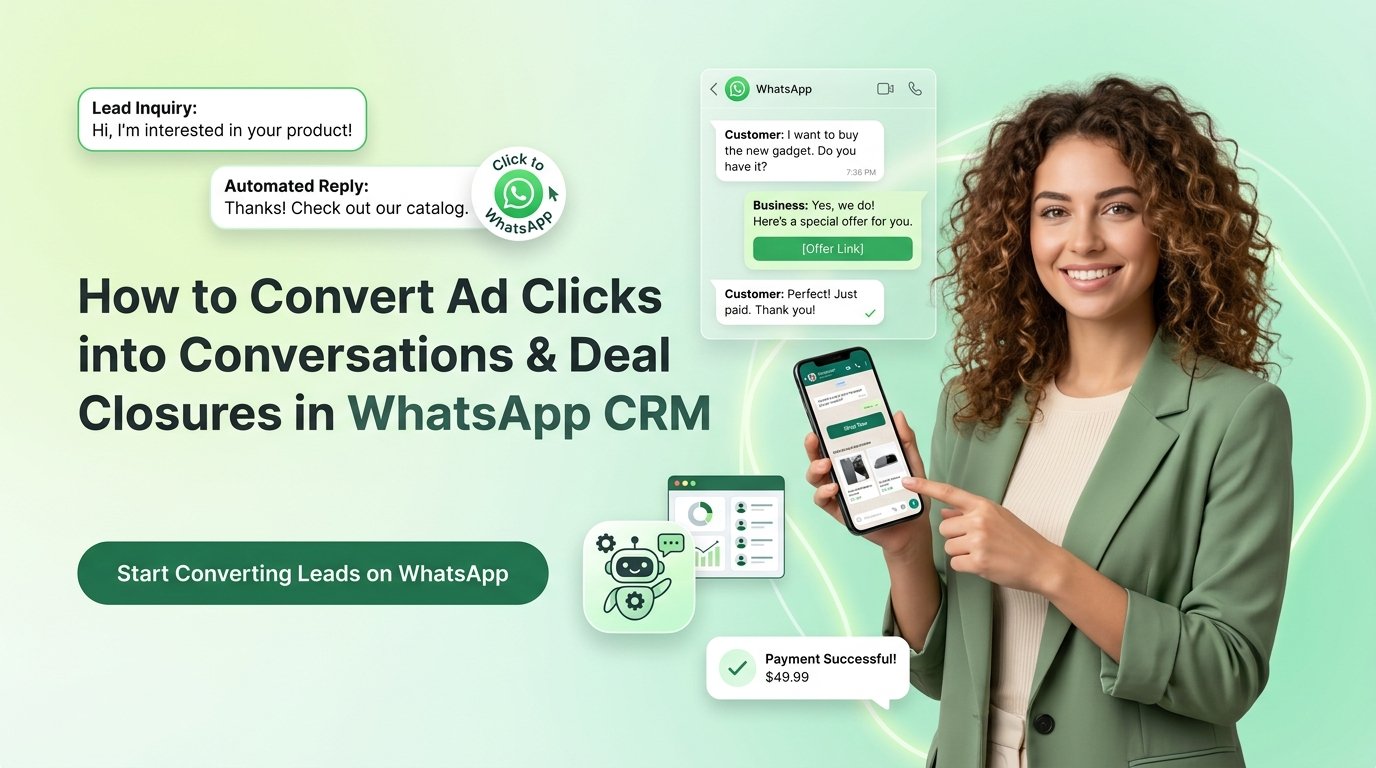

A Click-to-WhatsApp ad is a paid Facebook or Instagram ad that opens a WhatsApp chat with your business when tapped, skipping the landing page entirely.
When a user taps the ad, WhatsApp opens with a pre-filled message and the conversation starts instantly. This removes the form fills, redirects, and delays of the traditional buyer journey.
What is a Click-to-WhatsApp ad?
A Click-to-WhatsApp ad is a paid Facebook or Instagram ad that opens a WhatsApp chat with your business when tapped. It skips the landing page, so the conversation starts immediately with a pre-filled message.
How do Click-to-WhatsApp ads work?
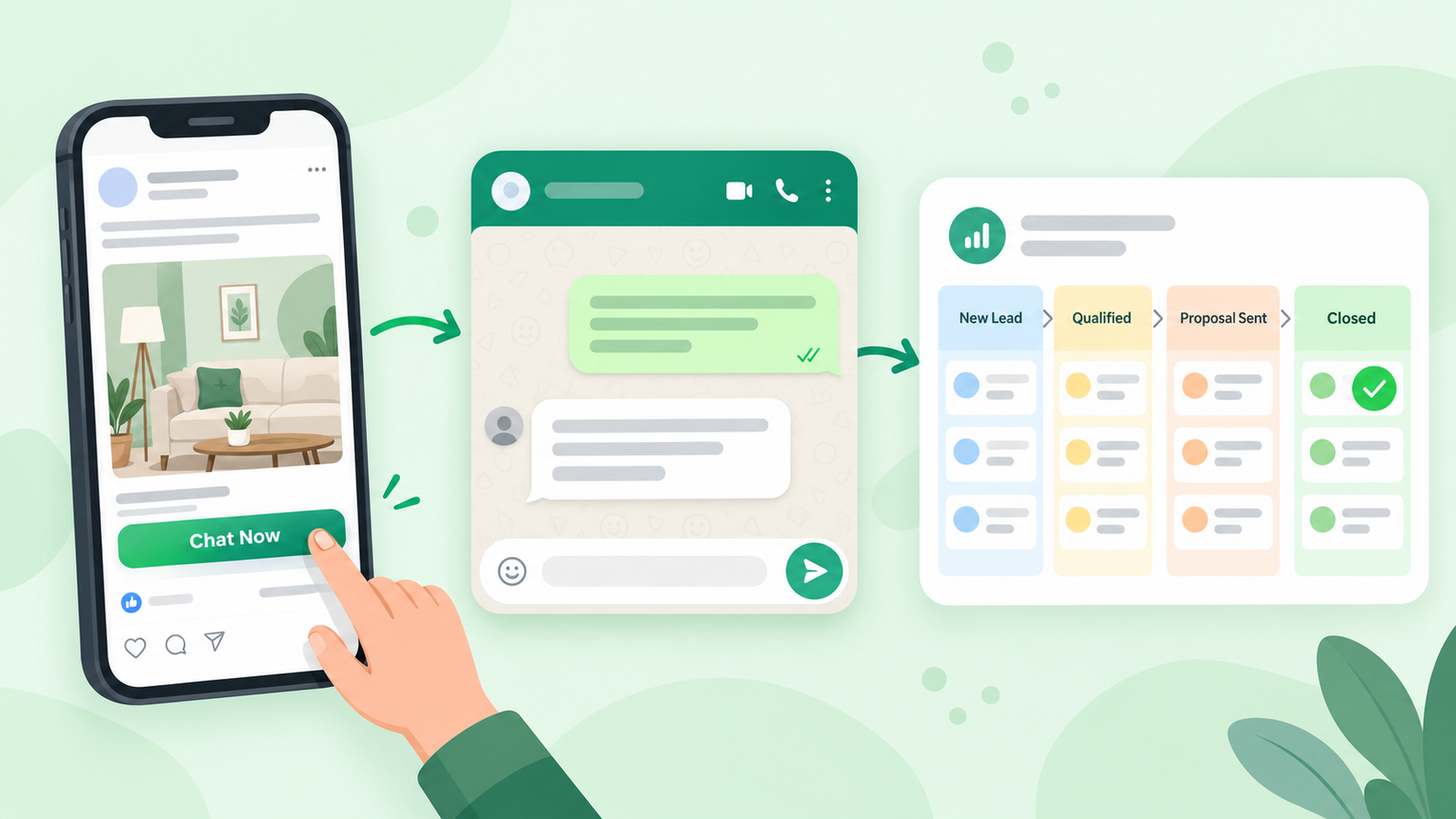
- A user sees your ad on Facebook or Instagram.
- The user taps a CTA such as “Chat Now” or “Get Instant Help”.
- WhatsApp opens with a pre-filled message.
- The conversation is logged and tracked in your WhatsApp CRM.
Why do Click-to-WhatsApp ads outperform landing pages?
They remove form fills, redirects, and unfamiliar interfaces. Users chat in an app they already use and trust, at the moment of highest intent.
Factor | Landing Page | Click-to-WhatsApp Ad |
User friction | High (form required) | Low (one tap) |
Response speed | Hours to days | Instant |
Engagement | One-way, passive | Two-way, interactive |
Lead qualification | After form, delayed | During the conversation |
Trust | Unknown platform | Familiar app |
How do you set up a Click-to-WhatsApp campaign?
Set the campaign objective to “Messages”, choose WhatsApp as the destination, write copy that invites a reply, and connect your CRM before launch. You need a Meta Ads Manager account and a connected WhatsApp Business number.
Setup checklist:
- Select “Messages” as the objective (not Traffic or Conversions)
- Choose WhatsApp as the messaging destination
- Write copy that asks one clear question
- Use action CTAs: “Chat Now”, “Get Instant Help”, “Ask Us Anything”
- Configure a pre-filled opening message
- Connect your WhatsApp Business number to your CRM
Also Read: Step-by-Step Guide to Create a WhatsApp Marketing Campaign in 2026
What makes Click-to-WhatsApp ad copy convert?
Ad copy converts when it speaks to one specific pain point and matches the first WhatsApp message the user receives.
- Match the ad’s promise to the opening chat message
- Avoid generic copy
- Add social proof or urgency where true (e.g., “500+ customers helped this month”)
Also Read: A Comprehensive Guide to Setting Up WhatsApp Status Ads in 2026
Why is WhatsApp CRM integration essential for ad campaigns?
Without a CRM, ad conversations sit in a silo: untracked, unassigned, and unmeasurable. Running these ads without a CRM is like taking inbound calls without a phone system.
A WhatsApp CRM provides:
- Real-time logging of every ad-triggered conversation
- Stored contact details, intent signals, and message history
- Automatic routing to the right sales rep
- Defined pipeline stages from lead to sale
- Measurable ad ROI instead of estimates
How does WhatsApp CRM automation nurture leads at scale?
Automation sends pre-built chat flows triggered by the ad click. These flows qualify leads, share information, and schedule follow-ups without manual effort, so you can engage hundreds of leads at once.
Standard automated flow:
- Welcome message: acknowledges the ad click and sets context
- Qualification questions: budget, timeline, intent
- Information: sends relevant product or service content
- Human handover: escalates high-intent leads to an agent
- Follow-up reminders: re-engages inactive conversations
Benefits:
- Faster first response: replies within seconds
- Consistent messaging across agents and time zones
- Less manual work: agents handle only sales-ready leads
- Better segmentation: leads tagged by intent automatically
Also Read: Detailed Overview of Top 5 WhatsApp Automation Tools: Features, Benefits & Comparison
How does a WhatsApp CRM turn conversations into closed deals?
A WhatsApp CRM organizes chats into a sales pipeline, shows agents full context before they reply, and triggers timely follow-ups. Each conversation becomes a trackable opportunity.
- Leads are tagged hot, warm, or cold
- Agents see chat history and ad source before replying
- Follow-up tasks are assigned by conversation stage
- Deals move through a visual pipeline: New Lead → Qualified → Proposal Sent → Closed
- Inactivity triggers re-engagement messages
What metrics should you track for Click-to-WhatsApp campaigns?
Track conversation volume, first response time, lead qualification rate, pipeline progression, conversion to sale, and agent performance.
Metric | What It Tells You |
Ad-triggered conversations | Leads generated per campaign |
First response time | Speed of your sales team |
Lead qualification rate | Quality of targeting and messaging |
Pipeline stage progression | How efficiently leads move to closure |
Conversion to sale | True ROI of ad spend |
Agent performance | Individual rep effectiveness |
How can you improve WhatsApp CRM ROI from Click-to-WhatsApp ads?
Improve conversation quality, not just ad spend. Five levers drive results:
- Pre-filled messages: personalize the opening based on the ad the user saw.
- Lead segmentation: automatically segment by product interest, location, or intent.
- Automation plus human handover: bring in agents only at the right moment.
- Retargeting: send a follow-up sequence 24-48 hours after a conversation goes quiet.
- Agent training: coach reps on response speed, tone, and closing techniques.
Conclusion
Click-to-WhatsApp ads start conversations, but a WhatsApp CRM turns them into revenue. Integrating the ads with a CRM like WhatZCRM adds automation, analytics, and structured pipelines, making chat a measurable sales channel.