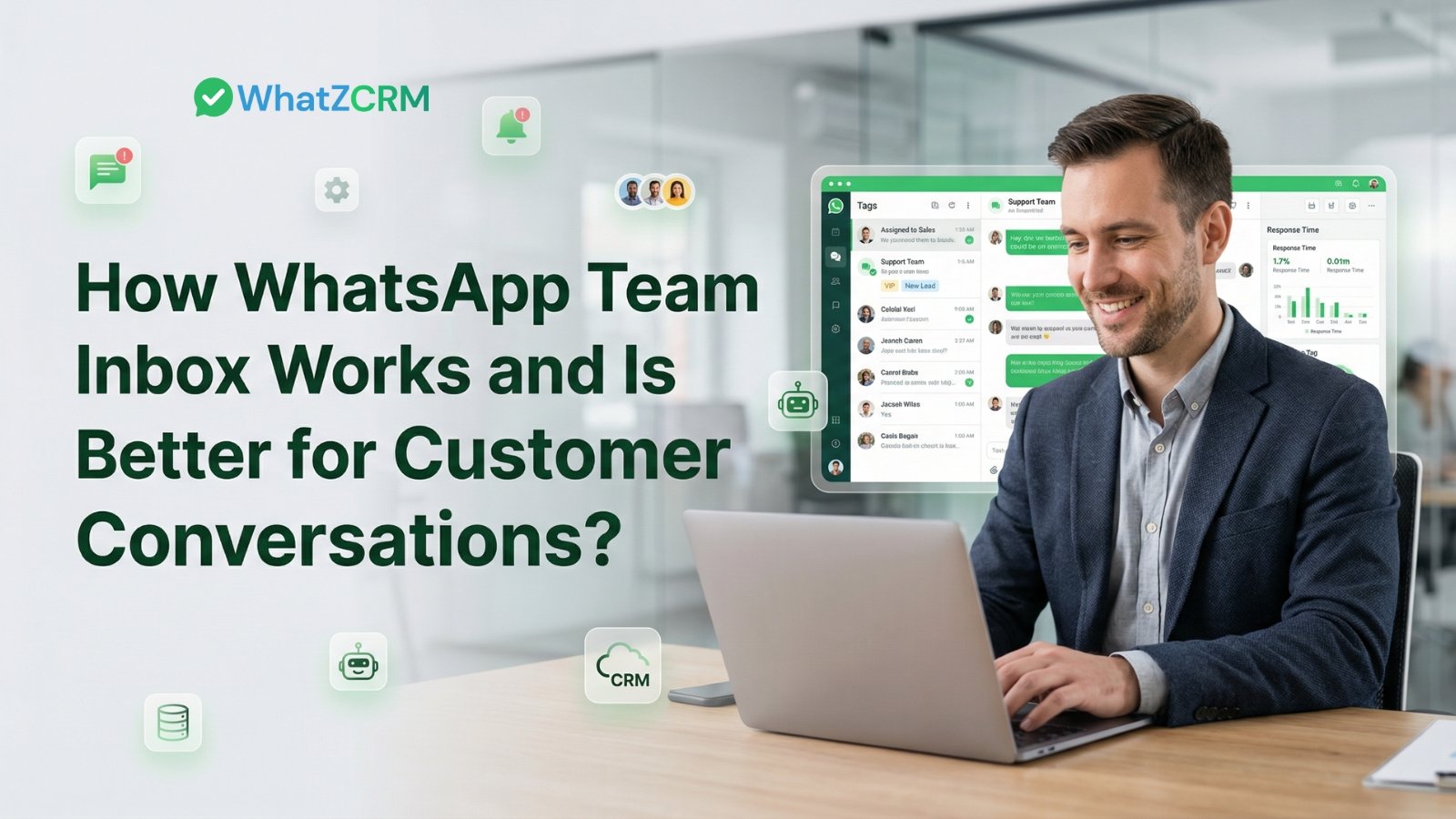

Imagine handling hundreds or thousands of WhatsApp conversations simultaneously, without losing context, missing messages, or confusing team members. Sounds like a dream, but with the right WhatsApp team inbox system, it’s now a business reality.
Whether you’re a fast‑growing e‑commerce brand, a coaching institute, a SaaS company, or a service business scaling support operations, a WhatsApp team inbox transforms how your team manages chats, nurtures leads, and delivers support. With WhatZCRM, you can centralize WhatsApp conversations, automate workflows, and empower agents to respond quickly and accurately from a single intelligent inbox.
In this comprehensive guide, we’ll walk through everything you need to know about WhatsApp team inbox management, what it is, how it works, the key features you can’t ignore, and how to implement it with WhatZCRM to scale your business communications.
Also Read: How Multi-Agent WhatsApp Inbox Solves Team Collaboration Challenges
What Do We Know About WhatsApp Team Inbox?
A WhatsApp team inbox is a centralized communication platform that enables multiple agents and departments to access, manage, and respond to WhatsApp customer chats from a single unified dashboard.
Think of it as a shared customer support inbox but for WhatsApp, where your entire team can collaborate, make sense of message context, automate responses, assign chats, and track performance all in one place.
Why A Team Inbox Is Better Than WhatsApp Business App
The standard WhatsApp Business App is fine for solo operators, but:
- Only one device can actively manage messages.
- Conversations don’t sync across multiple users in real time.
- There’s no built‑in agent assignment, routing, or collaboration tools.
- Context is lost when handoffs happen or when one agent is unavailable.
A team inbox by WhatsApp Business API eliminates these limitations by enabling multi‑agent access, chat routing, shared chat history, automations, and team performance analytics.
WhatZCRM goes further by integrating WhatsApp chat management with CRM capabilities so every contact becomes a trackable lead or customer record, not just a message thread.
Step-by-Step WhatsApp Team Inbox Works
Understanding the workflow of a WhatsApp team inbox helps you appreciate the way customer support and sales scale:
Step 1: Customer Sends a WhatsApp Message
A conversation begins when a customer sends a message to your business’s WhatsApp number. That chat lands instantly in the WhatZCRM team inbox, where it becomes visible to all authorized agents.
Step 2: First‑Touch Automation or Intelligent Routing
Depending on your setup, WhatZCRM can automatically:
- Send an instant welcome message
- Trigger a chatbot that answers basic FAQs
- Assign the chat to a specific team or agent based on rules
Intelligent routing is powered by agent rules based on language, product interests, location, or customer segment tags.
Step 3: Agent Engagement
If the conversation requires human support, whether it’s a complex question, a sales negotiation, or a complaint, an available agent intervenes, takes over the chat, and begins one‑to‑one communication.
Throughout this phase, WhatZCRM provides real‑time chat context, previous interactions, purchase history, and tags to help agents personalize responses.
Also Read: WhatsApp Broadcast vs Group: Which Is Right for Business Communication?
Step 4: Chat Resolution and Follow‑Up
Once the issue is resolved, agents mark the chat complete. The conversation is archived and can be retrieved for analytics, training, or future reference.
This seamless flow from message arrival to resolution ensures teams deliver a responsive, consistent customer experience at scale.
Core Features & Functionality of a WhatsApp Team Inbox
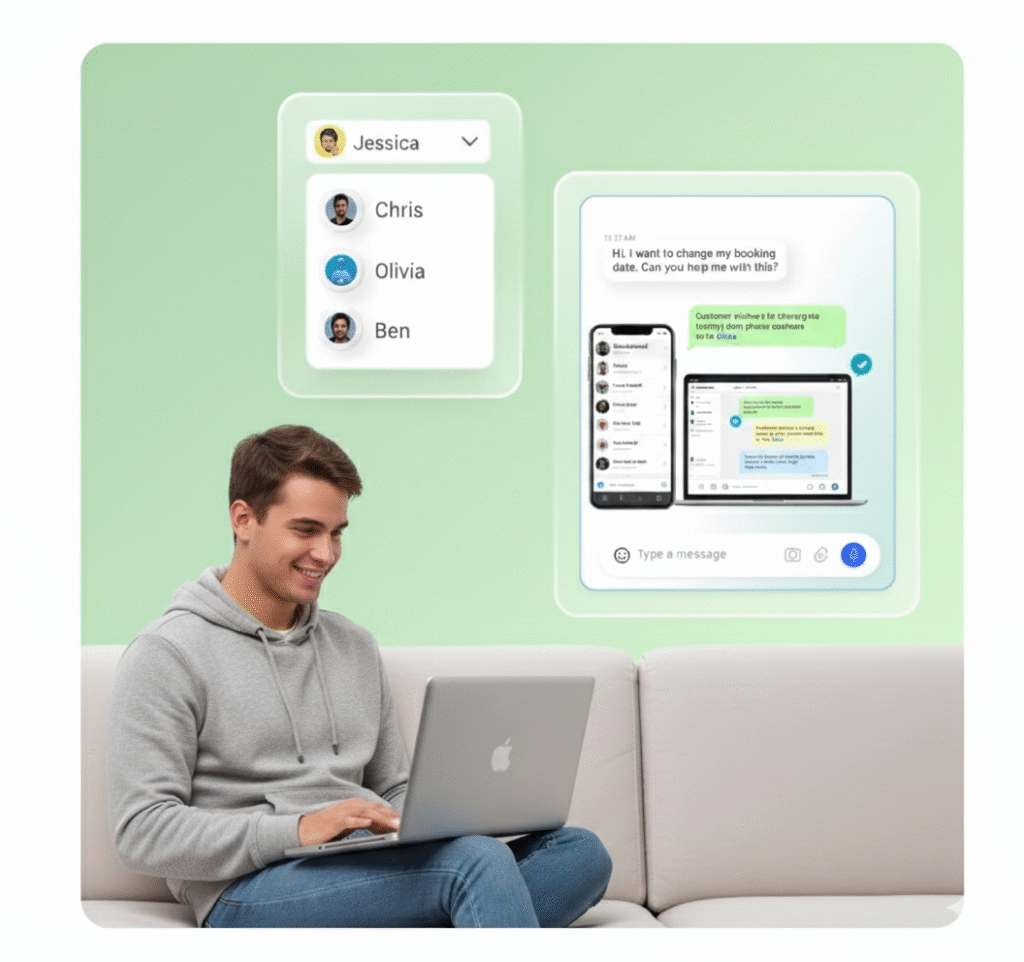
The strength of a WhatsApp team inbox lies in its feature set, the tools that turn chaotic messaging into structured, measurable support operations.
1. Shared and Unified Chat Dashboard
A shared inbox ensures all incoming WhatsApp messages arrive in one place, eliminating:
- Lost chats because one agent missed them
- Duplicate responses
- Multiple phone numbers for the same business
Every message is visible centrally, promoting team alignment and organized workflows.
2. Multi‑Agent Support & Access Control
With multi‑agent access, team members log in with their own accounts, and WhatZCRM allows you to define roles:
- Live Chat Agent: handles assigned conversations
- Manager: monitors all chats, transfers, and performance
- Admin/Owner: full control over settings, integrations, and user management
This ensures security, accountability, and efficient collaboration.
3. Smart Chat Routing & Assignment Rules
Automated chat assignment saves time and maximizes response efficiency.
Define rules such as:
- Tag customers by interest, then route to the relevant team
- Route region‑specific inquiries to agents who speak that language
- Prioritize VIP clients with high‑value statuses
With smart routing, WhatZCRM ensures every customer reaches the right agent quickly and accurately.
4. Internal Notes & Collaboration Tools
Agents can leave private internal notes on chats visible only within the team, which improves context during handovers, escalations, or quality reviews.
5. Chatbot‑to‑Human Handoff
The transition from automated responses to live agents is seamless, ensuring customers don’t have to repeat themselves. Chat history and context flow uninterrupted from bot to human.
6. Customer Profile & CRM Integration
WhatZCRM attaches every WhatsApp conversation to a contact record. This means:
- Every chat builds customer data
- Agents see purchase history, tags, and campaign data
- Follow‑ups are easier and more personalized
This CRM layer turns messaging into revenue opportunities.
The Benefits of a WhatsApp Multi‑Agent Inbox
Using a unified team inbox delivers measurable advantages for business growth and customer satisfaction.
1. Faster Response Times
Centralized visibility and rules‑based routing ensure agents reply faster, a key metric that drives customer satisfaction and trust.
2. Increased Customer Satisfaction
Faster replies, consistent messaging tone, and seamless handoffs result in customer delight and higher retention.
3. Higher Team Productivity
Eliminate manual WhatsApp switching between devices. Agents only see relevant chats. Effort is reduced, productivity rises.
4. Scalability for Support and Sales
Whether you’re handling 50 or 5,000 conversations per day, WhatZCRM scales easily without adding complexity.
5. Data‑Driven Decisions
Track agent performance, common queries, resolution times, and more, all of which inform strategic improvements.
How to Set Up Your WhatsApp Team Inbox with WhatZCRM
Implementing a WhatsApp team inbox shouldn’t be complex. Here’s a practical roadmap:
1. Assess Your Business Needs
Determine your goals:
- Volume of expected WhatsApp chats
- Team size
- Required integrations (CRM, payment, helpdesk)
- Whether you need bot automation
2. Connect Your WhatsApp Business API Number
WhatsApp API access allows real multi‑agent support. Unlike the standard app, the API unlocks shared inbox features so messages sync to your dashboard.
3. Define Agent Roles & Rules
Add team members with specific roles:
- Live agents who respond
- Managers who oversee
- Admins controlling configuration
Set chat routing rules for intelligent assignment.
4. Build Automated Chatflows (Optional)
Depending on your business, deploy chatbot scripts to handle standard queries, qualify leads, or pre‑screen support issues.
5. Integrate with Your Tools
Connect WhatZCRM with:
- CRM systems
- eCommerce platforms
- Payment tools
- Helpdesk systems
6. Train Your Team
Ensure agents understand:
- When to intervene
- How to leave internal notes
- How to apply tags
- How to escalate conversations
7. Launch, Measure & Optimize
Monitor key metrics like:
- Response times
- Resolution rates
- Customer satisfaction
- Agent workload
Continuous improvement yields better outcomes.
To Sumup
Customer support and sales communication are no longer siloed, fragmented, or messy. With a WhatsApp team inbox by WhatZCRM, your business gains:
- Reliable multi‑agent collaboration
- Intelligent chat routing
- Built‑in CRM functions
- Better response times
- Data‑driven growth insights
This isn’t just messaging, it’s conversational customer engagement that scales profits and satisfaction.