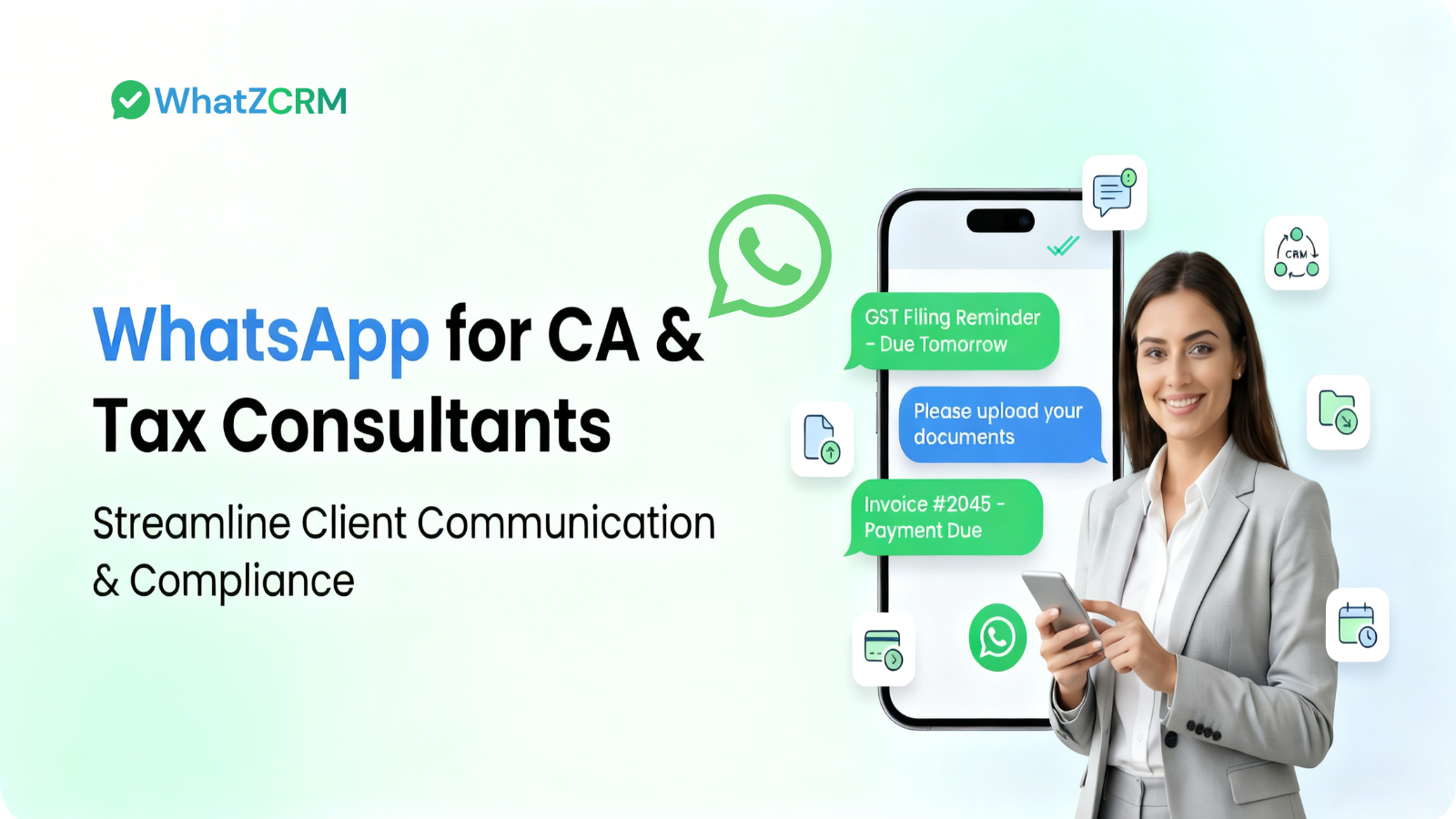

WhatsApp for CA & Tax Consultants means using the WhatsApp Business API, not the free consumer app, to run deadline reminders, KYC collection, invoicing, and client conversations from a single shared inbox, while every lead, document, and payment stays tracked in a CRM pipeline rather than scattered across chat threads. It’s the difference between messaging clients and actually managing them.
- CA and tax firms lose clients to missed follow-ups more often than bad advice. WhatsApp closes that gap with a 98% message open rate vs. 20–30% for email.
- Most WhatsApp tools stop at broadcasting reminders. A CA practice also needs proposals, invoices, and a visible pipeline of who’s pending what document; that’s a CRM job, not a messaging job.
- WhatZCRM combines both: WhatsApp Business API automation and a client pipeline (lead → onboarding → filing → invoice → renewal) in one dashboard.
- Setup takes under a day: connect the API, automate your compliance calendar, import clients, go live.
Table of Contents
ToggleWhy Tax Consultants Need More Than a Messaging Tool
Tax and accounting are deadline-driven and trust-based. A missed GST reminder or a lost document request doesn’t just annoy a client; it costs them a penalty, and it costs you the relationship.
The usual channels weren’t built for this:
- Email gets buried in filing season and has open rates of only 20–30%.
- Phone calls don’t scale past a handful of clients a day and leave no searchable record.
- SMS can’t carry documents or hold a real conversation.
- Client portals have low adoption; clients won’t log into a separate dashboard to upload one PAN card.
WhatsApp solves the reach problem; it’s where clients already are, and messages get read within minutes. But reach alone doesn’t run a practice. A CA managing 150 clients through GST, ITR, TDS, and audit cycles needs to know, at a glance, whose documents are pending, whose invoice is overdue, and whose onboarding stalled.
That’s a pipeline view, not a chat thread, and it’s the gap most WhatsApp for CA guides skip, because most WhatsApp tools are built for broadcasting, not for running a client lifecycle.
Also Read: How WhatsApp API Integration Works & Why Your Business Needs It
What Do We Understand WhatsApp Automation for CA Firms?
Automation sounds like a big word for something fairly simple: instead of typing “your GST return is due Friday” to forty people one by one, you set it up once, and it fires on schedule from then on. There are a few flavors of this worth knowing:
Deadline reminders that go out based on the calendar: GST, TDS, advance tax, ITR without anyone touching a keyboard on the day they’re due.
Reminders that fire based on what a client does, not just the date. A new client fills a form, and the onboarding sequence starts automatically. Someone hasn’t sent a document after two days, and a nudge goes out on its own.
A chatbot that answers the easy questions instantly, so a human only gets pulled in for the ones that actually need judgment.
And then the part that’s easy to overlook: WhatApp automation that updates a client’s status in the CRM as it happens. A document arrives, the client moves from “Pending” to “In Progress” without anyone dragging a card across a board. Most tools handle reminders and chatbots fine. Very few connect that activity back to an actual pipeline, which matters a lot more once you’re juggling more than a handful of clients at once.
Also Read: How WhatsApp API Integration Works & Why Your Business Needs It
“Your invoice #2026-04 for ₹15,000 is due on April 30. Pay instantly via UPI here: [Payment Link].”
Core Use Cases: How WhatsApp Is Helpful for CA and Tax Consultants
Deadline reminders that don’t need a human to send them:
GSTR-1, GSTR-3B, TDS payments, advance tax: set the sequence once (say, 30, 15, 7, and 1 day out), and it runs every cycle after that. A message like “Your GSTR-3B for February is due March 20th, current liability ₹45,230, upload pending invoices here” takes the client from confused to compliant in one tap.
Document collection that doesn’t involve chasing:
Clients photograph a PAN card or forward a bank statement PDF straight into the chat. A checklist tells them exactly what’s still missing, and each file can be tagged and filed against the client’s record automatically instead of buried in a phone’s camera roll.
A chatbot for the questions you’ve answered five hundred times:
“What deductions can I claim?” “When’s my refund coming?” “Do I need to pay advance tax this quarter?” These questions don’t need a CA; they need a fast, correct answer. A properly built bot handles them instantly and hands off anything genuinely complicated, with the full chat history attached so nobody has to re-explain themselves.
Here’s roughly how that plays out:
Client: What’s the advance tax deadline this quarter? Bot: Advance tax for FY 2026-27 is due in 4 instalments: June 15 (15%), Sept 15 (45%), Dec 15 (75%), March 15 (100%). Want me to work out your liability?
Firms that put a bot in front of their inbox usually see routine questions drop by half almost immediately. That’s not a small thing during March.
Invoicing that’s actually inside the workflow, not bolted onto it.
This is where most WhatsApp tools stop short. They’ll send a payment reminder, sure. WhatZCRM goes a step further: the invoice itself gets generated and shared right there in the chat, with a UPI or Razorpay link attached, and the moment the client pays, their status flips from “Invoiced” to “Paid” on the dashboard. Nobody updates a spreadsheet to make that happen.
“Your invoice #2026-04 for ₹15,000 (Annual ITR Filing) is due April 30th. Pay instantly: [UPI Link].”
A shared inbox that keeps more than one CA from stepping on each other:
Assign conversations, leave internal notes, and see at a glance how many clients are sitting at each stage: lead, onboarding, filing, invoiced, renewal especially useful the week before every deadline, when everything happens at once.
5 Simple Steps to Getting Started with WhatsApp Automation
Most firms can be live within a day. Roughly, it goes:
Connect the WhatsApp Business API through WhatZCRM and get verified worth doing properly, since a verified badge matters when you’re asking clients to send you PAN and Aadhaar numbers over chat.
Build your compliance calendar into automated flows once. It’s a bit of setup work upfront, but after that it just runs every cycle without anyone touching it again.
Set up a chatbot for the 10 or 15 questions you already know are coming, with clear rules for when to hand off to a person.
Also Read: How WhatsApp Business API Works for Every Business
Import your client list and split it up by service (ITR, GST, audit), by type (individual, business, corporate), by whatever actually determines what messages they should get.
And then the step that’s easy to skip and shouldn’t be turned on the pipeline view, so reminders, documents, and invoices update each client’s stage without anyone manually tracking it in a separate sheet. This is usually the difference between a smooth March and a chaotic one.
Also Read: WhatsApp AI Support Chatbot: A Complete Guide to Smarter Customer Support
WhatZCRM vs. Tools That Only Message
|
Capability |
WhatZCRM |
Typical WhatsApp API tools |
|
Deadline & payment reminders |
Yes |
Yes |
|
AI chatbot for FAQs |
Yes |
Yes |
|
Document collection |
Yes |
Yes |
|
Client pipeline tracking (Lead → Renewal) |
Built in |
Usually needs a separate CRM |
|
Invoice generation inside WhatsApp |
Yes |
Payment links only |
|
Proposal sharing & tracking |
Yes |
No |
|
Shared team inbox |
Yes |
Yes |
Most tools in this space are good at sending messages. WhatZCRM is built to run the relationship from the first inquiry through filing to renewal with WhatsApp as the channel rather than the whole system.
WhatsApp vs. Traditional CA Communication Channels
|
Feature |
WhatsApp Business API |
|
Phone Calls |
SMS |
|
Open Rate |
98% |
20–30% |
50–60% (answer rate) |
90% |
|
Response Time |
Minutes |
Hours/Days |
Immediate, if answered |
N/A |
|
Document Sharing |
Yes |
Yes |
No |
No |
|
Pipeline/CRM Tracking |
Yes, with WhatZCRM |
Manual |
Manual |
No |
|
Security |
End-to-end encrypted |
Variable |
Secure |
Not encrypted |
Final Thoughts
Deadlines don’t move, and clients don’t wait patiently for a reply. WhatsApp closes the speed problem: messages get seen, questions get answered, documents get sent without a follow-up call. A pipeline underneath it closes the other problem: knowing exactly where every client actually stands, without relying on memory or a spreadsheet nobody’s updated since Tuesday.
See your client pipeline on WhatsApp — start free.
Frequently Asked Questions (FAQs)
Yes. WhatsApp uses end-to-end encryption to protect messages while they are in transit. However, accounting firms should obtain client consent, verify the recipient before sharing sensitive information, and follow their organization's data retention and compliance policies.
If you're an independent accountant or small firm with a limited client base, the free WhatsApp Business App may be sufficient. However, if you need automated reminders, chatbot support, multi-user access, CRM integration, broadcast messaging, or advanced reporting, the WhatsApp Business API is the better long-term solution.
Yes. A WhatsApp CRM can automatically schedule reminders for GST return deadlines such as GSTR-1, GSTR-3B, and annual returns. Businesses can configure reminders based on each client's filing schedule, due dates, and compliance requirements.
No. A WhatsApp CRM complements your accounting software rather than replacing it. It automates client communication, follow-ups, reminders, and lead management while integrating with accounting systems through APIs or webhooks to keep client information synchronized.