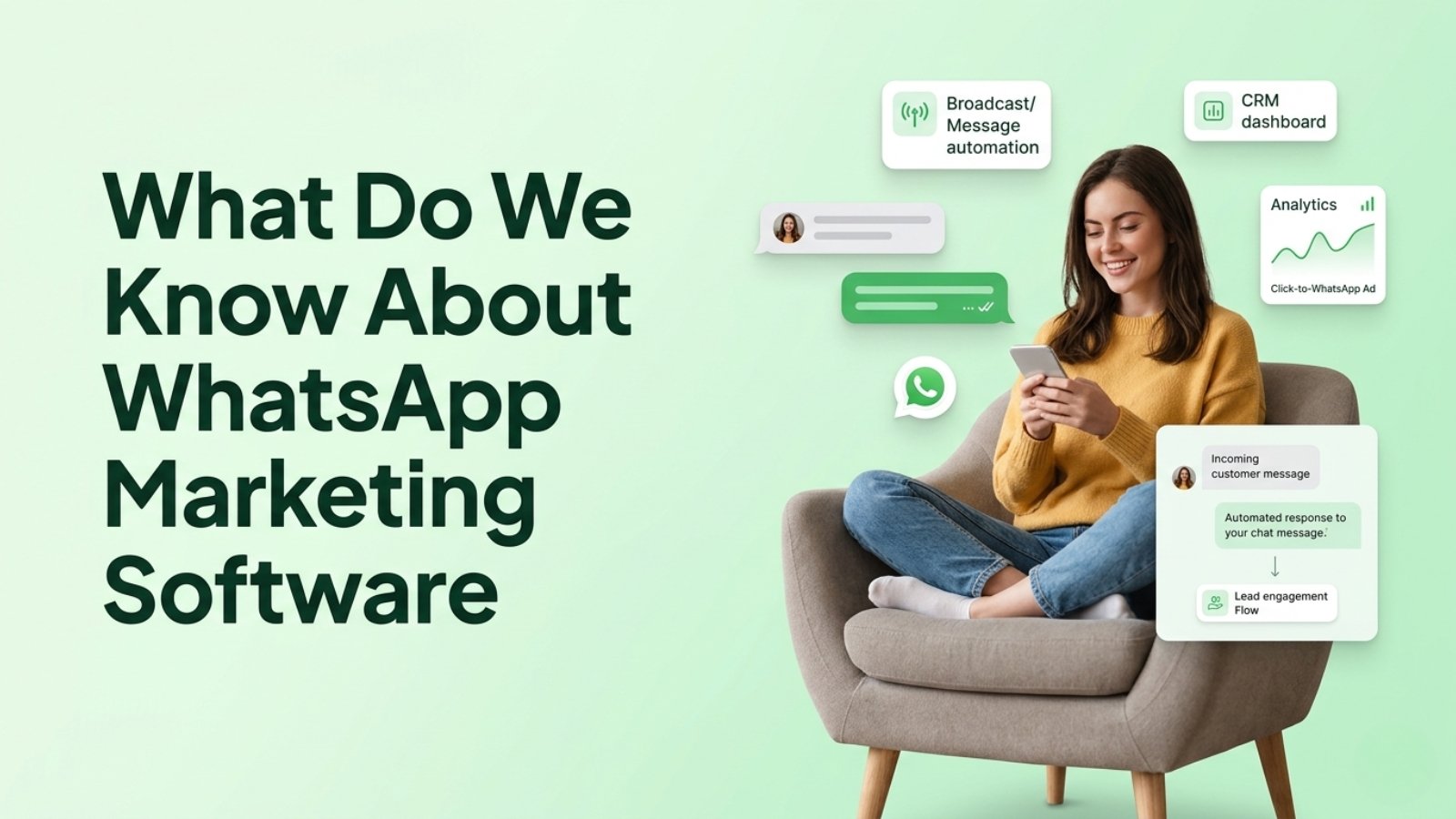

WhatsApp marketing software is a platform connected to the official WhatsApp Business API. It lets a business send broadcasts, automate replies and follow-ups, and manage customer chats from one shared inbox. A WhatsApp CRM such as WhatZCRM adds lead tracking, segmentation, and sales pipelines, so a chat becomes a trackable lead. Setup takes six steps: verify your business, connect your number, build templates, import opted-in contacts, automate follow-ups, and track results.
What is WhatsApp marketing?
WhatsApp marketing means using WhatsApp to promote products, nurture leads, and support customers through opted-in, one-to-one messages. It covers offers, order updates, appointment reminders, lead follow-ups, and two-way conversations. Businesses doing this at scale use the WhatsApp Business API through a marketing platform, because the free app has no automation or team features.
What is WhatsApp marketing software?
WhatsApp marketing software is a platform that sits on top of the WhatsApp Business API and gives you the tools the API lacks. The API is only the messaging pipe, with no screen to work in. The software adds:
- Broadcast campaigns to segmented audiences
- Chatbots and auto-replies
- A shared team inbox
- Scheduled messages and drip follow-ups
- Delivery, read, and reply analytics
What is a WhatsApp CRM, and how is it different from WhatsApp marketing software?
A WhatsApp CRM is marketing software plus customer records. Marketing software sends messages. A CRM remembers who each person is, which stage they are at and what happened last.
| WhatsApp Business App | WhatsApp marketing software | WhatsApp CRM (WhatZCRM) | |
| Best for | One owner, one phone | Broadcasts and automation | Sales, marketing and support together |
| Team inbox | No | Yes | Yes |
| Broadcast | Up to 256 contacts per send | Large segmented broadcasts | Large segmented broadcasts |
| Chatbots | Basic away/greeting | Yes | Yes, with lead qualification |
| Lead tracking and pipeline | No | Limited | Yes |
| Contact history and tags | Labels only | Basic | Full profile and activity timeline |
| Analytics | Basic | Campaign metrics | Campaign, agent and pipeline metrics |
How does a WhatsApp broadcast CRM tool work?
A WhatsApp broadcast CRM tool sends one approved template message to many opted-in contacts, with each person getting a private one-to-one chat. The flow is:
- Upload or sync contacts that have given consent.
- Segment them by tag, city, interest or past purchase.
- Pick a Meta-approved template and personalise it with CRM fields such as name or product.
- Send now or schedule it.
- Replies land in the shared inbox, and the contact is tagged or moved in the pipeline automatically.
The CRM step matters because a broadcast without follow-up is just a notification.
Also Read: Top 9 Bulk WhatsApp Sender Software for Business Growth
What should you look for in a WhatsApp marketing tool in India?
Check these seven things before choosing a platform:
- Official WhatsApp Business API access. Unofficial tools risk number bans.
- Broadcast with segmentation. You should be able to target by tag or behaviour, not blast a whole list.
- A multi-agent inbox. Sales, support, and billing should each have their own access.
- No-code automation. Chatbots, auto-assignment and follow-ups should be usable without developers.
- A built-in CRM. Without one, leads still end up in spreadsheets.
- Integrations. Look for Shopify, WooCommerce, Facebook and Google Ads, Zapier and webhooks.
- Pricing clarity. You need to see the platform fee separately from Meta’s per-message charges.
Read also: Top 10 Best WhatsApp CRM Tools.
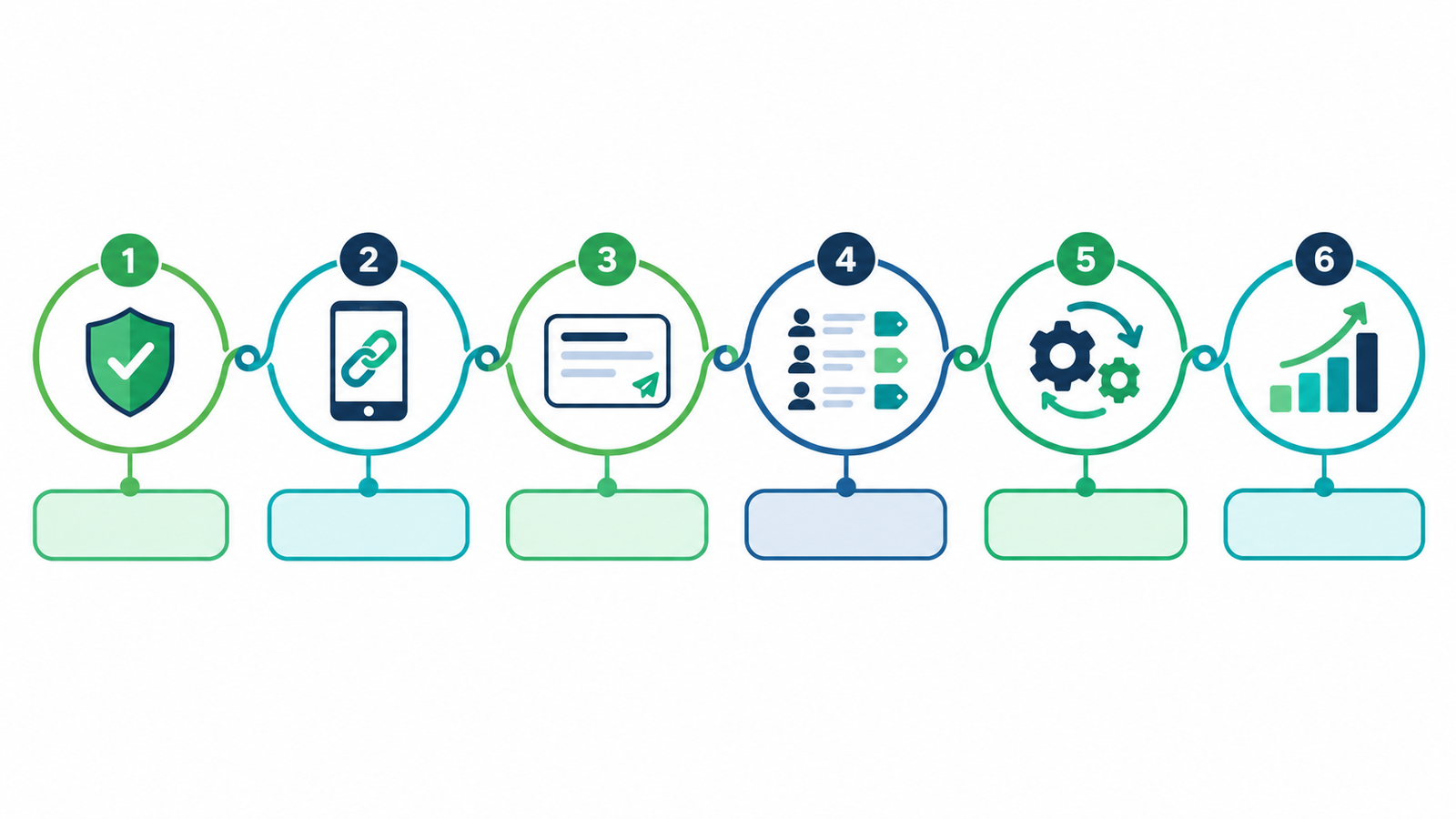
How do you set up WhatsApp marketing in 6 steps?
Step 1. Choose the API, not the app.
The Business App suits one person on one phone. If you need multiple agents, automation or broadcasts to more than 256 contacts, use the WhatsApp Business API through a platform like WhatZCRM.
Step 2. Verify your business with Meta.
Create a Meta Business Manager account and submit your business documents. Verification unlocks higher messaging limits and green-tick eligibility.
Step 3. Connect your number to WhatZCRM.
Log in, open WhatsApp Integration, connect your verified number, and assign it to a team such as Sales or Support. Use a number that is not already registered on a personal WhatsApp account.
Step 4. Create and submit message templates.
Outside the 24-hour reply window, you can only start chats with Meta-approved templates. Use the right category: Marketing for offers, Utility for order or appointment updates, Authentication for OTPs.
Step 5. Import opted-in contacts and segment them.
Add contacts with consent, then tag them by interest, location or stage. Use the opt-in sources you can prove, such as website forms, click-to-WhatsApp ads, checkout tickboxes, and QR codes.
Step 6. Automate follow-ups and track results.
Set a welcome flow, an FAQ bot, lead scoring, and timed follow-ups. Then watch delivery, read and reply rates, agent response time and pipeline conversion.
What can you automate on WhatsApp?
- Lead capture: ads, QR codes, and website buttons open a chat that saves the contact to the CRM.
- Lead qualification: reply buttons ask about budget, location, or need, then score and route the lead.
- Follow-ups: a reminder goes out if a lead has not replied in a set time.
- Appointments: customers book, reschedule, or confirm in chat.
- E-commerce: cart reminders, order updates, and delivery alerts.
- Documents: quotations and invoices sent in the chat.
Is WhatsApp marketing legal in India?
Yes, if you follow consent and platform rules. Message only people who opted in, say what you will send, and give an easy way to stop. India’s Digital Personal Data Protection Act, 2023 requires lawful, consent-based handling of personal data, and WhatsApp’s Business Messaging Policy requires opt-in. Keep a timestamped record of each opt-in. This is general information, not legal advice, so confirm requirements with your legal advisor.
How much does WhatsApp marketing cost in India?
You pay two things: Meta’s per-message charge for template messages, and your platform’s subscription. Marketing templates cost more than utility templates, and replies inside the 24-hour customer service window are free. Meta updates its rates periodically, so check Meta’s current rate card before budgeting.
Also Read: WhatsApp Business API Pricing in 2026: A Country-by-Country Cost Breakdown
Conclusion
WhatsApp marketing works best when messaging, automation and customer records live in one place. The free Business App suits a single owner on one phone. Once you need team access, segmented broadcasts, or lead tracking, you need the WhatsApp Business API behind a platform that includes a CRM.
For Indian businesses, the path is straightforward: verify your business, connect your number, get your templates approved, collect clear opt-ins, and automate follow-ups. Track replies and conversions, not just delivery.
WhatZCRM brings these steps into one dashboard, so every chat can become a tracked lead. Start your free trial and set up your first campaign today.
Start WhatsApp marketing with WhatZCRM
WhatZCRM combines the WhatsApp Business API, a team inbox, broadcasts, chatbots and a CRM in one platform. Start your free trial or explore WhatZCRM.