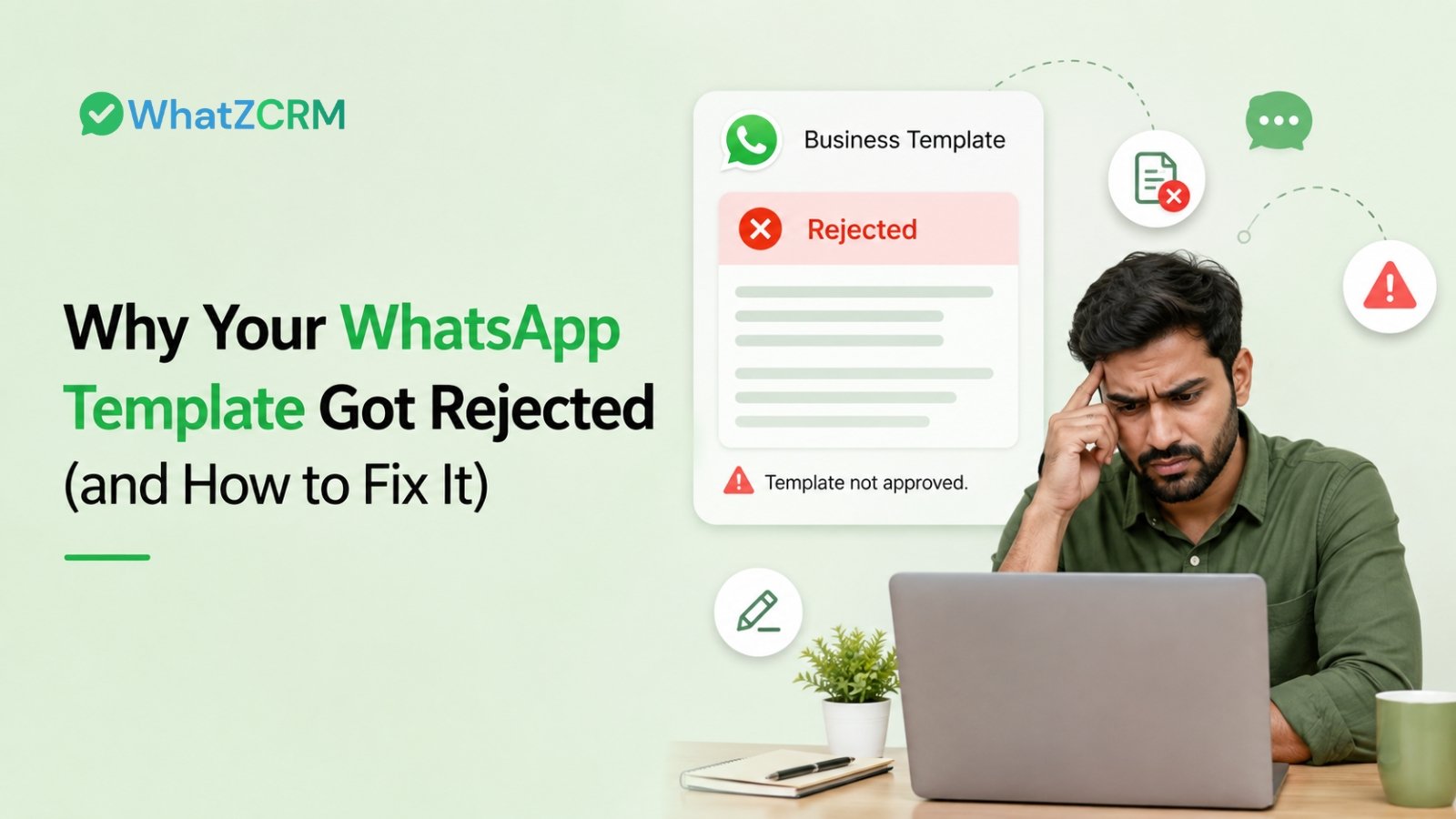

A WhatsApp template usually gets rejected for one of five reasons: promotional wording inside a utility template, vague or generic copy, formatting or variable errors, a mismatched category, or a policy violation. None of these need a rebuild; they need a rewrite and a resubmit, usually approved within hours. But the part most guides skip is what happens after rejection: if that template was supposed to trigger a follow-up sequence or move a lead to the next pipeline stage, the rejection doesn’t just delay a message; it quietly stalls a deal. Fixing the wording is step one. Making sure your CRM flags that stall before it costs you the lead is step two.
Also Read: Top 15 Ready-to-Use WhatsApp Templates for Automation
Table of Contents
ToggleThe Most Common Reasons WhatsApp Templates Get Rejected
- Promotional language inside a utility template. “Your order has shipped; use code SAVE20 on your next order” mixes a transactional update with a discount pitch. Meta reads that as marketing dressed up as utility, and it gets bounced. Keep utility templates strictly operational; move the offer into a marketing template.
- Vague or generic content. “Hi, we have an update for you” tells the reviewer and the customer nothing. “Your appointment on 15 August has been moved to 4:00 PM” tells them everything. Specific templates clear review faster because there’s no ambiguity about intent.
- Broken or incomplete variables. Mismatched curly braces, a template that opens or closes on a variable, or placeholders like {{2}} appearing before {{1}} all trip the formatting check. A template should still make sense if you mentally swap in real values for every {{1}}, {{2}}, {{3}}.
- Category mismatch. Templates are reviewed against the category you selected: Marketing, Utility, or Authentication. Submit a re-engagement offer as Utility, and it gets flagged, even if the copy itself is fine. Category and content have to agree.
- Misleading links or shortened URLs. Bit.ly links, redirect chains, or any URL that doesn’t match your registered business domain reads as a phishing signal to Meta’s system. Always submit full, branded, HTTPS links.
- Requests for sensitive information. Asking a customer to reply with a password, card number, or OTP inside a template is an automatic rejection; WhatsApp treats this as a security risk regardless of how the rest of the message reads.
Also Read: How to Send Bulk WhatsApp Messages Without Getting Banned in 2026
How to Fix a Rejected Template and Resubmit
- Check the rejection reason first. Your WhatsApp Business API provider or Meta Business Manager will usually surface a category: spam, formatting, or policy before you touch the copy.
- Rewrite for clarity, not cleverness. Say exactly what happened, why the customer is hearing from you, and what to do next. There’s no reward for creative phrasing in a transactional message.
- Separate the update from the offer. If a message needs to inform and promote, split it into two templates in the correct categories rather than forcing one template to do both jobs.
- Recheck every variable in sequence. {{1}}, {{2}}, {{3}} — no gaps, no reordering, and the message should read cleanly with real data dropped in.
- Resubmit and monitor status. Most corrected templates clear review within a few hours; you rarely need to rebuild the surrounding campaign or automation, just relink the corrected template once it’s approved.
Template Categories at a Glance
| Category | What It’s For | Common Rejection Trigger |
| Utility | Order confirmations, delivery updates, appointment reminders, subscription changes | Promotional language slipped into an operational message |
| Marketing | Product launches, offers, newsletters, re-engagement campaigns | Excessive urgency language, missing opt-in context, misleading claims |
| Authentication | OTPs, login codes, two-factor verification | Extra content beyond the code itself, or asking for sensitive replies |
Also Read: Types of WhatsApp Message Templates: Explained in Detail
The Gap Most Rejection Guides Miss
Most advice on this topic, and we checked what the top-ranking guides currently cover stops at “here’s why it was rejected, here’s how to word it correctly.” That’s useful, but it treats rejection as a messaging problem in isolation, when for most businesses it’s actually a pipeline problem wearing a messaging disguise.
Here’s what that looks like in practice: a rejected follow-up template doesn’t just fail to send once; it silently breaks whatever automation was waiting on it. A drip sequence stalls mid-way. A lead that was supposed to move from “Contacted” to “Qualified” the moment a template fired instead sits untouched, with no message, no tag update, and no alert unless someone happens to notice.
This is the difference between a messaging tool and a CRM-pipeline platform. In WhatZCRM, template status isn’t isolated from the deal it’s attached to. When a template tied to a pipeline stage or a drip automation sequence gets rejected, that’s visible against the lead record itself, not buried in a separate template dashboard you have to remember to check. You catch the stall before it costs you the deal, not after a prospect has gone cold.
If you’re still deciding how to structure templates by category in the first place, get that foundation right before you scale sending volume; most repeat rejections trace back to the same category mismatch happening across a dozen templates, not one bad message.
Reducing Future Rejections
Teams with consistently high approval rates tend to do a few things well: they keep a shared naming and category convention so nobody mixes utility and marketing intent by accident, they test new templates in small batches through tools like WhatZCRM’s bulk messaging before scaling a campaign, and they review flagged templates against a checklist rather than resubmitting on a guess. Governance up front is cheaper than resubmission cycles later.
Conclusion
Template rejection feels like a wall, but it’s rarely more than a wording or category fix away from an approved, working message. The bigger risk isn’t the rejection itself; it’s not noticing when a rejected template was quietly supposed to move a lead forward. Fix the copy, get it resubmitted, and make sure your CRM tells you the moment a template stalls a deal instead of just a message. That’s the difference between chasing template status and actually protecting your pipeline.
Frequently Asked Questions (FAQs)
Common reasons for WhatsApp template rejection include selecting the wrong message category, adding promotional language to a utility template, using vague or unclear wording, incorrectly formatted variables, or violating WhatsApp policies. Meta typically provides a rejection reason that can help you identify and correct the issue before resubmitting.
Many WhatsApp template resubmissions are reviewed within minutes or a few hours. Templates that require additional or manual review may take longer, sometimes up to 24–48 hours. It's best to submit templates well before a planned campaign launch.
In many cases, you can correct the issue with a rejected template and submit an updated version for review rather than rebuilding your entire campaign or automation. The exact editing options available can depend on the template's status in WhatsApp Manager or your WhatsApp Business API platform.
No. Utility templates should remain transactional and directly related to an existing customer action or transaction. Promotional content such as offers, discounts, product recommendations, or upsell messages should be submitted under the Marketing category.
A rejected template does not pass Meta's review and therefore cannot be used for messaging. A paused template was previously approved but has been temporarily stopped, often because its quality rating declined due to negative customer feedback or other quality signals.