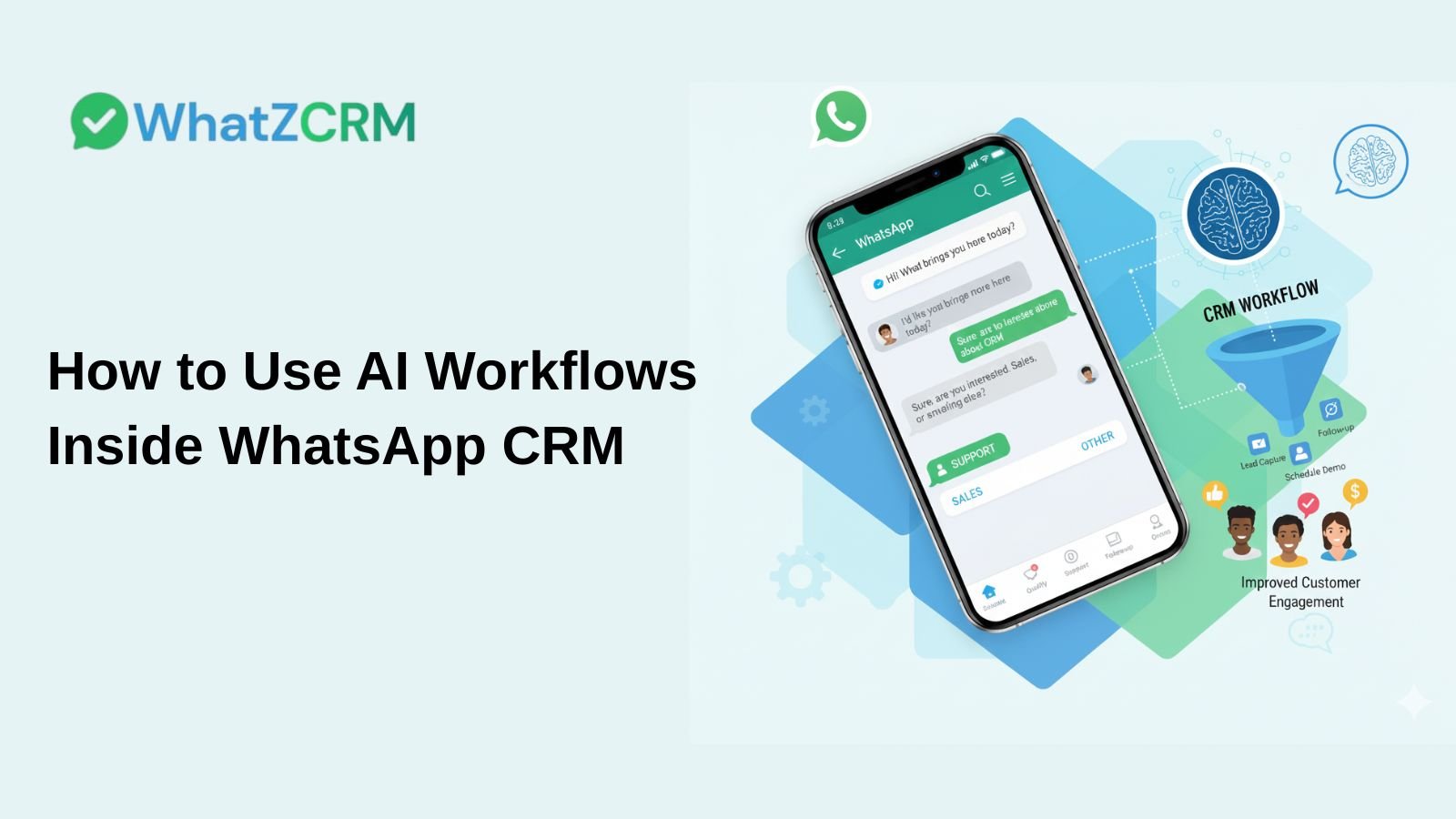

WhatsApp has become one of the most powerful communication channels for businesses today. Customers expect instant replies, personalized conversations, and smooth follow-ups without delays or repetitive questions. This is where AI workflows inside a WhatsApp CRM like WhatZCRM make a real difference.
By combining conversational AI with a WhatsApp Workflow, businesses can automate routine interactions, respond faster, qualify leads efficiently, and still maintain a human touch where it matters. In this blog, we’ll explain how AI workflows work inside a WhatsApp CRM and how to use them to improve sales, support, and customer engagement.
What Are AI-Powered WhatsApp CRM Workflows?
AI-powered WhatsApp CRM workflows are automated message flows triggered by customer behavior, intent, or other actions. Instead of manually replying to every message, AI workflows handle conversations intelligently and at scale.
Examples of AI workflows include:
- Greet new leads automatically
- Asking qualifying questions
- Routing chats to the right sales or support team
- Sending follow-ups at the right time
These workflows live in your WhatsApp CRM, ensuring that all conversations, customer data, and actions are tracked in a single centralized platform.
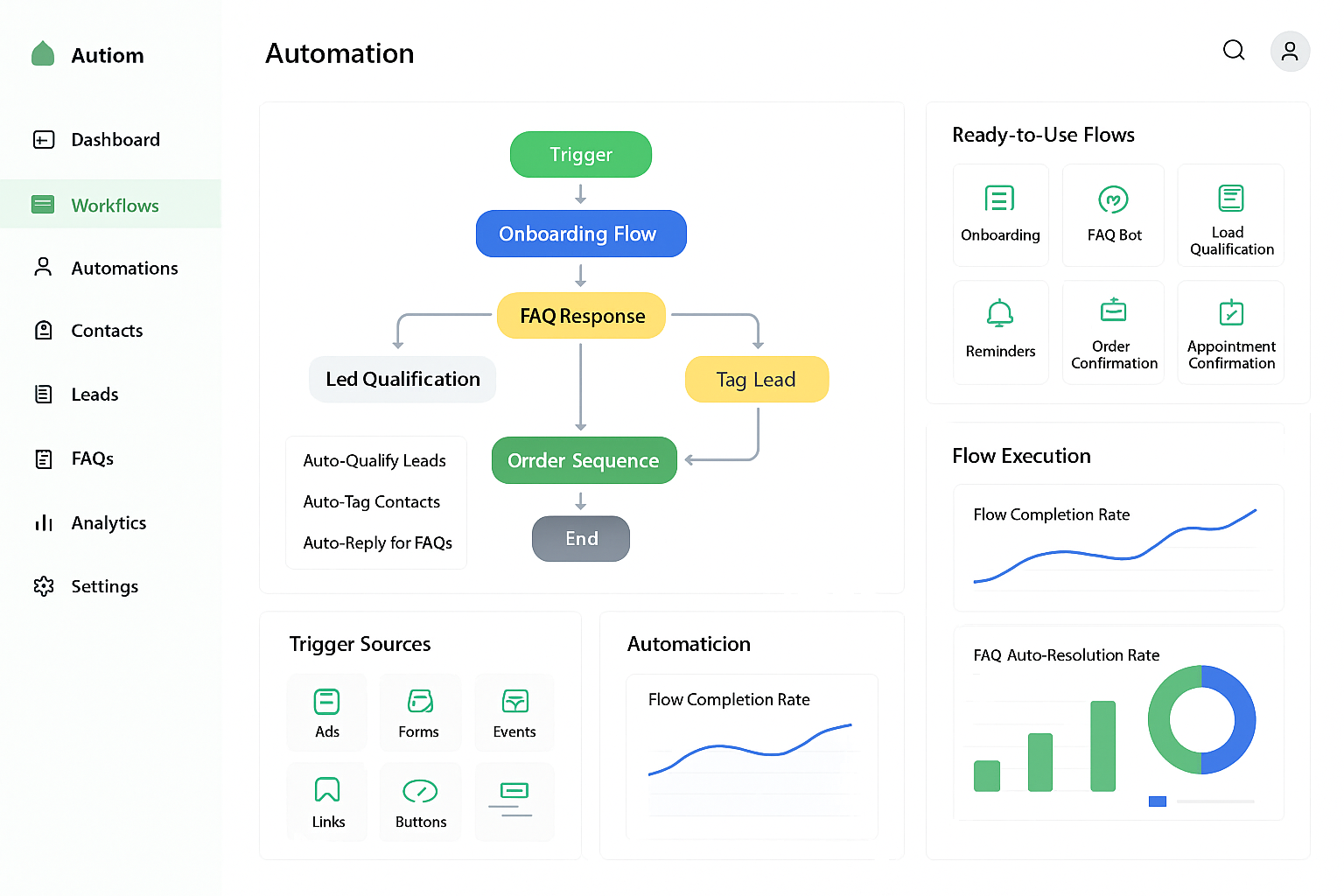
Benefits of Using AI WhatsApp Workflows
Integrating AI workflows inside a WhatsApp CRM provides multiple advantages:
- Faster Response Times: Customers receive instant replies, even outside business hours.
- Improved Lead Qualification: AI asks the right questions before handing qualified leads to sales teams.
- Reduced Manual Work: Teams focus on high-value conversations instead of repetitive tasks.
- Consistent Customer Experience: Every customer gets accurate, structured responses.
- Scalable Communication: Handle hundreds or thousands of chats without increasing team size.
Experience: Lead Qualification Chatbot
Top 5 AI Workflows to Automate Your WhatsApp Sales Funnel
Businesses commonly implement the following workflows inside WhatsApp CRM:
- Lead Capture & Qualification: Automatically collect details such as name, requirements, budget, and timeline.
- Automated Follow-Ups: Send reminders to leads who haven’t responded.
- Appointment/Demo Scheduling: Let users book demos or consultations directly via WhatsApp.
- Payment & Reminder Workflows: Automate payment links, due reminders, and confirmations.
- Post-Sales Engagement: Send onboarding messages, usage tips, or feedback requests after a sale.
Integrating WhatsApp API with AI Workflows
WhatsApp API is the backbone of automation. Once integrated with a CRM like WhatZCRM, it enables:
- Workflow triggers based on incoming messages
- Sending pre-approved message templates
- Syncing chat data with CRM records
- Applying AI logic for routing and replies
This integration ensures AI workflows function seamlessly without disrupting the customer experience.
Also Read: How WhatsApp API Integration Works & Why Your Business Needs It
Step-by-Step Guide to Setting Up Your First AI Workflow
Step 1: Define the Purpose
Decide what your workflow should achieve, e.g., capturing leads, qualifying prospects, sending follow-ups, booking appointments, or providing support.
Step 2: Choose a Trigger
Triggers activate workflows automatically. Examples include:
- User sends the first message
- Keywords detected in messages
- Form submissions
- Lead status changes in CRM
Step 3: Design the Conversation Flow
Map the conversation from start to finish: welcome messages, questions, possible responses, and next steps. Keep it short, friendly, and conversational.
Step 4: Add AI Logic and Conditions
Define rules like:
- Route to sales if the user selects “Sales.”
- Send reminders if the user doesn’t reply
- Assign qualified leads to agents
Step 5: Configure Automated Actions
Automate replies, assign leads, update CRM status, tag contacts, and schedule follow-ups.
Step 6: Set Timing and Delays
Add delays to avoid overwhelming users, and send reminders naturally.
Step 7: Define Human Handoff Rules
Transfer complex queries or urgent conversations to human agents. AI should assist agents with suggested replies but not replace them.
Step 8: Test Thoroughly
Test messages, triggers, AI logic, and handoff rules to ensure smooth operation.
Step 9: Activate and Monitor
Track response times, engagement, lead conversion, and customer feedback.
Step 10: Optimize and Scale
Gradually expand workflows, personalize messages further, and automate larger parts of your sales or support process.
Also Read: Proven WhatsApp Automation Strategies for Small Businesses
Best Practices for Human-AI Handoff
- Pass complete chat history to human agents
- Assign chats based on roles or availability.
- Allow agents to take control instantly.
- Use AI to assist agents, not replace them.
This approach improves customer trust, shortens resolution time, and ensures automation enhances human relationships.
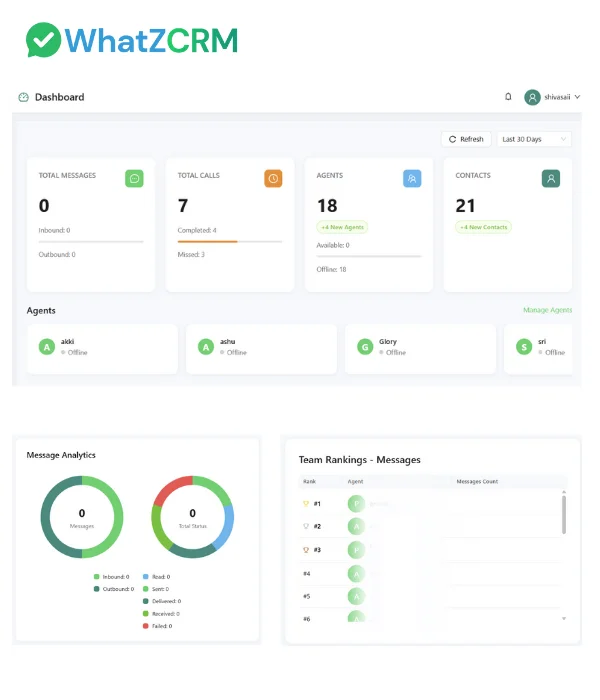
Measuring ROI: Key Metrics for WhatsApp Automation
Track these key metrics to evaluate the success of your WhatsApp Automation and AI workflows:
- Response Time: Speed of customer replies
- Lead Conversion Rate: Chats converting into sales
- Engagement Rate: Replies, clicks, or actions taken
- Agent Productivity: Chats handled per agent
- Customer Satisfaction: Feedback and repeat interactions
Conclusion
AI WhatsApp workflows inside help businesses move faster, communicate smarter, and scale conversations while maintaining personalization. When implemented thoughtfully, AI workflows save time, improve customer relationships, and increase sales efficiency.