
An AI sales chatbot for WhatsApp is an intelligent conversational assistant that automatically handles incoming leads through WhatsApp, qualifying prospects, answering product questions, recommending solutions, and booking meetings, without requiring a human sales agent to be online.
Unlike basic FAQ bots, an AI sales chatbot uses natural language processing to understand what a prospect actually wants, not just what they literally typed. It adapts the conversation based on each response, mirrors the flow of a real sales conversation, and stores every interaction inside a CRM.
When embedded in WhatsApp, the world’s most-used messaging app with over 2.4 billion monthly active users, it becomes a 24/7 sales engine that responds in seconds and never lets a warm lead go cold.
AI Sales Chatbot vs. Rule-Based WhatsApp Chatbot
Before investing in a chatbot, it’s critical to understand the difference between a basic rule-based bot and a true AI sales chatbot. Many platforms sell the former as the latter.
Feature | Rule-Based Chatbot | AI Sales Chatbot |
Conversation logic | Fixed decision trees | Dynamic, context-aware |
Handles off-script replies | No — falls to fallback | Yes — understands intent |
Lead qualification | Manual keyword triggers | Intelligent scoring by budget, need, timeline |
CRM integration | Basic or none | Full sync with lead stages |
Follow-up automation | Limited | Fully automated sequences |
Learns from conversations | No | Yes, improves over time |
Best for | FAQs, order status | Full sales journeys |
If your chatbot cannot adapt when a prospect goes off-script, it is not an AI chatbot; it is a decision tree in disguise.
Also Read: How to Manage Leads Effectively Using WhatsApp CRM
Step-by-Step: How an AI Sales Chatbot Works on WhatsApp
Here is exactly how a prospect moves from first contact to qualified opportunity inside WhatZCRM’s AI sales chatbot.
Step 1: The prospect starts a conversation
A lead initiates a WhatsApp conversation through one of several entry points:
- Click-to-WhatsApp ads on Facebook or Instagram
- Website chat button that opens WhatsApp directly
- QR code on physical marketing materials
- Organic message to the business WhatsApp number
The chatbot responds instantly, typically within seconds, eliminating lead decay that occurs when prospects wait hours for a response. Research shows that responding to a lead within 5 minutes increases the probability of conversion by 21 times compared to a 30-minute delay.
Step 2: The AI understands intent and personalises the reply
The chatbot analyses the opening message to determine what the prospect wants. Whether they are asking about pricing, requesting a demo, or making a general product inquiry, the bot responds with an appropriate opening, personalised with the prospect’s name and any available CRM data.
Step 3: Qualifying questions filter for high-intent leads
Instead of asking for contact details upfront, the bot engages the prospect in a natural conversation designed to surface:
- Budget or price range “What’s your approximate monthly lead volume?”
- Urgency (“When are you looking to get started?”
- Decision-making authority “Is this a decision you’re leading, or are others involved?”
- Fit “How does your team currently manage inbound leads?”
This BANT-style qualification (Budget, Authority, Need, Timeline) happens automatically and invisibly within what feels like a helpful conversation.
Step 4: Lead is scored, tagged, and stored in the CRM
Every response is automatically logged in the WhatsApp CRM. The chatbot assigns a lead score, adds relevant tags (e.g., “high-intent,” “budget confirmed,” “demo-ready”), and updates the pipeline stage all without a human touching the record.
Step 5: Smart handoff to a sales agent
When a lead crosses a qualification threshold or asks a question that requires human judgment, the chatbot transfers the conversation to the appropriate sales agent, including the full context. The agent never has to ask “Can you remind me what you’re looking for?”
Step 6: Automated follow-ups prevent leads from going cold
If a prospect does not respond, the chatbot sends a follow-up message after a configured interval. For leads not yet ready to buy, it adds them to a nurture sequence with periodic check-ins, ensuring no lead is permanently lost.
Also Read: 5 Ways to Convert WhatsApp Inquiries into Qualified Leads in 2026
Key Features to Look For in a WhatsApp AI Sales Chatbot
Not all chatbot platforms are equal. These are the features that separate a revenue-generating tool from an expensive autoresponder:
- No-code conversation builder. You should be able to create, edit, and launch chatbot flows without engineering support. Look for drag-and-drop visual builders that let sales managers own the configuration.
- AI trained on your own content. The chatbot should learn from your FAQs, sales scripts, pricing documents, and product brochures, rather than relying solely on generic language model responses. This ensures accurate, on-brand answers.
- Native CRM integration. Every conversation should create or update a CRM record in real time. Platforms that store chat data separately from CRM data create manual reconciliation work and data gaps.
- Intelligent lead scoring and tagging. The bot should assess each prospect and assign scores or tags based on your qualification criteria, rather than just collecting contact information.
- Calendar integration for demo booking. Direct meeting booking inside WhatsApp, synced with Google Calendar, Outlook, or Calendly, removes the back-and-forth that kills deal momentum.
- Hybrid AI + human handoff. The best conversations start with AI and escalate to a human at exactly the right moment when the lead is qualified, and the question requires judgment.
- Multi-language support. For businesses serving regional or international markets, the chatbot should automatically detect the language and respond accordingly.
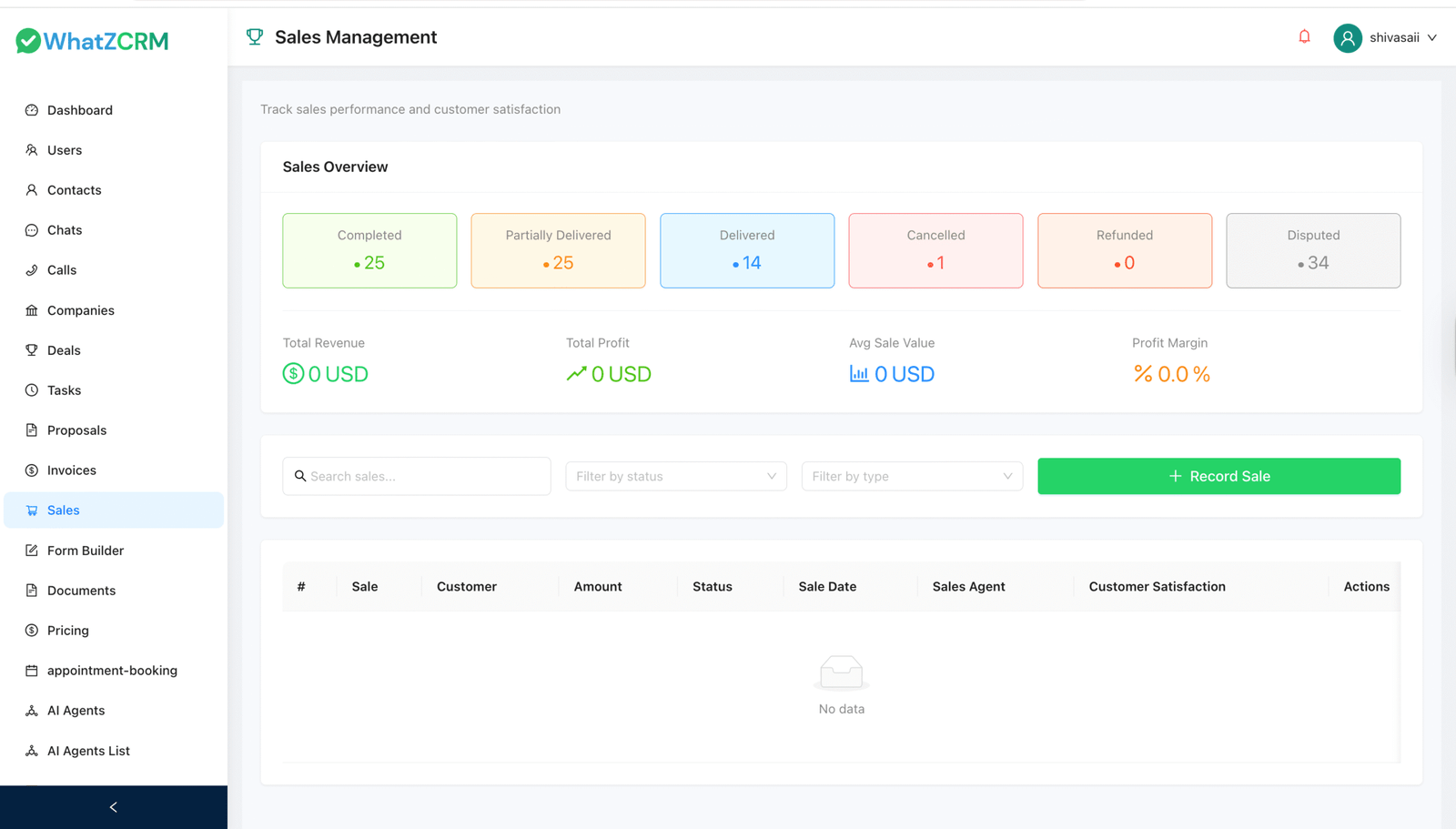
- Analytics and performance tracking Response time, conversation completion rate, lead-to-meeting conversion, and agent efficiency should all be measurable inside the platform dashboard.
Check Out How AI Sales Chatbot Helps Each Industry
For Real estate
A property developer runs Click-to-WhatsApp ads on Instagram. When a prospect clicks, the chatbot asks about budget, preferred location, property type, and buying timeline. Qualified buyers are instantly routed to an agent with a pre-filled lead profile. One real estate company using this approach achieved a 9% lead-to-appointment conversion rate, significantly higher than typical web form performance.
For E-commerce
An online retailer deploys a WhatsApp chatbot to recover abandoned carts and handle product inquiries. The bot sends personalised follow-ups to browsers who did not complete a purchase and recommends related products based on browsing history. E-commerce businesses using AI chatbot follow-up sequences recover 23% more abandoned carts than those relying on email alone.
For SaaS and B2B services
A software company uses an AI sales chatbot to handle inbound demo requests from its website. Instead of a form that requires a follow-up email, the bot qualifies the prospect on WhatsApp, books a demo in the rep’s calendar, and sends a confirmation with meeting details all within 3 minutes of the first message.
For Healthcare
A healthcare provider uses a WhatsApp chatbot to handle appointment requests, pre-qualify patients by condition type, and send reminders. Since 67% of customers now prefer messaging apps to phone calls for business communication, the WhatsApp channel drives higher engagement than the previous phone-based scheduling.
For Coaching Institutions
A coaching business deploys the chatbot to respond to inquiries from a lead magnet landing page. The bot asks discovery questions, identifies the right programme, and directs high-intent leads to a booking page. Low-intent leads enter a WhatsApp nurture sequence with value-based content.
How to Set Up an AI Sales Chatbot on WhatsApp (No Code Required)
Setting up WhatZCRM’s AI sales chatbot does not require technical expertise. Here is the complete process:
Step 1: Connect the WhatsApp Business API
The WhatsApp Business API is required to run automation at scale. WhatZCRM handles the API connection; you simply verify your business phone number through the platform.
Also Read: WhatsApp Automation for Small Businesses: 6 Strategies That Generate Leads
Step 2: Build your conversation flow
Use WhatZCRM’s no-code visual builder to design your chatbot flow. Define:
- Opening greeting and intent detection
- Qualification questions and branching logic (what to ask if a lead says “small budget” vs. “large budget”)
- Product recommendation rules
- Escalation triggers (when to transfer to a human agent)
- Follow-up sequences for non-responders
Step 3: Train the chatbot on your content
Upload your sales scripts, FAQs, pricing guides, product brochures, or any documents that contain information your chatbot should know. The AI learns from this content to answer questions accurately, in your brand’s voice.
Step 4: Connect your CRM and calendar
Integrate WhatZCRM with your existing CRM (HubSpot, Salesforce, Zoho, or WhatZCRM’s built-in CRM) to ensure every conversation creates a lead record. Connect Google Calendar, Outlook, or Calendly to enable direct booking.
Step 5: Launch across all entry points
Activate the chatbot on:
- Your WhatsApp Business number (for organic inbound messages)
- Website chat buttons
- QR codes on physical materials
- Click-to-WhatsApp ad campaigns
Step 6: Monitor and optimise
Use WhatZCRM’s analytics dashboard to track response time, conversation completion rates, qualification scores, and meeting bookings. Identify where prospects are dropping off and adjust the flow accordingly.
Also Read: How to Manage Leads Effectively Using WhatsApp CRM
What Can You Expect for AI Sales Chatbot for Your Business?
Based on industry data and WhatZCRM customer outcomes, businesses using AI sales chatbots on WhatsApp typically report:
- 3× higher conversion rates compared to static lead capture forms
- Up to 42% increase in qualified demo bookings within the first few weeks of deployment
- 70% of product inquiries are handled automatically without human intervention
- Response times under 10 seconds, compared to 4+ hours for email-based follow-up
- 340% average ROI in the first year of deployment, with payback periods of 3 to 6 months
- 30–40% reduction in customer service costs through automated lead handling
The key driver of these results is speed. A prospect who receives an intelligent response in under 10 seconds is far more likely to convert than one who fills out a form and waits for a callback.
WhatZCRM’s AI Sales Chatbot: How It Works
Most AI chatbot tools handle conversations in isolation, leaving your team to manually log leads, update pipeline stages, and chase follow-ups elsewhere. WhatZCRM is built differently.
The AI Sales Chatbot is embedded directly inside a WhatsApp CRM, so every conversation automatically feeds your sales pipeline. Lead scores update as the chat progresses. Hot leads are instantly escalated to the right agent, complete with full conversation context. Cold leads enter drip sequences automatically. Nothing falls through the cracks.
Your sales team focuses entirely on closing. The chatbot handles everything before that moment.
What WhatZCRM’s AI Sales Chatbot does for you:
- Scores and tags lead automatically based on budget, location, and intent, routing the hottest ones to sales instantly
- Personalises every message using live CRM data: name, membership status, last purchase, and assigned agent
- Books demos and sales calls directly in WhatsApp with real-time sync to Google Calendar, Outlook, or Calendly
- Trains on your own FAQs, sales scripts, brochures, and pricing documents for accurate, on-brand responses
- Triggers sales workflows, sending brochures, launching upsell flows, or routing leads based on user actions
- Deploys across WhatsApp ads, website widgets, and QR codes from a single dashboard
- Supports 50+ languages, adapting automatically to each user’s preference
- Tracks every interaction with real-time analytics so you can continuously optimise flows and conversion rates
Conclusion
Sales in 2026 are not about chasing leads. It is about responding instantly, qualifying intelligently, and following up without fail, regardless of what time a prospect sends their first message.
An AI sales chatbot for WhatsApp makes this possible. By combining the reach of WhatsApp with the intelligence of AI and the visibility of a CRM, businesses can convert more leads without adding headcount, expanding office hours, or increasing ad spend.
WhatZCRM’s AI sales chatbot is built specifically for this outcome. Every conversation is automatically captured, qualified, and acted on, giving your sales team a pipeline full of warm, pre-qualified leads to close.