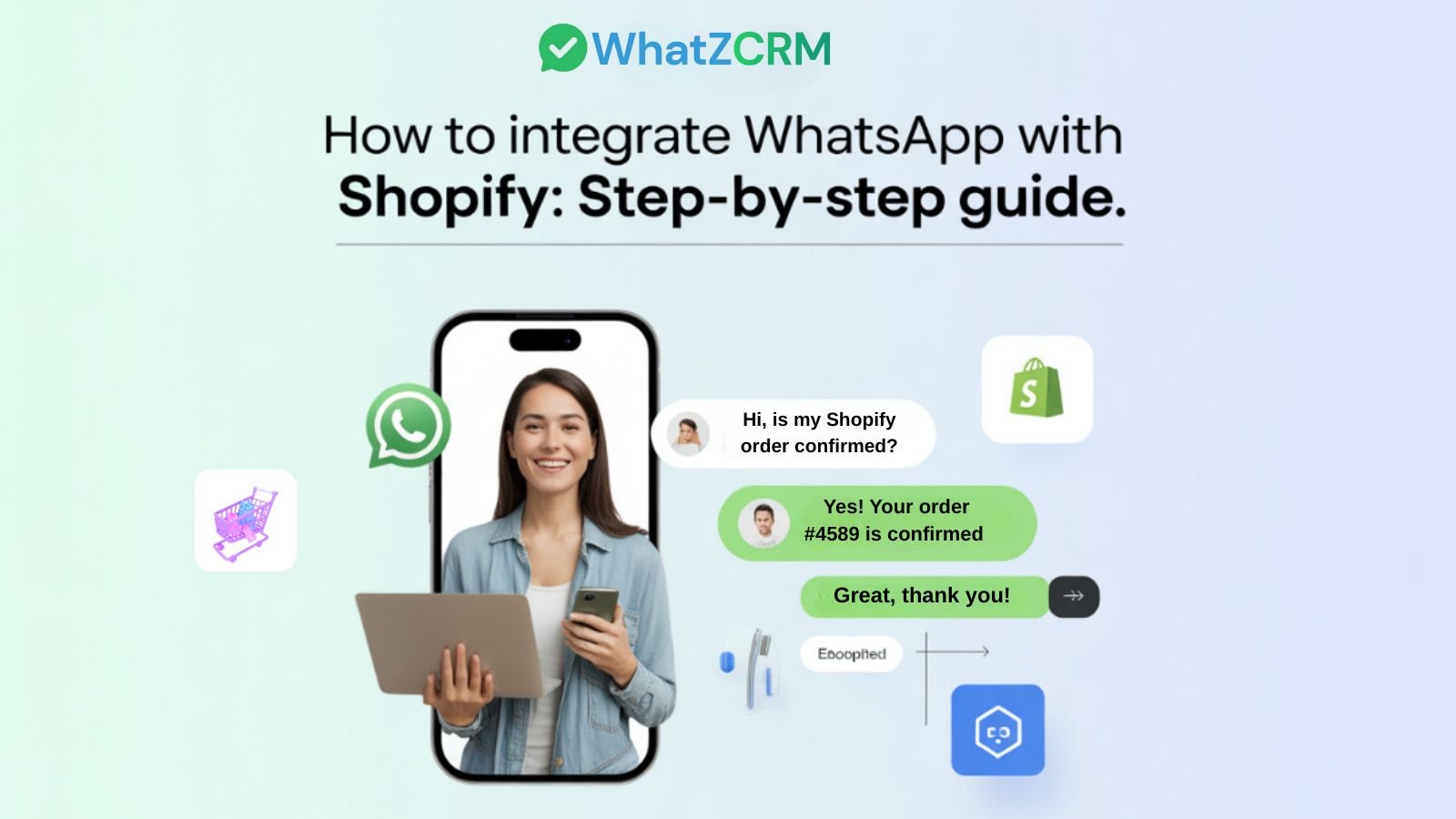

Modern eCommerce is no longer just about products; it’s about speed, personalization, and real-time communication. Today’s customers expect instant replies, proactive updates, and seamless support across channels.
But here’s the problem:
- Emails go unread.
- Live chat is often missed.
- Delayed responses lead to abandoned carts and lost revenue.
This is exactly why Shopify store owners are rapidly shifting toward WhatsApp integration.
With over 3 billion users worldwide, WhatsApp has become the most powerful channel for customer engagement, order updates, and sales conversions. When connected with Shopify, it transforms your store into a real-time conversational commerce engine.
In this guide, you’ll learn:
- How to integrate WhatsApp with Shopify step by step
- Different integration methods (and which is best)
- How to automate messages and recover abandoned carts
- Real-world use cases and strategies
- Why a WhatsApp CRM like WhatZCRM delivers better results
What Do We Know About Shopify WhatsApp Integration?
Shopify WhatsApp integration is the process of connecting your Shopify store with WhatsApp Business API to automate customer communication, send order updates, and manage conversations in one place.
Instead of relying on emails or manual follow-ups, businesses can:
- Send instant order confirmations
- Notify customers about shipping and delivery
- Recover abandoned carts automatically
- Provide real-time customer support
- Engage customers with personalized messages
In simple terms, it turns WhatsApp into a sales, support, and automation channel for your Shopify store.
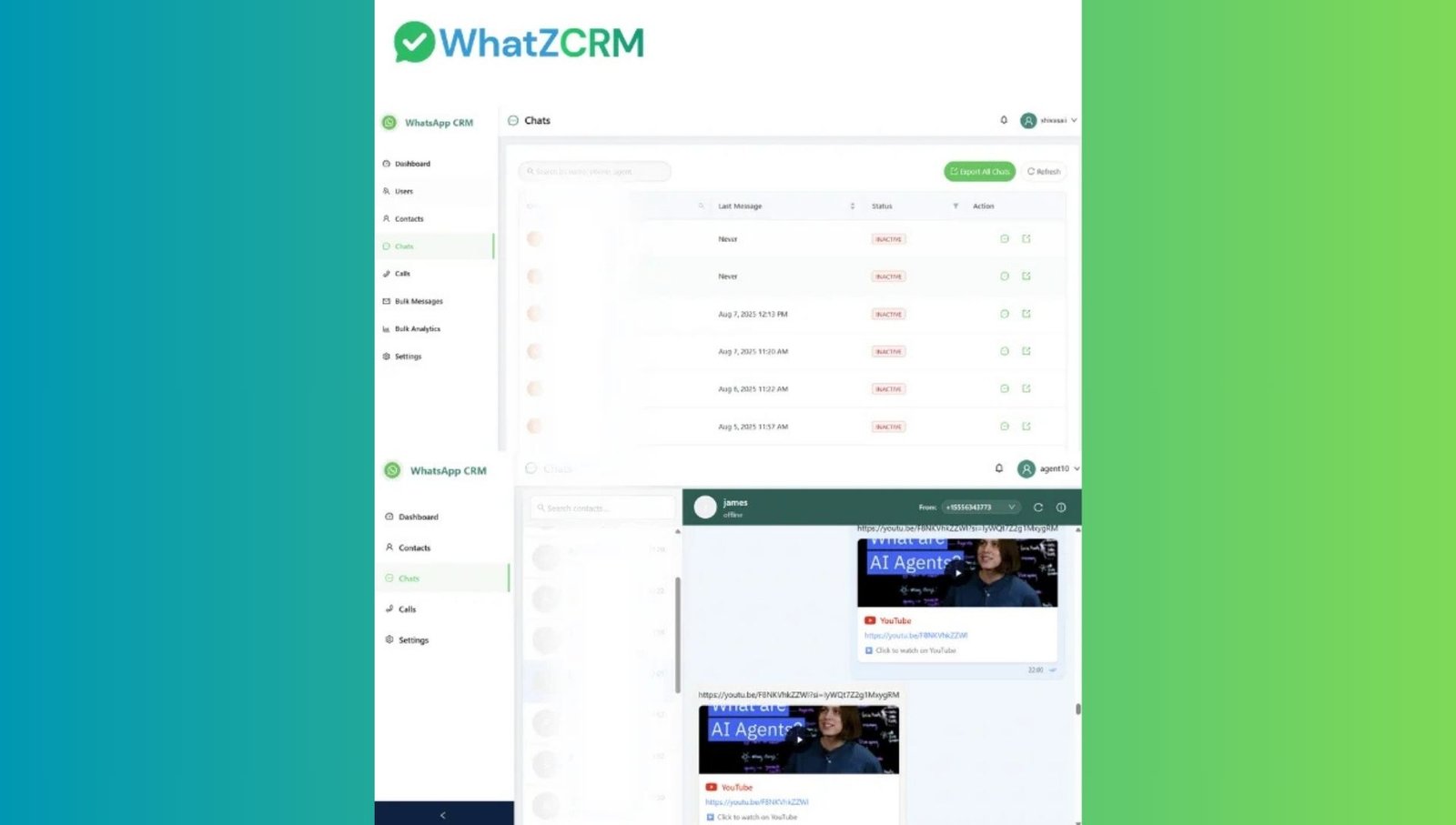
How Shopify Stores Are Benefited with WhatsApp
The shift toward WhatsApp is driven by performance.
Faster Communication: WhatsApp messages have significantly higher open rates
compared to email. Customers read messages almost instantly, which improves response time and engagement.
Higher Conversion Rates: When customers get quick answers to product queries, they are more likely to complete purchases.
Abandoned Cart Recovery: Automated reminders on WhatsApp bring back high-intent buyers who left without checking out.
Better Customer Experience: Customers prefer conversational support over filling out forms or waiting for email replies.
Stronger Customer Retention: Post-purchase engagement, offers, and updates help turn one-time buyers into repeat customers.
Methods to Integrate WhatsApp with Shopify
Not all integrations are equal. Choosing the right method depends on your business size and goals.
1. WhatsApp Chat Button
A simple widget added to your store that allows customers to message you.
Best for: Small businesses or beginners
Limitation: No automation, no order tracking, no analytics
2. Shopify WhatsApp Plugins
Apps that send basic notifications like order confirmations.
Best for: Stores starting with automation
Limitation: Limited customization and no CRM capabilities
3. Manual WhatsApp Messaging
Using the regular WhatsApp app to communicate with customers.
Best for: Very small stores
Limitation: Not scalable, time-consuming, and no tracking
4. WhatsApp API + CRM Integration (Recommended)
A complete solution that connects Shopify data with WhatsApp automation and team workflows.
Best for: Growing and scaling businesses
Advantage:
- Automation
- Order sync
- Multi-agent support
- Analytics
- Customer segmentation
Also Read: WhatsApp WooCommerce Integration for Higher Conversions
Things You Need Before Integration
Before setting up, ensure you have:
- A Shopify store with admin access
- WhatsApp Business API account
- Verified business account
- Approved message templates
- A WhatsApp CRM platform (like WhatZCRM)
Important: Avoid unofficial tools. They can violate policies, leading to account bans.
Step-by-Step: How to Integrate WhatsApp with Shopify
Step 1: Set Up Your WhatsApp CRM Account
Start by creating an account on a WhatsApp CRM platform.
Once registered:
- Connect your WhatsApp Business API number
- Complete verification
- Access a centralized dashboard
This dashboard will manage all conversations and automation.
Step 2: Connect Shopify Store
Inside your CRM platform:
- Go to integrations
- Select Shopify
- Authorize access
After connecting, the system automatically syncs:
- Customer data
- Orders
- Products
- Order status
Now your Shopify data is visible inside WhatsApp conversations.
Step 3: Create Message Templates
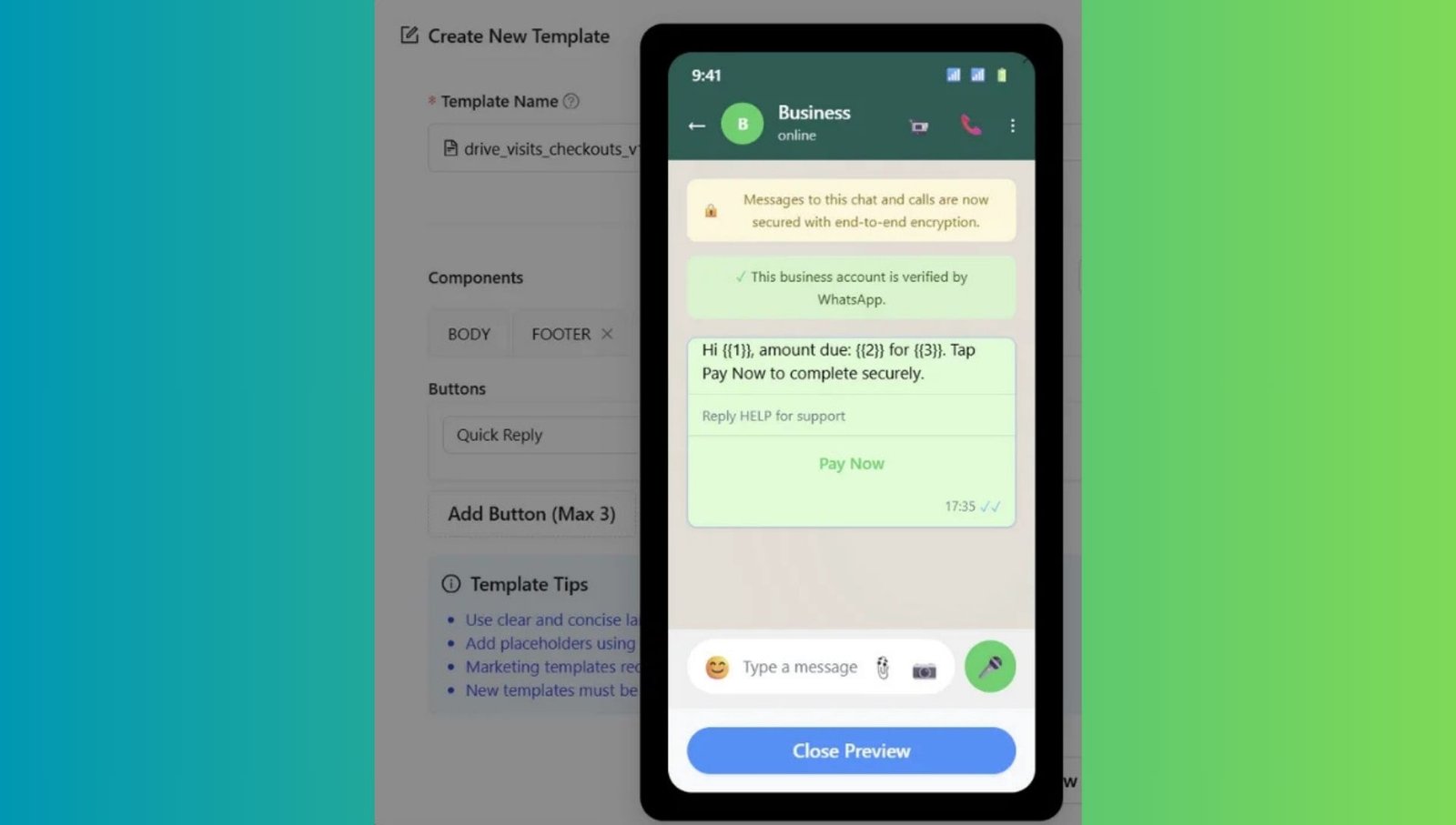
WhatsApp requires pre-approved templates for automation.
Common templates include:
- Order confirmations
- Shipping updates
- Delivery notifications
- Abandoned cart reminders
- COD verification
These templates ensure compliance and automation.
Step 4: Enable Automation Workflows
This is where the real power comes in.
You can automate:
- Order updates based on status
- Cart recovery reminders
- Follow-ups for inactive customers
- Lead assignment to teams
- Customer segmentation
Automation ensures no customer is missed.
Step 5: Test Integration
Before going live:
- Place a test order
- Check message delivery
- Verify customer data
- Ensure automation triggers correctly
Once verified, your system is ready.
Also Read: How to Send Bulk WhatsApp Messages to 1,000+ Contacts Safely
Real Use Cases: How Shopify Stores Use WhatsApp
Abandoned Cart Recovery: Send automated reminders to customers who didn’t complete checkout. This alone can significantly boost revenue.
COD Order Verification: Confirm cash-on-delivery orders to reduce fake or duplicate orders.
Order Updates: Keep customers informed with real-time shipping and delivery notifications.
Customer Support: Resolve queries instantly by accessing order details inside chats.
Post-Purchase Engagement: Send offers, ask for feedback, and encourage repeat purchases.
Automate WhatsApp Message Templates for Shopify
Here are examples you can use:
Order Confirmation
Hi {{Name}}, your order {{Order ID}} is confirmed. We’ll notify you once it’s shipped.
Shipping Update
Your order {{Order ID}} has been shipped. Track here: {{Link}}
Abandoned Cart Reminder
You left items in your cart. Complete your purchase before they sell out.
COD Confirmation
Please confirm your order {{Order ID}} by replying YES.
How to Add a WhatsApp Chat Button to Shopify
Adding a chat button increases inbound conversations.
Steps:
- Install a WhatsApp widget or CRM integration
- Choose placement (homepage, product pages, cart)
- Customize design and message
- Connect your WhatsApp number
With CRM integration, all chats are automatically tracked and assigned.
How CRM-Based WhatsApp Integration Is Better
Basic tools only allow messaging. CRM-based integration transforms WhatsApp into a business system.
With a WhatsApp CRM, you get:
- Centralized inbox
- Full customer history
- Automation workflows
- Team collaboration
- Sales tracking
- Performance analytics
This is essential for scaling.
Why WhatZCRM Is the Right Choice for your Shopify Store?
WhatZCRM is designed specifically for businesses using WhatsApp as a primary channel.
It offers:
- Unified inbox for all conversations
- Shopify order data inside chats
- Automation for sales and support
- Multi-agent access
- Customer segmentation
- Broadcast messaging
- Performance analytics
It also provides a free trial, allowing businesses to test before committing.
Final Thoughts
If your goal is to improve:
- Customer response time
- Conversion rates
- Customer experience
- Sales automation
Then WhatsApp integration is no longer optional—it’s essential.
For small stores, basic tools may work initially.
But as your business grows, you’ll need:
- Automation
- CRM visibility
- Team collaboration
- Performance tracking
A CRM-based solution helps manage the entire customer journey from the first message to repeat purchases within WhatsApp.