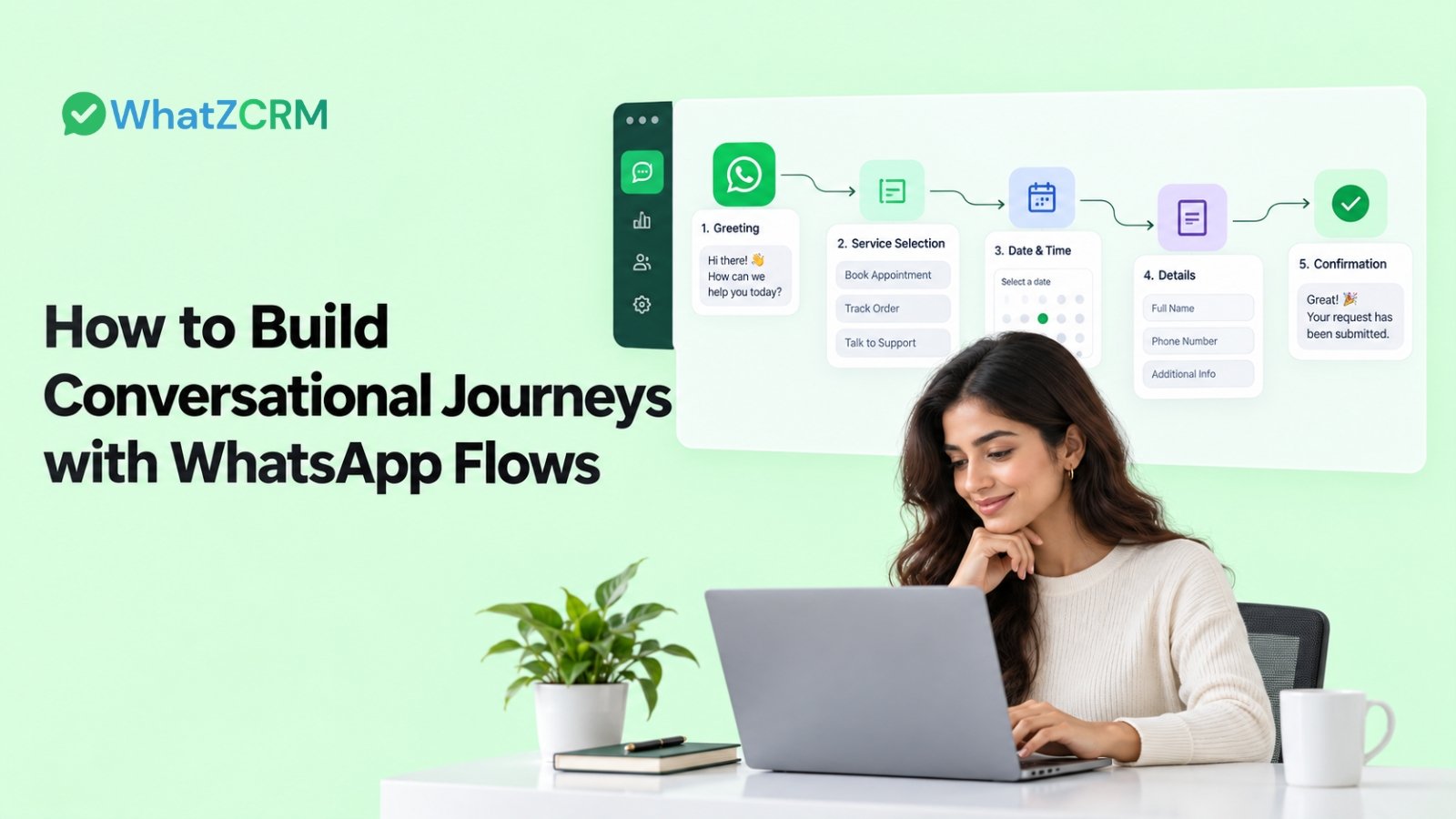

A customer clicks your ad, opens WhatsApp, and sends a simple “Hi.” What happens next?
For many small businesses, the answer is a long back-and-forth conversation. The team asks for the customer’s name, then their requirement, then their location, then their preferred date. By the time someone is ready to respond, the customer may have lost interest.
WhatsApp Flows for Business can make this journey much more structured. Instead of relying entirely on text replies, businesses can guide customers through interactive, in-chat experiences where they select options, enter information, book appointments, submit forms, or complete other actions without leaving WhatsApp.
That makes WhatsApp more than a messaging channel. It becomes a place where a customer can actually move through a business process.
What Do We Understand About WhatsApp Flows for Business?
WhatsApp Flows are interactive, multi-step experiences built inside WhatsApp conversations. They can use screens, input fields, lists, buttons, and logic to guide customers through a specific task.
For example, a coaching business could start with:
Choose your requirement → Select a course → Share your experience level → Pick a preferred time → Submit enquiry
The customer stays inside WhatsApp instead of being sent to a separate website form.
This is the key difference between a normal WhatsApp conversation and a structured Flow. A conversation depends heavily on free-text responses, while a Flow gives the customer a guided path and gives the business more organized information.
Also Read: How to Build a WhatsApp Sales Funnel for Small Businesses
Why Are Businesses Using WhatsApp Flows?
The problem with many customer journeys isn’t a lack of communication. It is friction.
A customer might be interested in a product but still abandon the process if they have to open a website, create an account, complete a lengthy form, and return to WhatsApp.
WhatsApp Flows reduce some of those unnecessary steps by keeping the interaction in the chat.
Businesses can use them to:
- Capture and qualify leads
- Collect customer information
- Book appointments
- Register users for events
- Gather feedback
- Support product discovery
- Handle service requests
- Guide customers toward a purchase
These are established use cases for WhatsApp Flows across marketing, sales, support, and commerce.
And for a small business, the practical advantage is simple: the customer gets a clearer next step while the team receives structured information that can be used for follow-up.
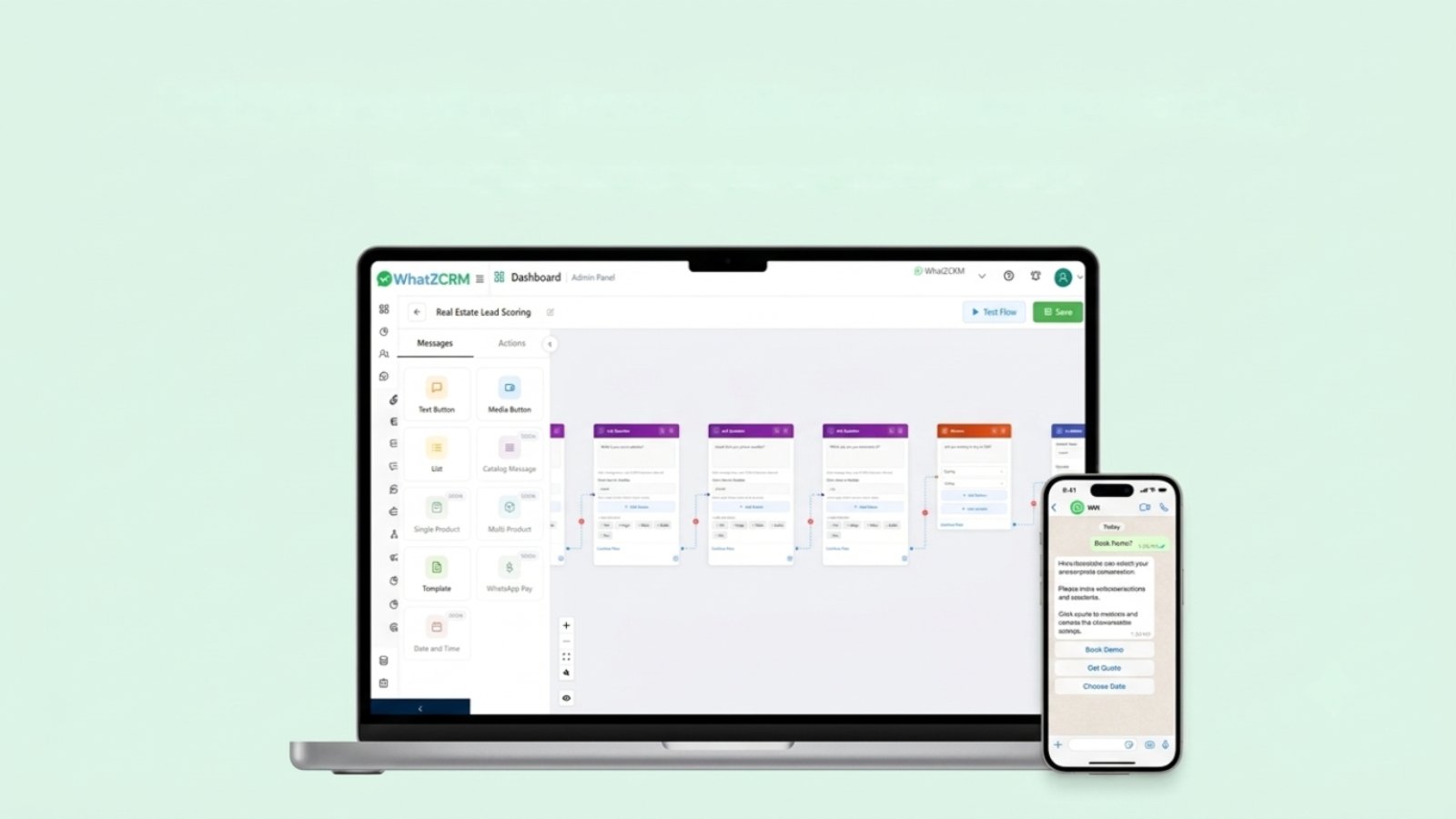
WhatsApp Flows Turn Conversations Into Structured Actions
Consider a real estate business receiving this message:
“Hi, I’m interested in a property.”
A traditional response might ask several questions one after another:
Which location? What budget? How many bedrooms? When do you want to visit?
With a guided WhatsApp Flow, those questions can become an interactive journey.
Step 1: Select the preferred location
Step 2: Choose a budget range
Step 3: Select property type
Step 4: Choose a preferred site-visit date
Step 5: Submit contact details
The result is more than a conversation. It is a structured lead.
This is where WhatsApp automation becomes more useful. The information collected through the journey can be used to segment leads, trigger follow-ups, or route a qualified prospect to the appropriate sales representative.
Also Read: How Automated WhatsApp Campaigns Increased Engagement by 70%
Ways to Build WhatsApp Flows for Your Business
Building WhatsApp flows works best when you start with the customer journey rather than the software.
1. Choose one business goal
Don’t start by trying to automate everything.
Pick one action you want the customer to complete. For example:
- Book a consultation
- Request a quote
- Register for an event
- Qualify for a service
- Submit a support request
A Flow with one clear purpose is usually easier to understand and optimize.
2. Map the steps before building
Write down what the customer needs to do from the first message to the final action.
For example:
WhatsApp message → Service selection → Qualification → Contact details → Appointment → Confirmation
Then remove questions that aren’t necessary.
A common mistake when building WhatsApp Flows is asking for too much information too early. If the customer only needs to provide three details to receive a quote, don’t turn the Flow into a 12-field application form.
3. Add useful branching logic
Not every customer needs the same journey. Suppose a digital marketing agency asks:
“What do you need help with?”
The customer selects:
- SEO
- Paid advertising
- Social media
- Website development
The next screen can change based on that selection.
Someone choosing SEO might be asked about their website and target market. Someone choosing paid advertising could be asked about their monthly ad budget.
This kind of branching makes automated chat journeys on WhatsApp feel more relevant instead of forcing every customer through the same script.
4. Connect the Flow to your business process
The Flow shouldn’t end with “Thanks for submitting.” The useful part begins after submission.
Depending on the setup, you can connect collected information to a CRM or other business systems so teams can act on it. Platforms can also use triggers, webhooks, or integrations to move information into the next stage of a customer journey.
For example:
Lead submits Flow → CRM contact created → Lead tagged → Sales representative assigned → Follow-up triggered
That’s how businesses move from a simple form to a complete automated customer journey.
Also Read: How AI Chatbot Works with WhatsApp CRM: The Complete Guide
WhatsApp Flows vs. Chatbots
These two are often discussed together, but they serve different purposes.
A WhatsApp chatbot is primarily designed to communicate with users, answer questions, recognize inputs, and guide conversations.
A WhatsApp Flow is better suited to structured actions where the customer needs to select options or submit specific information. They can work together.
For example, a chatbot can answer:
“How can I book a consultation?”
Then it can launch a Flow where the customer chooses a service, date, time, and contact details.
So, instead of thinking of WhatsApp Flows and chatbots as competing tools, businesses can use them as different parts of the same customer journey.
Which Platforms Offer WhatsApp Flow Builders for Small Businesses?
There are several ways to build WhatsApp Flows, depending on technical requirements.
Meta provides the official Flow Builder and WhatsApp Business Platform tools. Businesses can also use third-party platforms that add visual builders, automation, CRM integrations, or campaign management around WhatsApp Flows.
For small businesses, the main thing to compare is not simply whether a platform has a “flow builder.”
Look at whether it supports the complete process:
- Visual flow creation
- WhatsApp Business API connectivity
- Data collection
- Conditional logic
- CRM integration
- Automated follow-ups
- Human handoff
- Analytics
- Templates and campaigns
A flow builder is useful. A flow builder connected to the rest of your sales and support process is much more useful.
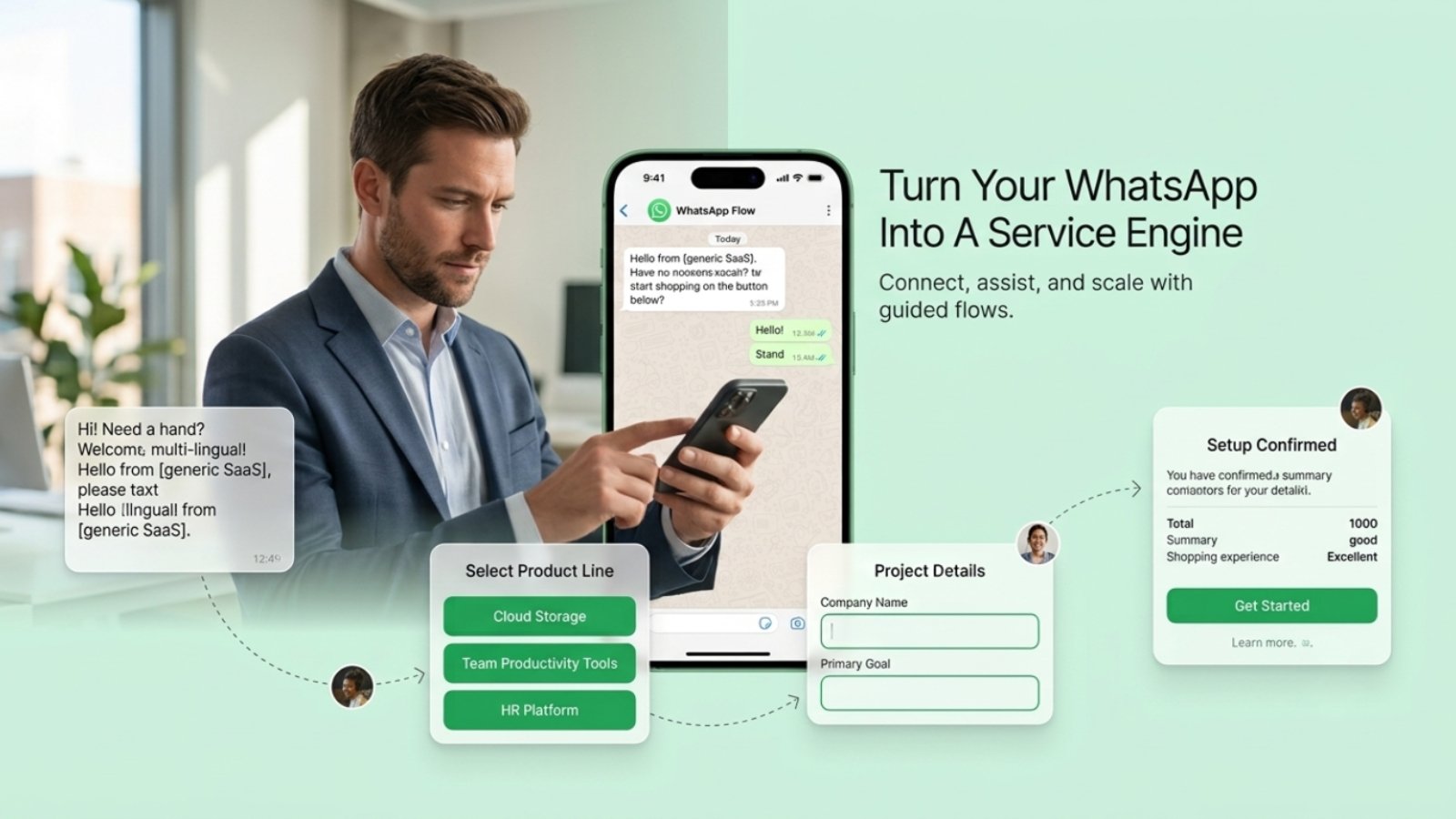
Create Seamless WhatsApp Flows with WhatZCRM
For businesses that want to connect WhatsApp conversations with CRM and automation, WhatZCRM provides WhatsApp forms and workflow automation capabilities.
Its WhatsApp Forms feature supports in-chat forms, no-code building, conditional logic, validation, CRM variables, and automated actions. The platform also provides workflow automation for lead qualification, follow-ups, routing, and other WhatsApp processes.
That means a business can design a journey such as:
Ad → WhatsApp → Interactive Flow → Lead qualification → CRM record → Sales assignment → Automated follow-up
Instead of treating each WhatsApp interaction as a separate message, the entire process can be designed as one customer journey.
For a small business or marketing agency, that can make automation easier to manage as lead volume grows.
Common Mistakes When Building WhatsApp Flows
- A Flow can be technically impressive and still provide a poor customer experience.
- Avoid making every journey overly long. Keep questions relevant to the action the customer is trying to complete.
- Also avoid creating a Flow just because the feature exists. Start with an actual business problem. If a simple button and reply can solve the task, there may be no reason to add multiple screens.
- If someone submits their information, they should know what happens next, whether that means receiving a confirmation, getting connected to an agent, or receiving booking details.
Final Thoughts
The biggest opportunity with WhatsApp Flows isn’t simply replacing a website form. It is changing what a WhatsApp conversation can accomplish.
A customer can discover an offer, answer qualifying questions, submit information, book a service, and receive a follow-up without constantly moving between different channels. For businesses, those interactions can become structured data and automated workflows.
If you’re already using WhatsApp lead generation, sales, or customer support, start with one repetitive customer journey and map it from the first message to the final action.
Want to build and automate your WhatsApp customer journeys? Start your 7-day free trial with WhatZCRM.