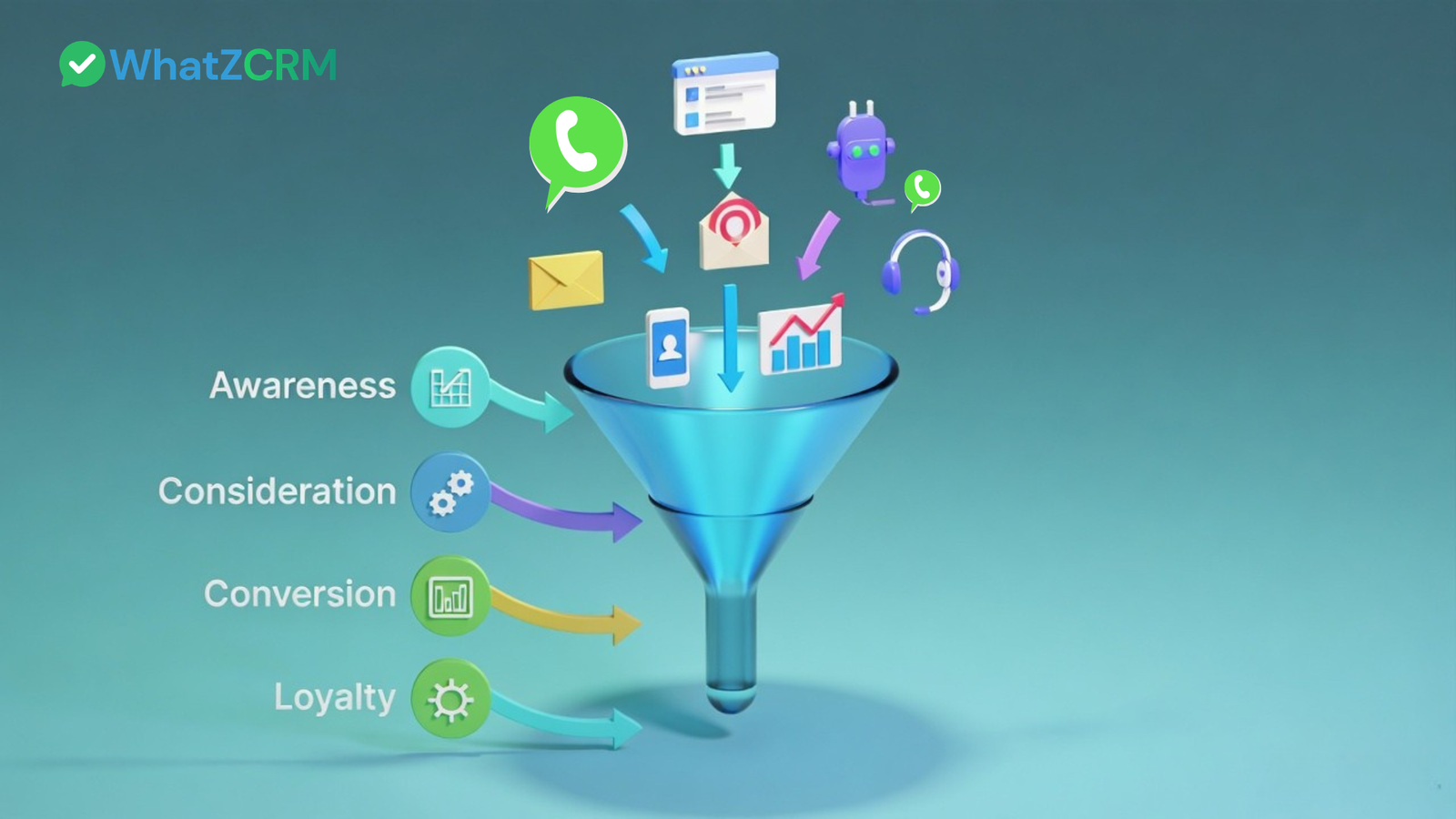

Most small businesses use WhatsApp to answer questions, share prices, and send payment details. That is customer service. It is not a sales system.
A sales system moves a stranger to a buyer, and then to a repeat buyer, in clear stages. Without one, chats go unanswered, leads go cold, and nobody knows which conversation was worth the effort.
This guide shows you how to build a WhatsApp funnel step by step, with sample messages you can copy, follow-up timing, the tools you need, and the mistakes that quietly kill conversions.
What Is a WhatsApp Sales Funnel?
A WhatsApp sales funnel is a structured path that takes a person from their first message to a paid order, with every step happening inside WhatsApp.
Instead of landing pages and email sequences, the journey happens in chat:
Attract → Capture → Qualify → Nurture → Convert → Retain
Someone clicks your ad, messages you, answers two questions, gets useful information, receives an offer, and pays. Later, you follow up, and they buy again.
Also Read: WhatsApp for Sales Teams: 7 Strategies That Actually Convert
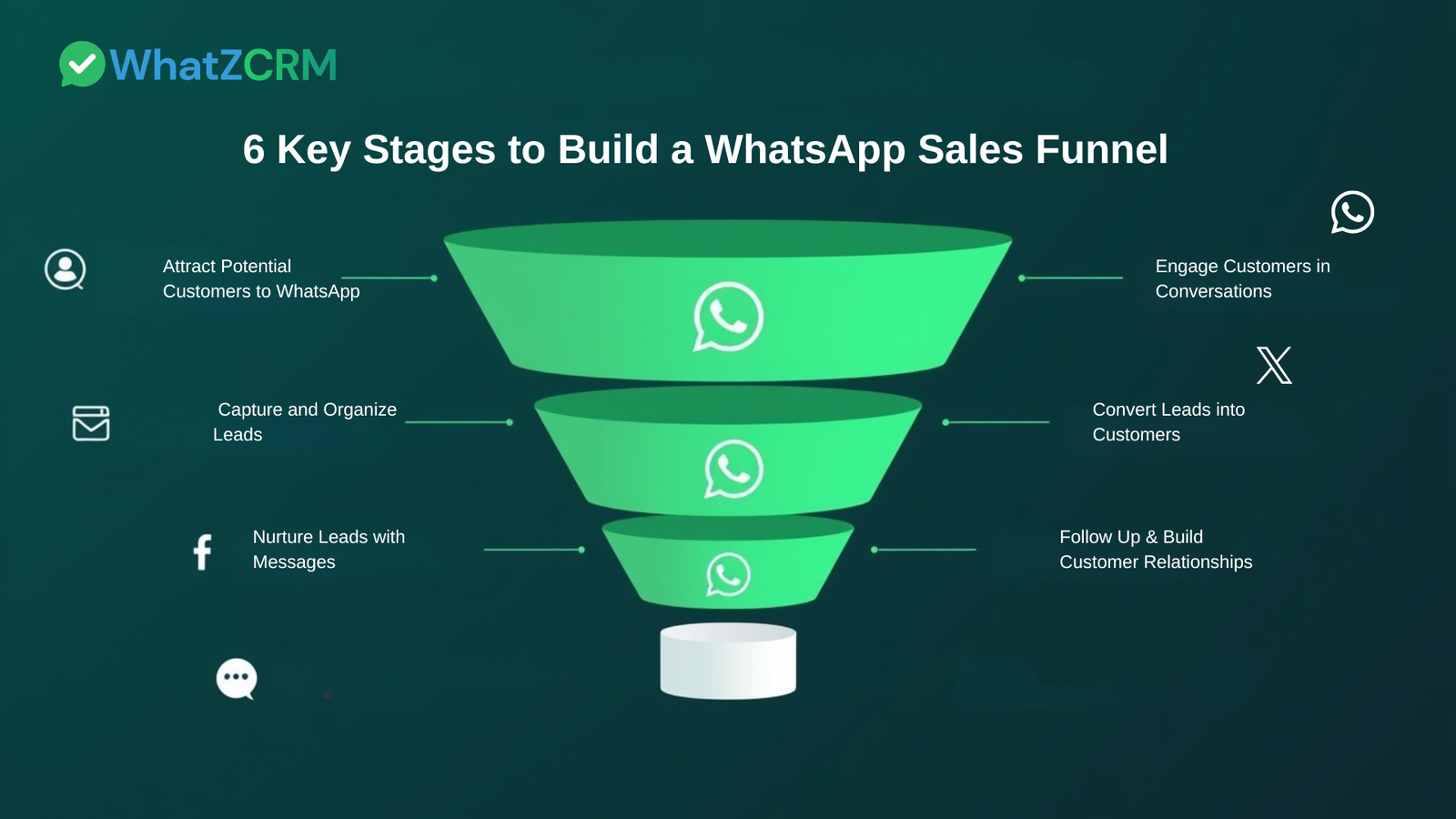
WhatsApp Business App vs API: Which Do You Need?
Before building anything, decide which version of WhatsApp you will use.
WhatsApp Business app (free): Best when one or two people handle chats and volumes are low. You get a business profile, quick replies, labels, a catalogue, and broadcast lists. You can only use it on a limited number of devices, and there is no real automation or CRM.
WhatsApp Business API: Best when several team members share one number, you get leads from ads or forms, or you want automation, chatbots, assigned chats, and reporting. You access it through a provider, and Meta charges for template messages sent outside the 24-hour customer service window. Check Meta’s current pricing before you budget.
A simple rule: if you are losing leads because messages get buried or nobody follows up on time, you have outgrown the free app.
Also Read: WhatsApp Business API Pricing in 2026: A Country-by-Country Cost Breakdown
Stage 1: Attract People to Your WhatsApp
Your funnel starts when a real person opens a chat with you. Make that easy from every place your customers already are.
- Click-to-WhatsApp ads: Facebook and Instagram ads that open a WhatsApp chat directly. These work well for cold audiences.
- Website chat button: Add a “Chat on WhatsApp” button to your homepage, product pages, and contact page.
- QR codes: Put them on packaging, your shop counter, invoices, brochures, and event banners.
- Instagram and Facebook bio links: A single WhatsApp link turns followers into leads.
- Email and landing pages: Add a “Message us on WhatsApp” link next to your form.
Use a pre-filled message so you know where the lead came from. For example: “Hi, I saw your Instagram offer on [product].” Then you can label the lead by source from the very first message.
Stage 2: Capture and Organize Every Lead
A lead you cannot find later is a lead you lose. As soon as someone messages you, record:
- Name and phone number
- What they asked about
- Where they came from (ad, website, QR code)
- Their stage in your funnel
On the free app, use labels such as New Lead, Interested, Quote Sent, Paid, and Follow Up. Colour-code them and check the New Lead label every morning.
With a WhatsApp CRM, these details are saved automatically, chats are assigned to team members, and you see the full lead history in one dashboard. Capture is where most funnels break, because nobody can follow up on conversations they cannot see.
Stage 3: Qualify Leads Before You Sell
Not everyone who messages you is ready to buy. Qualification tells you who deserves your time first.
Ask two or three of these, in a friendly tone:
- What are you looking for exactly?
- When do you need it?
- Have you tried something similar before?
- What budget range are you working with?
- Are you deciding alone, or with someone else?
Sample message:
“Hi [Name], thanks for reaching out! To suggest the right option, could you tell me what you are looking for and when you would like to get started?”
Use the answers to sort leads into hot (ready this week), warm (interested, needs information), and cold (just browsing). Reply to hot leads first, every time.
Stage 4: Nurture with Helpful Follow-Ups
Most buyers do not say yes on the first chat. Nurturing keeps you in mind until they are ready, without pressure.
What to send:
- A short product video or demo
- A customer testimonial
- A price list or catalogue
- An answer to their most common concern
Suggested follow-up timing:
- 2 hours after they go quiet: a friendly nudge
- Day 1: something useful, such as a testimonial or FAQ
- Day 3: a soft check-in
- Day 7: a final message with a clear next step
Sample follow-up:
“Hi [Name], just checking whether you had a chance to look at the details I shared. Happy to answer any questions. Would you like me to hold a slot for you?”
Tips that work well on WhatsApp:
- Keep messages short and send one idea per message.
- Use a 20-30 second voice note to build trust quickly.
- Post offers and behind-the-scenes updates on your WhatsApp status.
- Send broadcasts only to people who have opted in and saved your number. Give value before you promote.
Stage 5: Convert with a Clear Offer
When the lead is ready, make it easy to say yes. State what they get, the price, and the next step in one short message.
Sample closing message:
“Based on what you shared, [Product/Plan] is the right fit. It is ₹[price] and includes [key benefit]. Here is the payment link: [UPI/payment link]. Once you pay, I will confirm your order right away.”
For Indian customers, a UPI payment link inside the chat removes friction because the buyer never has to leave WhatsApp.
Handling common objections:
- “It’s too expensive.” Ask what budget they had in mind, then show what is included or offer a smaller option or payment plan.
- “I need to ask someone.” Offer a summary they can forward and set a date to follow up.
- “Not right now.” Ask what “ready” looks like for them and agree on a specific day to check back.
Stage 6: Retain and Turn Customers into Repeat Buyers
Winning a new customer costs more than keeping an existing one, and WhatsApp keeps the relationship warm at almost no cost.
- Send order and delivery updates.
- Check in a few days after purchase: “How did it go? Anything I can help with?”
- Ask for a review or referral directly in the chat.
- Create a separate customer list for early access, offers, and reminders.
Happy customers are your cheapest source of new leads, so do not let the chat go silent after payment.
Best WhatsApp Funnel Tools
You do not need a complicated stack. Here is what each tool does at each stage:
- WhatsApp Business app: profile, labels, quick replies, catalogue. Good for starting.
- Click-to-WhatsApp ads and QR code generators: bring traffic into the funnel.
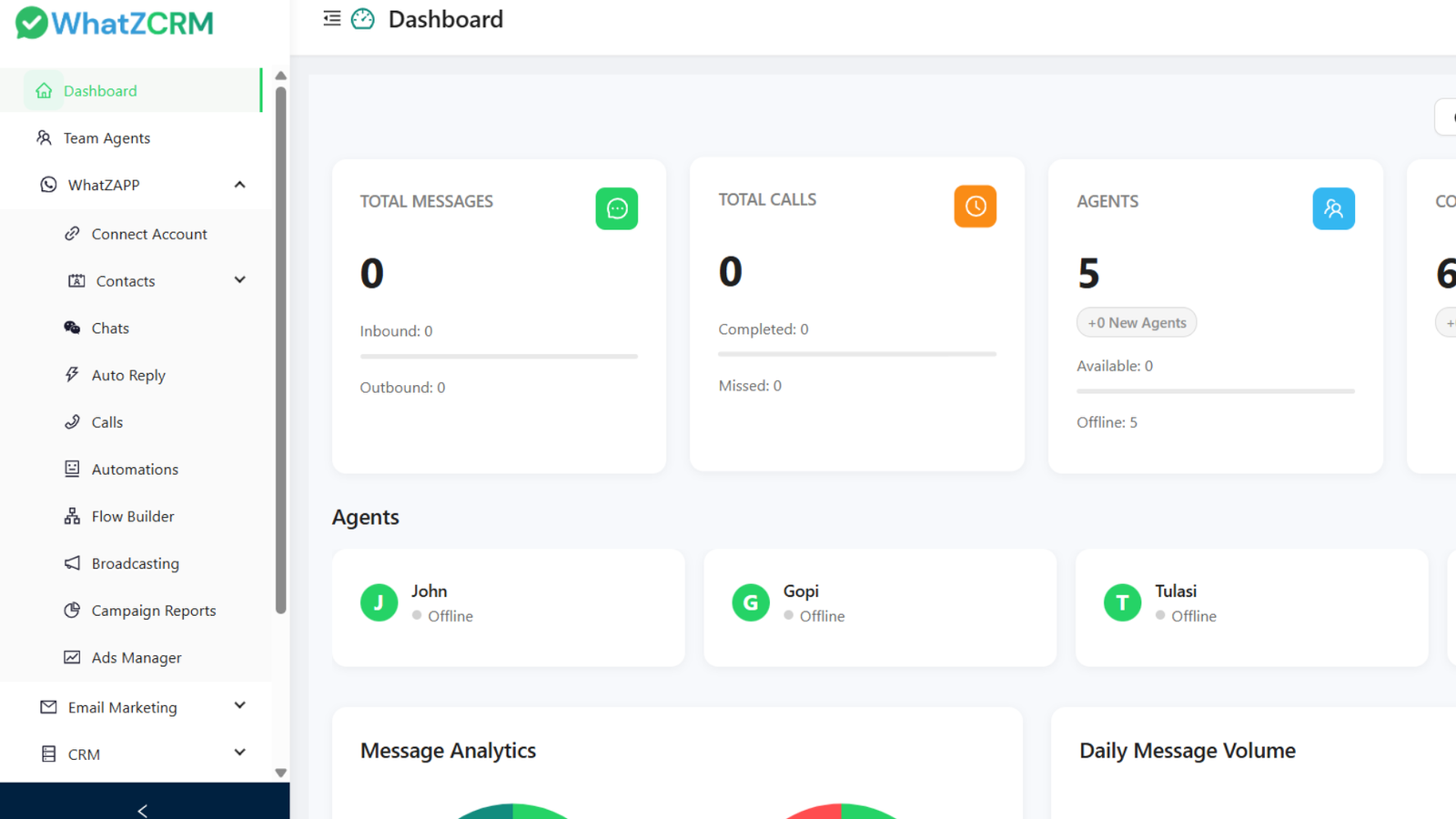
- WhatsApp CRM (such as WhatZCRM): captures leads, assigns chats, automates follow-ups, and tracks every lead in one place.
- Payment link tool: UPI or payment-gateway links for closing inside the chat.
Also Read: Top 10 WhatsApp CRM Tools Compared (2026)
CRM for a WhatsApp Sales Funnel: What to Look For
If you are choosing a CRM to run your WhatsApp funnel, check that it can:
- Connect to the official WhatsApp Business API.
- Automatically capture leads from ads, website buttons, and forms.
- Tag and sort leads by funnel stage.
- Send automated follow-ups and approved template messages.
- Assign chats to team members and show who replied.
- Show reports: response time, leads per source, and leads converted.
- Offer a chatbot or no-code automation for common questions.
WhatZCRM covers all of this in one dashboard, so your team sees every lead and every conversation without switching apps.
6 Common WhatsApp Funnel Mistakes
- Treating WhatsApp like email. Long, formal messages get ignored. Keep it short and conversational.
- Selling too soon. A pitch in the first reply makes people leave. Qualify first.
- No follow-up system. Most deals close after several follow-ups, so decide your timing in advance.
- Slow replies. A lead who waits hours often buys from someone else.
- No lead tracking. If you cannot see where a lead stands, you cannot follow up properly.
- Over-automating. Automate intake, reminders, and routing, but let a human handle the actual sale.
Metrics to Track
Measure outcomes, not messages sent:
- First response time
- Leads per source (ads, website, QR code)
- Lead-to-customer conversion rate
- Number of leads at each funnel stage
- Repeat purchase rate
Review these monthly and fix the weakest stage first.
Final Thoughts
A WhatsApp sales funnel does not need to be complicated. You need an easy way in, a place to record every lead, a few smart qualifying questions, timed follow-ups and a simple way to pay. Start with the stage that leaks the most leads, fix it, then move to the next.
When chats outgrow the free app, a WhatsApp CRM like WhatZCRM keeps every lead visible and every follow-up on time.