
WhatsApp lead automation for real estate agents captures a buyer’s inquiry, asks a few qualifying questions, records the answers, and routes the conversation to an agent. A useful workflow then shares relevant property details, offers a site visit, and schedules a timely follow-up. The goal is simple: give each buyer a prompt, relevant response without losing the personal conversation.
A buyer who asks, “Is this flat still available?” rarely wants a long sales pitch. They want an accurate answer, the price, and a quick way to arrange a visit. For a small real estate team, the challenge is delivering that response while agents are at properties, on calls, or handling other buyers.
Here is how to set up a WhatsApp process that helps.
Start with the property inquiry, not a generic greeting
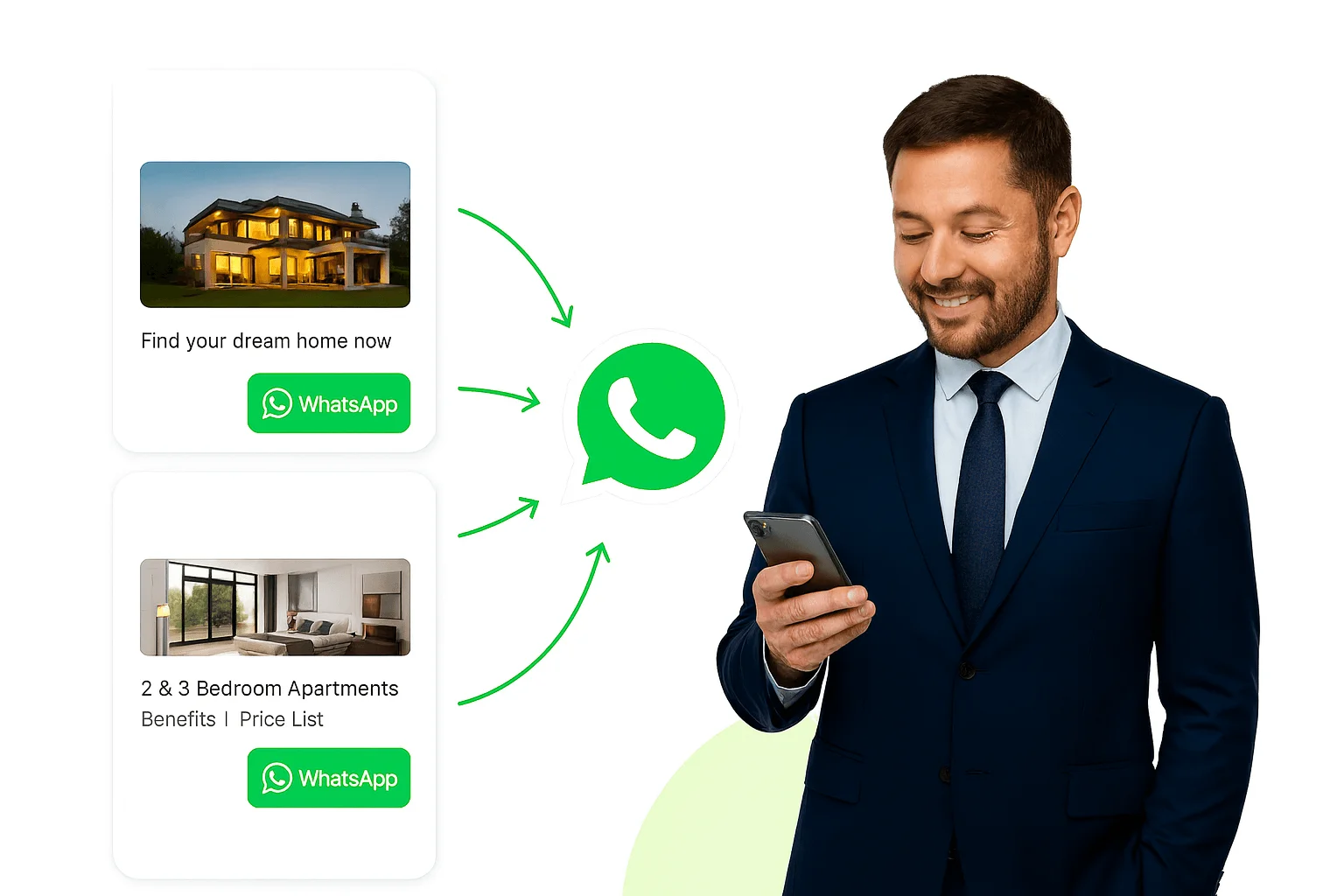
Real estate leads can arrive from a property listing, website, social media ad, referral, or a QR code on a brochure. Wherever the inquiry starts, carry its context into the chat when possible: the property ID, project name, location, or campaign source.
Compare these opening messages:
“Thank you for contacting us. How can we help you?”
“Thanks for asking about the 2-bedroom flat in Kondapur. Are you looking to buy for yourself or as an investment?”
The second message tells the buyer you know what they asked about. It also starts qualification without making them repeat the listing details.
Practical rule: If the listing is unavailable, say so before recommending alternatives. Sending a brochure for a different property without acknowledging the original inquiry can weaken trust.
Also Read: How Real Estate Agents Use WhatsApp CRM to Generate More Leads
Build a short WhatsApp lead automation flow
WhatZCRM defines a real estate WhatsApp CRM as a way to bring property inquiries, buyer details, conversations, agent assignments, and follow-ups into one sales workflow. Its real estate page describes inquiry capture, segmentation, visit scheduling, and pipeline tracking.
A small agency can begin with this five-stage flow:
Stage | What happens | Information to record |
Capture | Buyer messages from a listing, ad, or website | Source, property or project |
Qualify | Ask relevant questions one at a time | Location, budget, property type, timeline |
Route | Assign the conversation to an available agent | Owner, priority, next action |
Arrange a visit | Offer suitable times and confirm details | Date, time, location, visit status |
Follow up | Check in after the visit or an unanswered inquiry | Outcome, objection, next follow-up |
Do not make the opening chat feel like a form. Ask only what an agent needs to take the next useful step. A buyer who has already named a property may need availability and a visit slot before a full budget discussion.
Example: from inquiry to site visit
Buyer: “Is the 2BHK in Kondapur available?”
Automated reply: “Thanks for your interest in the Kondapur 2BHK. I’ll check the latest availability. Are you looking to move within the next three months or exploring options?”
Buyer: “Within two months.”
Next step: Record the timeline, alert the assigned agent, and share the verified price and property details. Once the agent confirms availability, offer two visit slots.
This is a model workflow, not a claim that every listing system updates automatically. If your property data is maintained manually, an agent should verify availability and pricing before either is promised to the buyer.
Also Read: Click to WhatsApp Ads for Real Estate: Generate & Convert Leads Instantly
How to create automated WhatsApp messages for real estate leads
Write messages around an event and a clear next action. Before activating any sequence, decide what stops it: a buyer reply, a booked visit, an opt-out, or an agent taking over.
1. New inquiry acknowledgement
Hi [Name], thanks for asking about [Property/Project]. I’m checking the latest details for you. Are you looking for a home to live in or an investment property?
2. Agent handoff
Thanks, [Name]. [Agent Name] is taking over your inquiry about [Property]. They’ll help with availability, pricing, and a suitable visit time.
3. Site visit confirmation
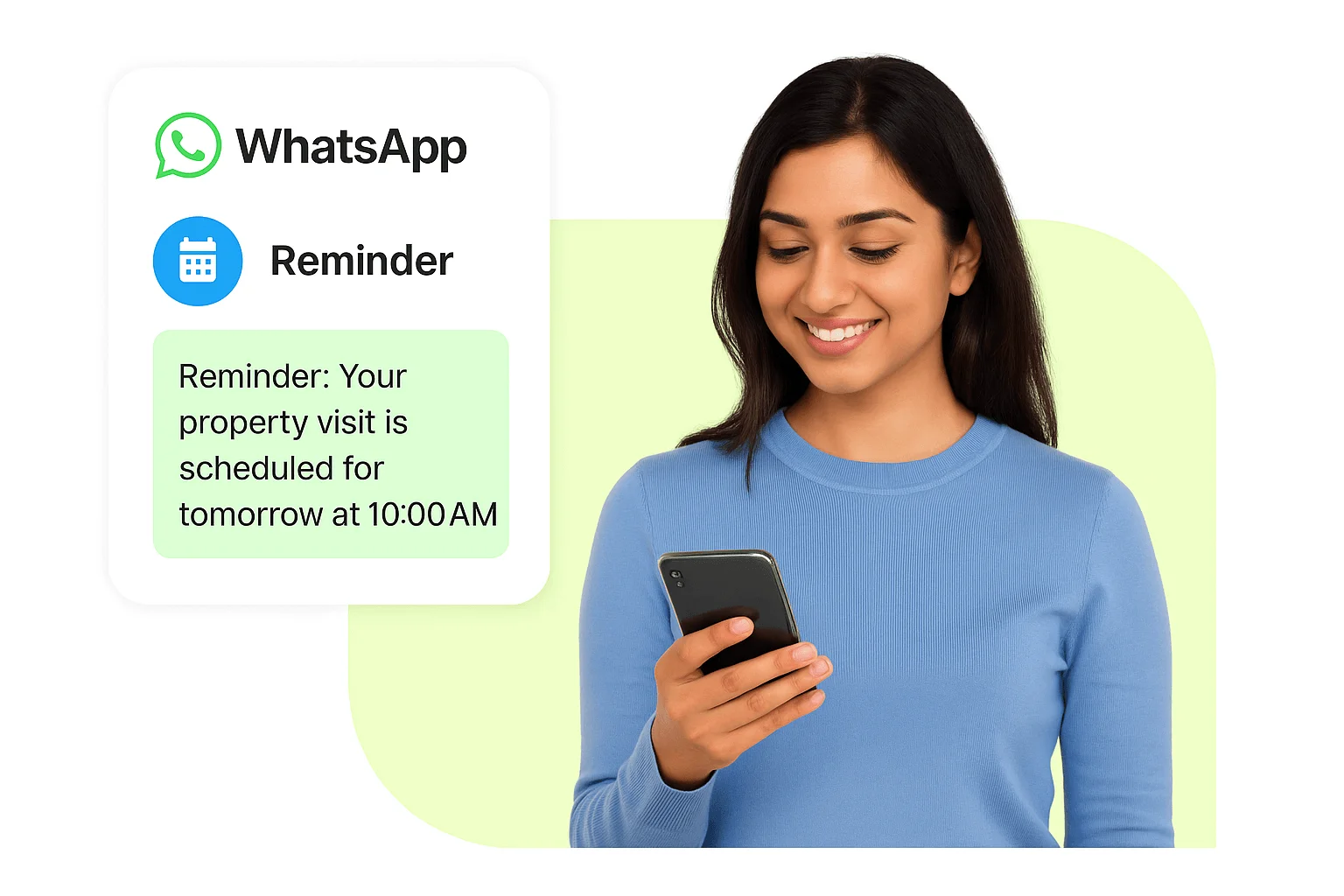
Your visit to [Property] is confirmed for [Day] at [Time]. Here is the location: [Link]. Reply here if you need to change the time.
4. Post-visit follow-up
Hi [Name], thanks for visiting [Property] today. What did you think of the layout and location? I can share the floor plan or answer any questions.
Use the buyer’s actual property interest and confirmed visit details. Avoid sending the same “just following up” message repeatedly when there has been no response.
Platform rule: On the WhatsApp Business Platform, a business can send a free-form reply within 24 hours of a user’s last message. Outside that window, it must use an approved message template. WhatsApp’s policy also calls for a clear path to human support when automated replies are used. Check consent and the applicable template requirements before setting up outbound follow-ups.
Manage property leads in WhatsApp without losing context
A chat history tells an agent what was said. A lead record tells the team what must happen next. For property lead management on WhatsApp, store both together.
At minimum, each lead should have:
- Source and interest: where the inquiry came from and which property prompted it.
- Requirements: preferred area, budget range, property type, and purchase or move-in timeline.
- Ownership: the agent responsible for the next response.
- Stage: new inquiry, qualified, visit booked, visited, negotiating, won, or closed.
- Next action: a task with an owner and due date.
For example, “Visited on Tuesday; wants a smaller flat near the metro; agent to send two options on Thursday” is more useful than a tag that says only “warm lead.”
A shared inbox helps when one agent is unavailable, but ownership still matters. If everyone can see a chat and no one is responsible for it, a buyer may receive several replies or none.
Also Read: 5 Steps to Build a WhatsApp Sales Funnel for a Real Estate Company
Keep WhatsApp real estate client communication personal
Automation works best on repeatable steps: acknowledging an inquiry, collecting basic requirements, confirming an appointment, and reminding an agent to follow up. Bring in a person when the buyer asks about negotiation, financing, legal documents, a specific property concern, or a visit.
A sensible handoff sends the agent the buyer’s original question and answers already collected. The agent can then continue naturally:
“Hi Priya, I’m Anil. I can see you’re looking for a 2BHK in Kondapur and hope to move within two months. I’ll confirm the current availability and share two suitable options.”
That is better than asking Priya to explain her requirements again.
Use an automated step for | Use an agent for |
Acknowledging a new inquiry | Confirming changing availability or price |
Asking basic preference questions | Discussing negotiation or financing |
Sharing an approved brochure | Explaining legal or property documents |
Confirming a booked visit | Handling objections after the visit |
Measure the steps that lead to visits
Message volume alone does not show whether the process helps sales. Review these measures by lead source and agent:
- First response time: How long does a new buyer wait?
- Qualification rate: How many inquiries provide enough detail for an agent to act?
- Visit booking rate: How many qualified buyers book a visit?
- Visit attendance rate: How many booked buyers attend?
- Follow-up completion: How many promised next actions happen on time?
If replies are fast but few buyers book visits, inspect the questions and property information being sent. If visits are booked but attendance is low, check whether confirmations include the correct time, address, and contact person. These are diagnostic measures, not guaranteed conversion benchmarks.
Where WhatZCRM fits
For an agent working alone, a clear manual process may be enough to begin. As conversations and team members increase, WhatZCRM’s WhatsApp CRM for real estate brings inquiry capture, buyer segmentation, agent assignment, conversation history, follow-ups, and pipeline tracking into one place. Its real estate page also describes workflows for property details and site visit scheduling.
Start with one property inquiry flow and test it with real questions your buyers ask. Check that the right agent receives the lead, the listing details are current, and every automated message gives the buyer an easy route to a person. Once that works, extend the process to other listings and campaigns.
Want to see the workflow with your team’s inquiries? Explore WhatZCRM for real estate and request a demo.
Conclusion
WhatsApp lead automation helps real estate agents respond to inquiries, understand what buyers need, and arrange site visits without losing track of follow-ups. Keep the first response relevant to the property, record the next action, and bring an agent into the chat when the buyer needs a specific answer. With WhatZCRM, small teams can manage these conversations and lead stages in one place.