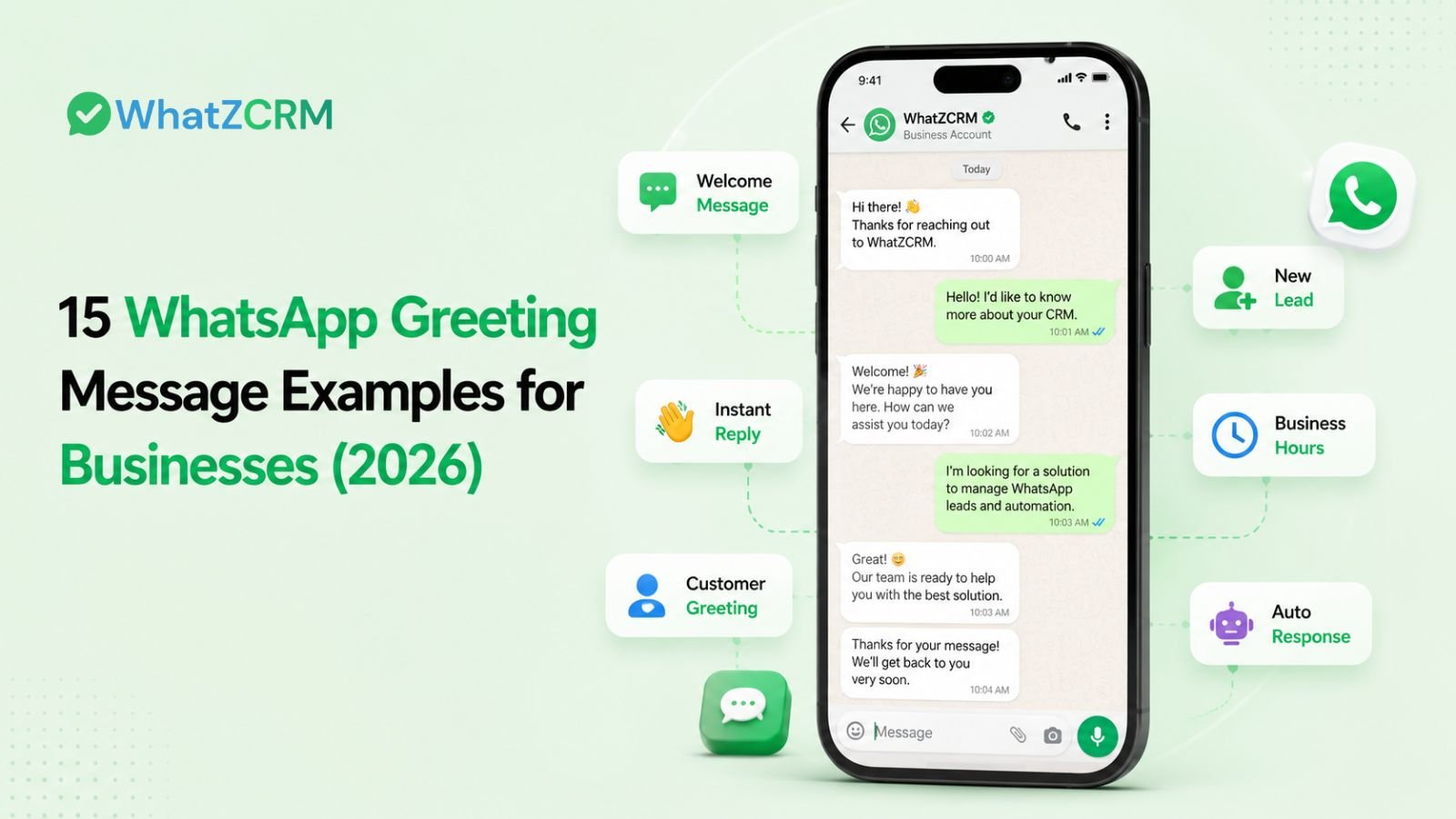

A WhatsApp greeting message is the automated reply a business sends the moment a customer messages for the first time, or after 14+ days of silence. Below are 15 ready-to-copy examples across sales, support, real estate, healthcare, e-commerce, and after-hours use cases, and how a WhatsApp CRM turns a static greeting into a lead-qualifying, pipeline-ready conversation starter instead of a one-line hello.
A customer messages your WhatsApp number for the first time. What happens in the next 10 seconds decides whether they wait or move on to a competitor’s DM. That 10-second window is what a WhatsApp greeting messages is built to fill.
What Makes a Greeting Message Actually Work?
Every example below follows the same four-part shape:
- Identity: Your business name, so the customer knows they reached the right number.
- Acknowledgment: Confirmation the message landed.
- Expectation: A realistic response-time signal.
- Next step: One clear action, not five.
Skip any of these four and the greeting reads like dead air instead of a live business.
15 WhatsApp Greeting Message Examples by Use Case
General / First Contact
- “Hi 👋 Thanks for messaging [Business]. We’ve received your note and will reply within [X] minutes. What can we help with today?”
- “Welcome to [Business]! You’re in the right place. Tell us what you’re looking for, and we’ll take it from there.”
Sales & Lead Qualification
- “Hi! Thanks for your interest in [Business]. Are you looking for pricing, a demo, or general info? Reply, and we’ll route you to the right person.”
- “Hello 👋 [Business] here. To help us respond faster, could you share your name and what you’re exploring today?”
Customer Support
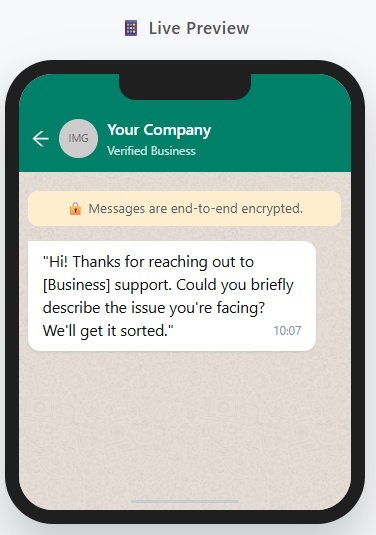
- “Hi! You’ve reached [Business] support. Please describe your issue (and order number, if relevant) and our team will jump in shortly.”
- “Thanks for reaching out. Our support team typically replies within [X] hours — we’ve logged your message, and someone will follow up.”
After-Hours
- “Hi! Our team is currently offline. We’ve received your message and will reply first thing at [time]. Urgent? Reply URGENT.”
- “Thanks for messaging [Business] outside business hours. We’re back online at [time] and will respond in the order messages arrived.”
Appointment & Booking
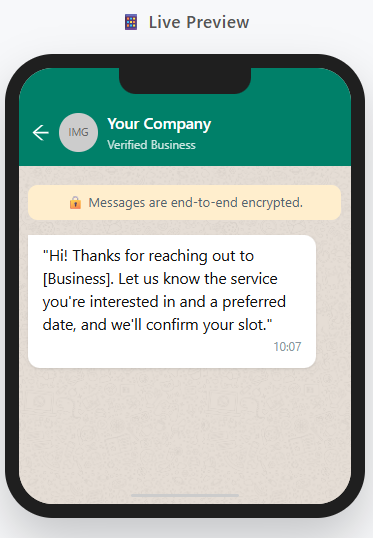
- “Hi! Looking to book with [Business]? Share your preferred date and time, and we’ll confirm availability shortly.”
- “Welcome! Reply BOOK to see open slots, or tell us what service you need, and we’ll guide you through booking.”
E-commerce & Order Support
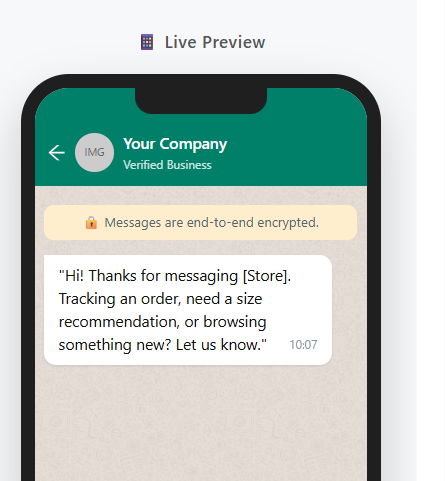
- “Hi! Thanks for messaging [Store]. Need help with an order, size, or return? Reply with your order ID, and we’ll sort it fast.”
- “Welcome to [Store] 🛍️ Looking for something specific or want to see what’s new? Just reply, and we’ll point you in the right direction.”
Real Estate
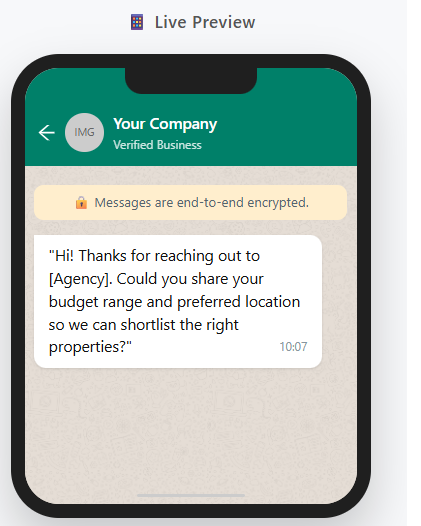
- “Hi! Thanks for contacting [Agency]. Are you looking to buy, rent, or sell? Share a few details, and we’ll match you with the right listings.”
Healthcare / Clinic
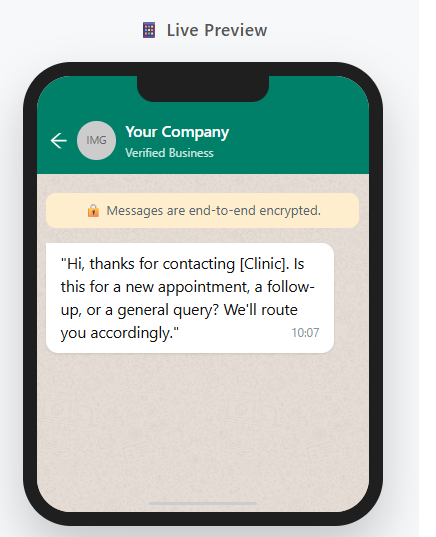
- “Hi, thank you for contacting [Clinic] 🩺 Would you like to book an appointment, ask about a service, or speak with our team?”
Returning Customer (14+ Days Inactive)
- “Welcome back, [name]! Good to see you again at [Business]. Picking up where you left off, or something new today?”
Also Read: Types of WhatsApp Message Templates: Explained in Detail
Benefits of WhatsApp Greeting Messages
A greeting message looks like a small detail, but it carries real business weight once it’s automated properly.
- Zero-second response time. Customers get acknowledged the instant they message you, even if every agent is busy or the team is offline. On a channel with open rates near 98%, that first message reaches people while their attention is highest.
- Fewer lost leads outside business hours. Inquiries that arrive at night or on weekends don’t sit unanswered — the greeting confirms receipt and buys you time to follow up without losing the customer to a competitor’s faster reply.
- A consistent first impression, every time. Whether an agent is new, busy, or on leave, every customer gets the same professional welcome instead of a reply that depends on who happens to be online.
- Lower support load on repetitive intros. Routine “hi, how can we help” exchanges get handled automatically, freeing agents to focus on queries that actually need a human.
- A natural entry point for lead capture. A greeting that asks one qualifying question name, intent, or requirement turns a casual “hi” into a usable lead before an agent even joins the chat.
- Higher perceived reliability. Businesses that respond instantly are trusted more than ones that go quiet, and that trust carries through the rest of the sales or support conversation.
- A foundation for automation, not just a message. Once a greeting is live, it becomes the trigger point for routing, tagging, and follow-up sequences. The greeting stops being a one-off reply and starts being the first step in a workflow.
The businesses that get the most out of greeting messages aren’t the ones with the cleverest copy; they’re the ones that connect the greeting to what happens next: routing, tagging, and follow-up. That’s where a CRM-connected greeting outperforms a standalone one.
Also Read: Top 15 Ready-to-Use WhatsApp Templates for Automation
How to Create WhatsApp Greeting Message Templates on WhatZCRM
WhatZCRM manages greeting and broadcast templates from the same Template Management screen used for all your WhatsApp Business API messaging, so a greeting you build here can also be reused for confirmations, reminders, and campaigns.
- Go to Bulk Messages: Template Management. This is where every approved and pending template in your account lives.
- Click “Create New Template: A template setup form opens.
- Enter the template details:
- Template Name (internal reference, e.g., greeting_new_lead)
- Category — choose Marketing, Transactional, or OTP depending on what the greeting does. A general welcome message is typically Marketing or Transactional; pick honestly, since Meta reviews and can reclassify miscategorized templates.
- Body Content — the actual greeting text. Add placeholders like {{1}} for the customer’s name if you want personalization.
- Optional components: Header, Footer, and Buttons (e.g., a “Get Started” or “Talk to Sales” quick-reply button) to give the customer a one-tap next step.
- Submit the template: Click Create Template to send it for review.
- Wait for approval: The template status shows as “Pending” until WhatsApp reviews it, usually within a few minutes to a few hours. Once approved, the status changes to “Approved,” and the template is ready to use. Templates with spammy, unsafe, or misleading content get rejected, so keep the greeting simple and honest.
- Use it: Once approved, the template appears in Template Management with a “Use” button. Select it, choose contacts by tag (e.g., New Lead, Prospect), add any template parameters, and send. For an individual greeting rather than a broadcast, the same approved template fires automatically the moment a new or returning contact messages in.
Because greetings and CRM tagging live in the same system, a contact tagged “New Lead” through a greeting flow is immediately visible in your pipeline no separate step to move the conversation from “message received” to “lead tracked.”
Also Read: WhatsApp Bulk Message Sender Software – Send, Track & Convert with WhatZCRM
WhatsApp Greeting Message Character Limit
On the free WhatsApp Business App, greeting messages are capped at 140 characters, short enough that you need to lead with the business name and the action, not backstory. On the WhatsApp Business API, there’s no hard 140-character wall, but messages over roughly 250 characters get truncated in the notification preview and start reading as spam on mobile. Write for the preview, not the full-screen view.
WhatsApp Greeting Message vs Away Message: What’s the Difference?
Greeting Message | Away Message | |
Triggers on | First contact, or return after 14+ days | Any message sent outside business hours |
Sent to | New or long-dormant contacts only | Everyone messaging while you’re closed |
Job | Welcome and start the conversation | Set expectations while unavailable |
Tone | Warm, open, ready to help | Informational — “we’re closed, here’s when we’ll reply” |
How to Set Up a WhatsApp Greeting Message (WhatsApp Business App)
- Open WhatsApp Business → tap the menu → Business Tools.
- Select Greeting Message and toggle it on.
- Write your message (140-character limit).
- Choose recipients: everyone, or a filtered list.
- Save.
This setup works for solo operators and very low message volume. It breaks down fast once you need personalization, routing, or lead tracking, which is where a WhatsApp CRM comes in.
Also Read: How to Send Bulk WhatsApp Messages Without Getting Banned in 2026
From Static Greeting to Qualified Lead: The CRM Difference
A basic greeting says hello. A WhatsApp CRM–powered greeting starts the sales process. In a platform like WhatZCRM, the same first message can:
- Ask a qualifying question and store the answer against the contact
- Tag and route the conversation to the right team automatically
- Create a pipeline entry so the lead doesn’t get lost in a chat thread
- Trigger a follow-up sequence if the customer goes quiet
That’s the real gap between “greeting message” and “greeting workflow” — most competitor tools stop at messaging. A CRM-first platform turns that first “hi” into a tracked deal.
Conclusion
A WhatsApp greeting message is a small piece of copy, but it’s the first thing a customer experiences from your business, and on a channel where replies are expected in seconds, that first line either builds trust or costs you the lead. The 15 examples above cover the most common scenarios, from sales and support to real estate and healthcare, and the WhatsApp Business App is enough to get a basic version live today.
But a static greeting only goes so far. The moment you need personalization, routing, lead tagging, or a follow-up sequence attached to that first “hi,” you’ve outgrown the free app. That’s where WhatZCRM’s template-based greeting workflow closes the gap the same greeting that welcomes a customer also tags them, drops them into your pipeline, and triggers the next step, so the first message isn’t just a hello. It’s the start of a tracked deal.