

To set up a WhatsApp customer support system, choose the WhatsApp Business App (one or two people) or the Business API (a team), verify your number, build your business profile, add quick replies and away messages, automate common questions, route chats to agents in a shared inbox, and track response time.
Your customers already message you on WhatsApp. The only question is whether those messages land in one person’s phone or in a system your team can run.
This guide covers the seven steps in the order they matter. It also covers the point where most small teams get stuck: the day a second person starts answering the same number.
What is a WhatsApp customer support system?
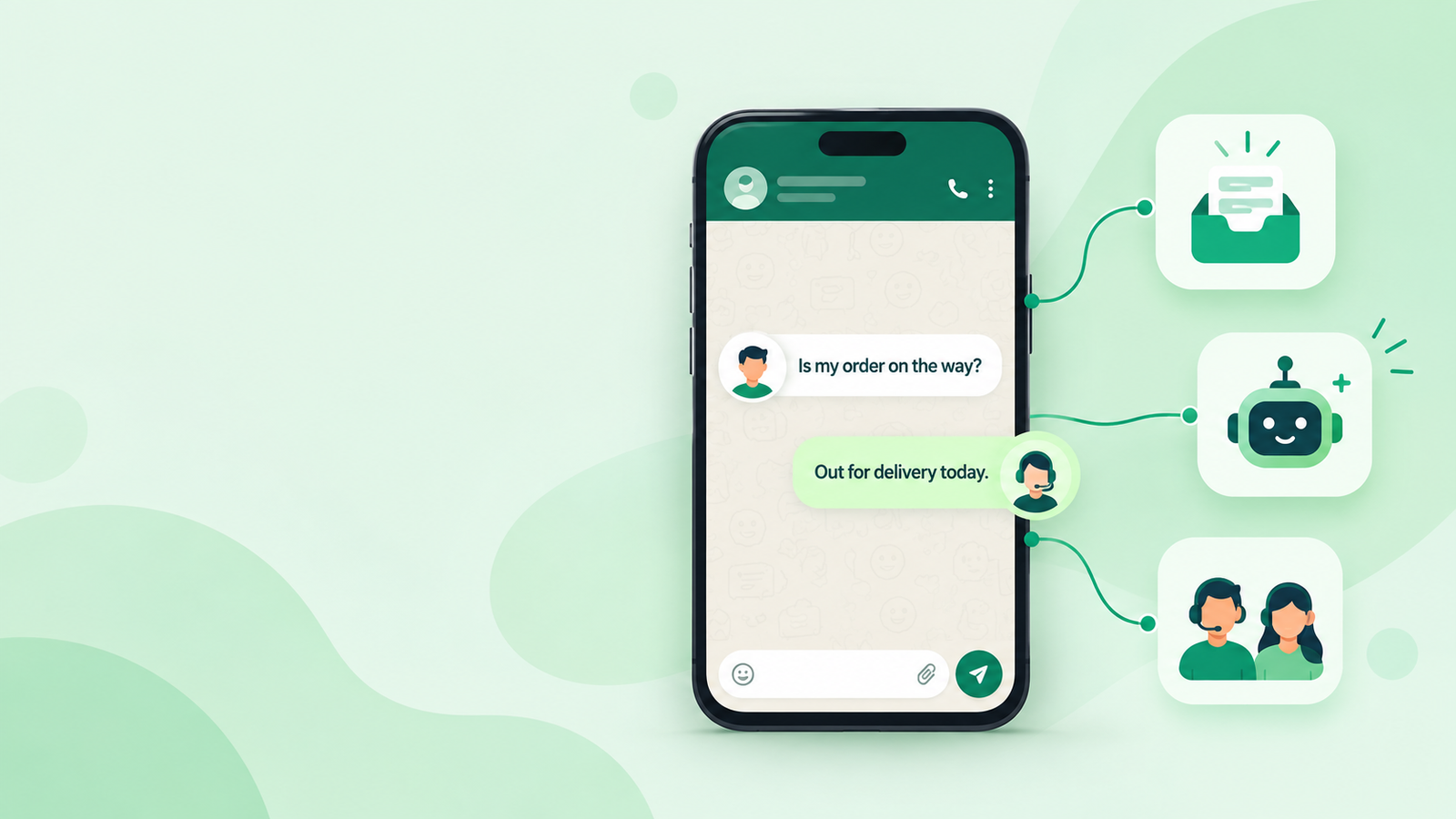
According to WhatZCRM, a WhatsApp customer support system is a setup where customer queries arriving on one WhatsApp business number are answered, assigned, and tracked as a team workflow. It has a business profile, saved replies, automation for repeat questions, a shared inbox, and response-time reporting.
Fast facts
- WhatsApp has reported that over 175 million people message a business account on it every day.
- The WhatsApp Business App is free. The Business API bills per message by category.
- Replies to customers who message you first are free on the API inside the 24-hour customer service window.
Step 1: Choose the WhatsApp Business App or the API
This choice decides everything after it, so make it first.
|
WhatsApp Business App |
WhatsApp Business API |
|
|
Best for |
1-2 people, low volume |
Teams sharing one number |
|
Cost |
Free |
Per-message pricing via a provider |
|
Agents on one number |
Phone plus a few linked devices |
Many |
|
Automation and chatbots |
Basic (quick replies, away message) |
Full |
|
Assignment and notes |
None |
Yes, via your inbox tool |
|
Needs a platform |
No |
Yes |
If one person handles support, stay on the App. If two or more people reply to customers, plan for the WhatsApp Business API from day one. Moving later means changing tools mid-conversation.
Also Read: WhatsApp API Free vs Paid Plans Explained in 2026
Step 2: Set up a dedicated number and business profile
Use a number that is only for the business. Add your business name, logo, description, hours, address, and website. Customers judge whether you are real from this profile before they type a word, so keep it current.
Step 3: Add quick replies, labels and an away message
Write quick replies for your five most repeated questions: pricing, location, timing, order or booking status, and payment. Add labels such as New, Pending, and Resolved. Write an away message that says when you will reply, for example, “We reply between 9 AM and 7 PM, Monday to Saturday.” A stated time sets expectations, and silence reads as being ignored.
Step 4: Automate repeat questions, with a human exit
Look at last month’s chats and count the repeat questions. Usually five to eight questions account for most of the volume. Build a menu or chatbot for those, such as “1. Pricing 2. Order status 3. Talk to a person.”
Always include the “talk to a person” option. A bot that traps customers does more damage than no bot.
Step 5: Move to a shared inbox with assignment
This is where small teams break first. With one number and several people, two agents answer the same customer, or each assumes the other has it. WhatsApp itself can’t show who owns a chat.
A shared inbox on the API fixes this with assigned conversations, internal notes, and a visible queue. A WhatsApp CRM such as WhatZCRM adds customer history to the same screen, so an agent sees the lead’s past chats before replying.
Step 6: Get opt-in and templates right
Customers must agree to hear from you. Ask for opt-in at the point of contact: a website form, a click-to-chat button, or a checkout page. You can reply freely for 24 hours after a customer’s last message. After that, you need a Meta-approved message template. Plan your templates early for payment reminders, delivery updates, and follow-ups.
Also Read: WhatsApp Call-to-Action Buttons: The Complete Guide to Higher Conversions
Step 7: Measure and fix
Track five numbers weekly:
- First response time: how fast the first real reply goes out.
- Time to resolution: from first message to closed.
- Messages per resolution: a high number means missing context or a weak quick reply.
- Handoff rate: how often the bot passes to a human, and why.
- Customer rating: a one-tap score after closing.
Read the ten longest conversations each week. They show you which quick reply or menu option to add next.
Common mistakes
- Running a team on one phone and calling it a system.
- Writing bot menus with more than six options.
- Sending template messages before getting opt-in.
- Leaving profile hours wrong after a schedule change.
Final word
Start small: App, profile, quick replies. Move to the API when the team outgrows one phone. If that moment has arrived, see how WhatZCRM handles the shared inbox, automation, and CRM in one place.