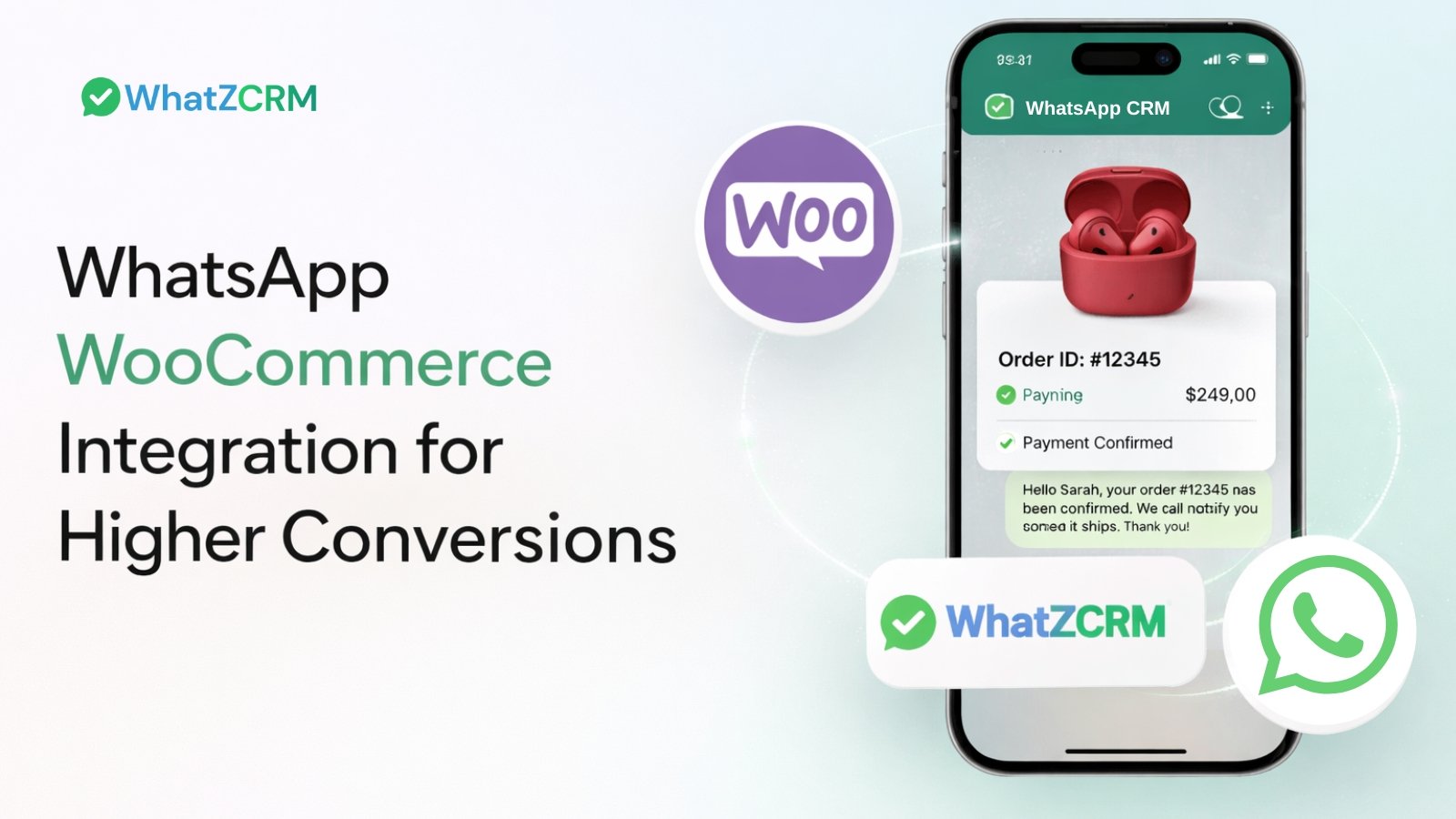

WooCommerce powers millions of online stores, but traffic alone doesn’t guarantee revenue. In today’s eCommerce landscape, conversions depend on speed, personalization, and real-time engagement.
That’s where WhatsApp for WooCommerce integration becomes a game-changer.
When you connect WooCommerce with WhatsApp Business API, you transform static transactions into dynamic conversations. You automate order updates, recover abandoned carts, provide instant support, and run personalized campaigns all inside the world’s most-used messaging app.
For modern eCommerce brands, WhatsApp is no longer optional. It’s a revenue engine.
Let’s explore how combining WhatsApp and WooCommerce can dramatically boost your sales, retention, and customer lifetime value.
What Is WhatsApp WooCommerce Integration?
WhatsApp WooCommerce integration refers to connecting your online WooCommerce store with WhatsApp’s messaging platform so you can:
✔ Send automated notifications
✔ Recover abandoned carts
✔ Provide instant customer support
✔ Run targeted broadcast campaigns
✔ Personalize offers and upsells
Simply put: instead of relying solely on email or SMS, you now use WhatsApp, where most shoppers spend time, to interact with them throughout their purchase journey.
This integration can be achieved through plugins or SaaS tools that bridge WooCommerce with WhatsApp’s Business API.
Why This Integration Matters for Your WooCommerce Store
Modern buyers expect instant, conversational experiences, especially on mobile. WhatsApp dominates global messaging, with billions of active users worldwide.
Here’s why integrating it with WooCommerce is not just nice-to-have, but essential:
✨ Higher open rates: WhatsApp messages are opened far more often than emails.
✨ Faster responses: Conversational messaging encourages two-way interaction.
✨ Reduced friction: Customers receive timely updates without logging into dashboards.
✨ Stronger relationships: Personalized communication fosters trust and loyalty.
When you meet customers in the apps they already use daily — like WhatsApp — you reduce lost opportunities and accelerate conversions.
Also Read: Key Factors to Analyze on WhatsApp Marketing vs Email Marketing
Top Benefits of WhatsApp x WooCommerce Integration
1. Automated Order & Shipping Notifications
One of the first wins for WhatsApp for e-commerce brands is automation.
Instead of generic email triggers, you can automatically send WhatsApp messages when:
📌 An order is placed
📌 A payment is confirmed
📌 An item is shipped
📌 A delivery is completed
These real-time alerts reassure customers and reduce “Where is my order?” support tickets.
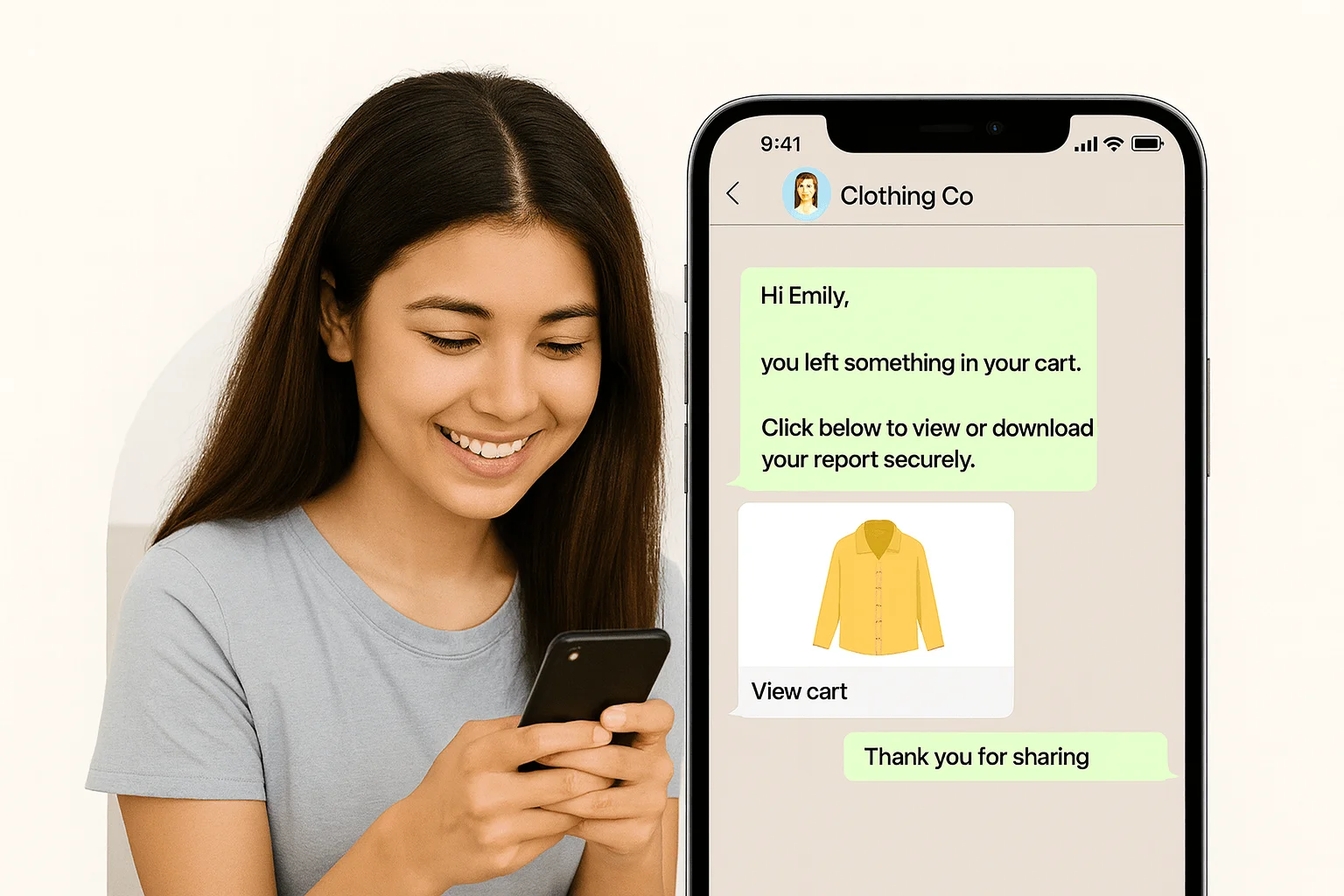
2. Abandoned Cart Recovery
Cart abandonment plagues online stores, with industry averages over 70%.
🚀 Pro Tip
Use quick-reply buttons and clickable product cards in your WhatsApp messages
to make responses effortless and boost interaction rates instantly.
Instead of letting abandoned carts go cold, WhatsApp integration allows:
✔ Automated reminders
✔ Quick checkout buttons
✔ Personalized offers (discounts or incentives)
All delivered directly to customers’ messaging apps, which leads to significantly higher recovery rates than traditional email alone.
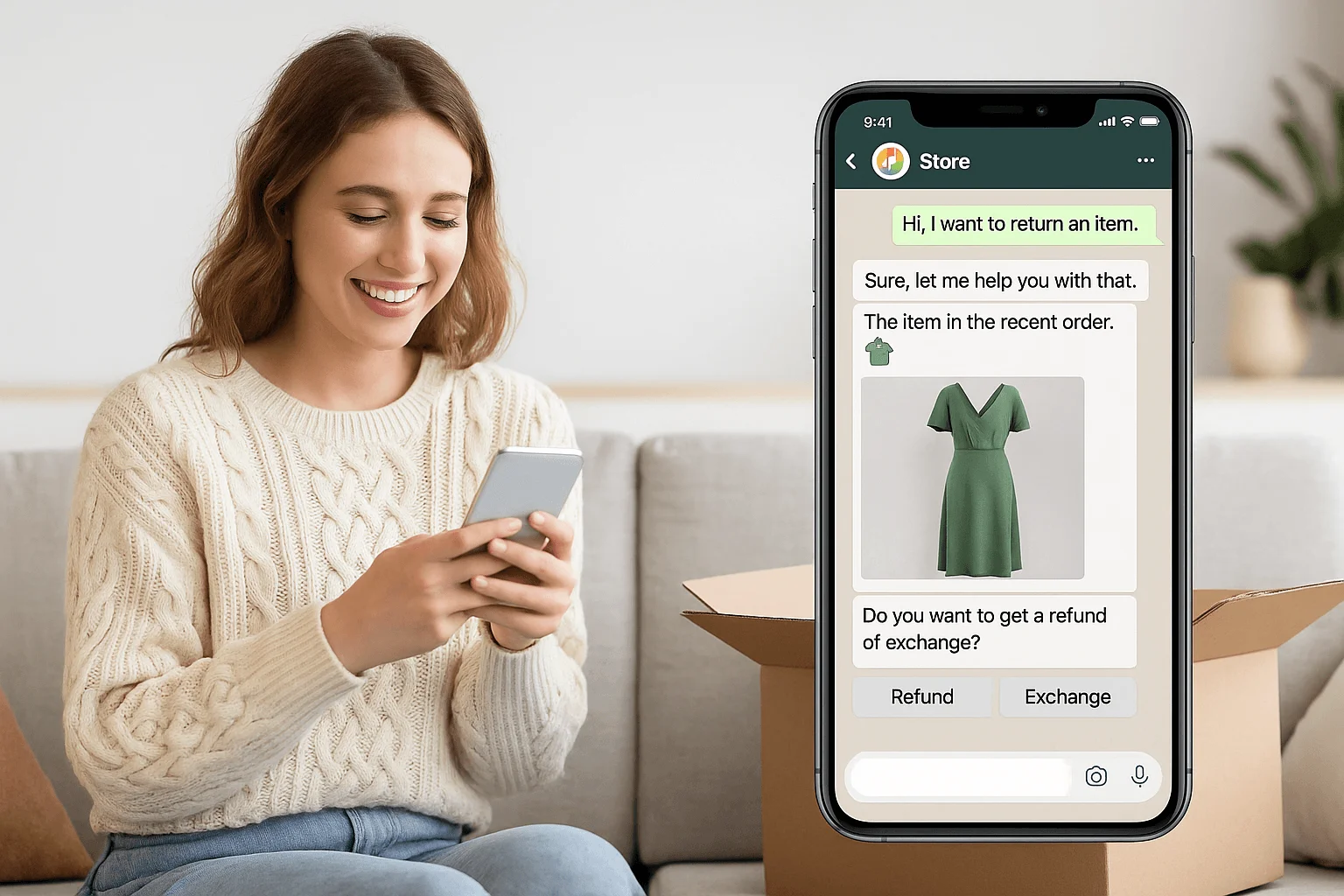
3. Real-Time Customer Support
Customers want answers — and they want them now.
With WhatsApp integrated into your store:
📍 Shoppers can ask questions directly
📍 Support teams can respond instantly
📍 Conversations are tracked
You can even use chatbots for FAQs and load-balancing during high-traffic periods.
4. Personalized Upselling & Cross-Selling
Data-driven commerce is powerful.
Imagine messaging:
📌 “Customers who bought this item also purchased…”
📌 “You might like these accessories…”
Delivered with product images, pricing, and direct links — all in a conversational format.
This not only increases average order value but also enhances customer experience.
5. Broadcast Promotions & Campaigns
WhatsApp lets you send promotional campaigns to segmented audiences.
Instead of generic newsletters, you can send:
✔ New arrival alerts
✔ Seasonal offers
✔ Loyalty incentives
✔ Flash sales
Broadcasts can be tailored to specific customer segments, improving engagement and ROI.
Also Read: How Automated WhatsApp Campaigns Increased Engagement by 70%
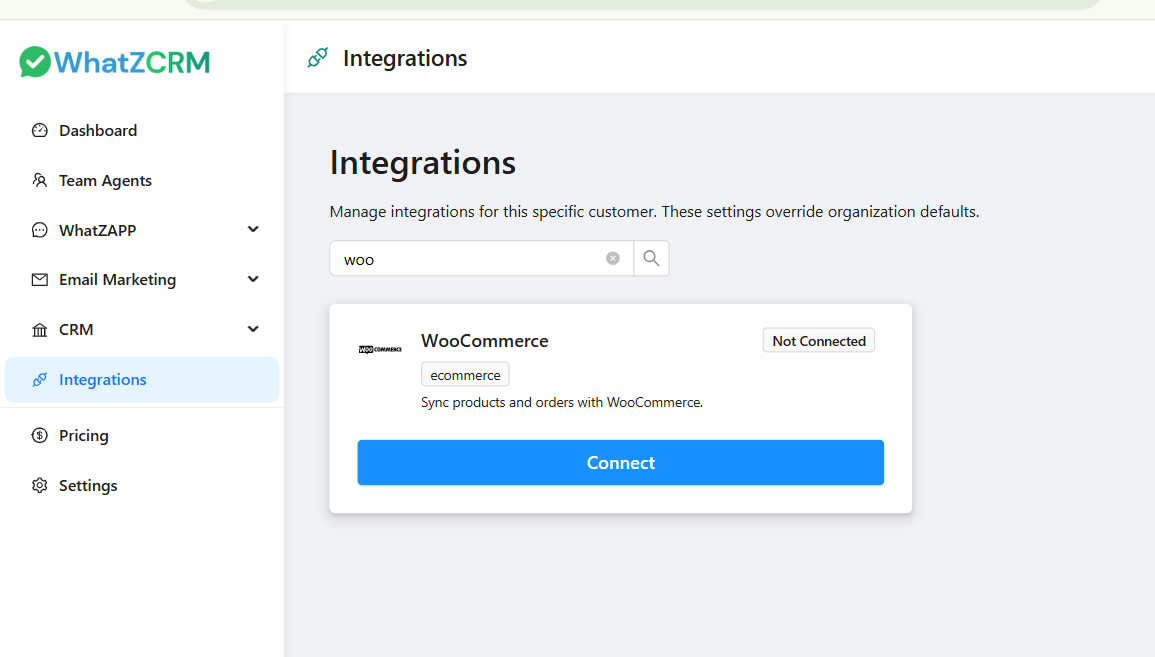
Step-by-Step to Set Up WooCommerce Integration Works on WhatZCRM
- Install the Integration Plugin / SaaS Connector
Choose a platform that connects WooCommerce with WhatsApp Business API. - Connect Your WhatsApp Business Account
Authenticate using your business number and WhatsApp Business profile. - Configure Automated Workflows
Set up triggers like order status changes, abandoned cart events, shipping updates, etc. - Create Messaging Templates
Build pre-approved WhatsApp templates (for notifications and campaigns). - Enable Support & Chat Widgets
Add WhatsApp chat buttons on your store to capture real-time inquiries. - Launch & Monitor Performance
Use built-in dashboards to track engagement, recoveries, and revenue impact.
Result-driven WhatsApp Template Messages with WooCommerce Integration
The WhatsApp Business API supports approved WhatsApp template messages. These templates ensure compliance while enabling automation.
Also Read: 50+ WhatsApp Business Greeting Message Templates
Here are practical template examples WooCommerce stores can use:
Order Confirmation Template
Hello {{customer_name}}, your order {{order_id}} has been successfully placed. We will notify you once it ships. Thank you for shopping with us.
Shipping Update Template
Great news {{customer_name}}. Your order {{order_id}} has been shipped. Track your package here: {{tracking_link}}.
Abandoned Cart Reminder Template
Hi {{customer_name}}, you left something special in your cart. Complete your purchase here: {{checkout_link}}. Let us know if you need help.
Post-Delivery Feedback Template
Hello {{customer_name}}, we hope you love your purchase. Please share your feedback here: {{review_link}}.
Win-Back Campaign Template
We miss you {{customer_name}}. Here’s an exclusive offer just for you. Use code {{discount_code}} at checkout.
Using structured templates ensures automation runs smoothly while maintaining a personalized feel.
Tips to Maximize Your WhatsApp + WooCommerce Success
🔹 Segment Your Audience
Group customers by purchase behavior: new, returning, or VIP.
🔹 Use Rich Media
Images, product cards, and quick-reply buttons increase engagement.
🔹 Keep Frequency Respectful
Too many messages can lead to opt-outs.
🔹 Leverage Chatbots for FAQs
Free up support agents while answering common questions instantly.
🔹 Track & Improve
Monitor open rates, click-throughs, conversions, and adjust content accordingly.
Use Cases & E-Commerce Growth Stories
Example 1 — Cart Recovery Boost
A fashion retailer saw a 35% increase in recovered revenue within weeks of enabling WhatsApp abandoned cart reminders.
Example 2 — Reduced Support Load
An electronics brand automated shipping notifications, reducing “where is my order?” tickets by 60%.
Example 3 — Personal Offers that Convert
A beauty store used segmented broadcasts to increase repeat purchases by nudging previous buyers with tailored recommendations.
Why Choose WhatZCRM for WhatsApp WooCommerce Integration
WhatZCRM is an AI-powered WhatsApp CRM that helps businesses manage customer conversations, automate customer support, and convert WhatsApp chats into qualified sales leads.
It combines access to the WhatsApp Business API, automation workflows, a multi-agent inbox, CRM tracking, and sales pipeline management into a single unified platform.
Instead of using multiple plugins and disconnected tools, WhatZCRM centralizes everything in one dashboard.
While many tools promise WhatsApp integration, WhatZCRM stands out with:
✔ Seamless WooCommerce connection
✔ Advanced automation workflows
✔ Built-in CRM for customer messaging history
✔ Broadcast campaigns with audience segmentation
✔ Dashboards to analyze engagement & revenue
✔ Scalability for small stores to enterprise brands
With WhatZCRM, you don’t just send messages, you build meaningful commerce conversations that drive measurable revenue.
Final Thoughts
WhatsApp and WooCommerce together create a powerful e-commerce ecosystem,m one that meets customers where they already spend their time.
From automated notifications and cart recovery to personalized support and revenue-driving campaigns, this integration transforms passive shopping journeys into interactive, high-conversion experiences.
If you’re ready to unlock revenue potential and deliver modern customer experiences, adding WhatsApp to your WooCommerce strategy isn’t just smart,t it’s essential.