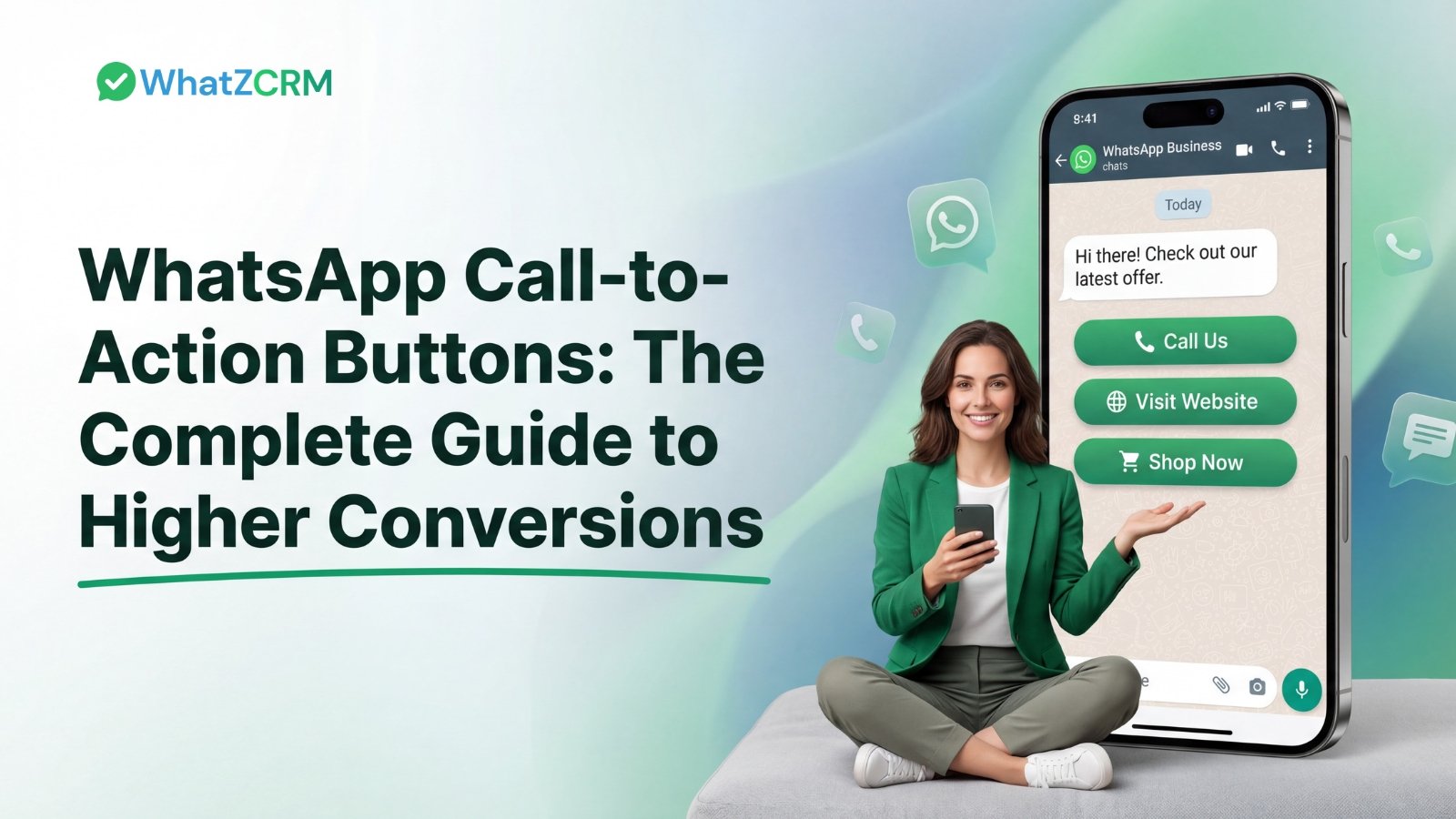

WhatsApp Call-to-Action (CTA) buttons transform ordinary WhatsApp messages into powerful conversion tools by embedding one-tap actions such as Call Now, Visit Website, or Pay Now directly inside chat conversations. Available exclusively through the WhatsApp Business API, these interactive buttons eliminate friction in the customer journey, reduce drop-off between intent and action, and measurably improve click-through and conversion rates.
Businesses across e-commerce, healthcare, real estate, and services are leveraging WhatsApp CTA buttons to shorten sales cycles, automate follow-ups, and create seamless customer experiences.
This guide covers everything you need to know about WhatsApp CTA buttons, from setup to strategy.
Table of Contents
ToggleWhat Is a WhatsApp Call-to-Action Button?
A WhatsApp call-to-action button (also called a WhatsApp CTA button) is an interactive, tappable element embedded inside a WhatsApp Business message template. When a customer receives a message containing a CTA button, they can complete a predefined action such as calling a phone number, visiting a URL, or triggering an automation with a single tap, without leaving the WhatsApp chat.
WhatsApp CTA buttons are part of WhatsApp’s interactive message framework and are available through the official WhatsApp Business API. They appear at the bottom of a message card and are visually distinct from the message body text, making them immediately recognizable and easy to interact with.
There are two primary types of WhatsApp CTA buttons:
- Call Phone Number triggers an immediate call to a specified business number.
- The Visit Website (URL) button opens the specified link in the device’s browser.
Both types are defined inside Meta-approved message templates and can carry dynamic parameters, making them highly flexible for personalized campaigns.
How is WhatsApp CTA Different from Regular Messages?
The difference matters greatly at scale. In a plain-text message, a customer must read the URL, copy it, open a browser, and paste it into the browser. A WhatsApp CTA button collapses all of those steps into a single tap. This reduction in friction has a direct, measurable impact on conversion rates.
WhatsApp CTAs are especially valuable compared to SMS or email CTAs because WhatsApp messages are read within minutes, not hours. Businesses can capitalize on this immediacy by strategically placing buttons that direct users to purchase pages, booking forms, or support portals at the moment of peak intent.
Also Read: How WhatsApp Business Greeting Message Works and 50+ Message Templates
What Types of Call-to-Action Buttons Does WhatsApp Business Support?
WhatsApp Business API currently supports two native CTA button types within message templates, plus quick reply buttons for conversational flows. Understanding each type is essential for choosing the right format for your campaign objectives.
1. Call Phone Number Button
This button type prompts the recipient to call a specific phone number. When tapped, the device’s native dialer opens with the number pre-filled. It is ideal for businesses that want inbound calls, such as sales teams, customer support lines, or healthcare providers.
2. Visit Website (URL) Button
This button opens a specified URL in the recipient’s mobile browser. URLs can be static (a fixed landing page) or dynamic (personalized with variables such as order ID or customer name). Use cases include product pages, payment links, appointment booking portals, and event registration forms.
3. Quick Reply Buttons
While not technically CTA buttons in the outbound-link sense, quick reply buttons allow recipients to send a preset text response to your business with one tap. They are used for interactive surveys, lead qualification bots, and customer service flows.
A single WhatsApp message template supports up to two CTA buttons (a Call + URL combination is allowed). Templates must be reviewed and approved by Meta before sending.
How Do WhatsApp CTA Buttons Compare to Other Digital Marketing Channels?
To understand the true value of a WhatsApp CTA button, it helps to compare it against alternative channels businesses use to drive conversions. The table below benchmarks WhatsApp CTA buttons against SMS, email, and Facebook Messenger CTAs across key performance dimensions.
| Metric | WhatsApp CTA Button | Email CTA | SMS CTA | Messenger CTA |
| Avg. Open Rate | ~98% | ~21% | ~98% | ~80% |
| Avg. Click-Through Rate | 45–60% | 2–5% | 10–15% | 20–30% |
| Time to Read | < 3 minutes | ~90 minutes | < 5 minutes | < 5 minutes |
| Button Interactivity | Native (1-tap) | Hyperlink (tap → browser) | Hyperlink only | Native (1-tap) |
| Personalization | Dynamic variables | Merge tags | Limited | Dynamic |
| Automation Triggers | Yes (full workflow) | Yes | Limited | Yes |
| Template Approval Required | Yes (Meta) | No | No | No |
| Max Buttons per Message | 2 CTA + 3 Quick Reply | Unlimited | 1 link | Multiple |
| Analytics Tracking | Click-level + UTM | Opens + clicks | Delivery only | Click-level |
| Best For | Conversion & engagement | Nurture & newsletters | Transactional alerts | Retargeting |
How Do You Set Up a WhatsApp Call-to-Action Button in WhatZCRM?
Setting up a WhatsApp CTA button in WhatZCRM is a structured five-step process that most businesses can complete in under 30 minutes, even without technical expertise. Here is exactly how it works:
- Connect WhatsApp Business API: Ensure your business has an active WhatsApp Business API account and has linked it to your WhatZCRM workspace.
- Create a Message Template: In WhatZCRM’s template builder, design your message with a header (image, video, or text), body copy, optional footer, and up to two CTA buttons.
- Configure CTA Buttons: Choose your button type (Call Phone Number or Visit Website), add the label text (e.g., ‘Book Now’, ‘Call Us’), and enter the destination phone number or URL. For dynamic URLs, add a variable placeholder.
- Submit for Meta Approval: Submit the template for Meta review. Approval typically takes 24 hours or less, depending on the category and content.
- Launch and Automate: Once approved, use the template in broadcasts, drip campaigns, or automated workflows triggered by CRM events, chatbot interactions, or inbound messages.
WhatZCRM’s no-code interface means no developer is needed to build, approve, or deploy CTA button templates. The analytics dashboard then logs every button click, enabling continuous optimization.
What Are the Best Use Cases for WhatsApp CTA Buttons?
WhatsApp CTA buttons are not a one-size-fits-all tool; their power comes from matching the right button type to the right moment in the customer journey. Here are the highest-impact use cases across industries:
E-commerce & Retail
‘Shop Now’, ‘View Cart’, and ‘Claim Offer’ buttons embedded in abandoned cart reminders, flash sale broadcasts, and order confirmation messages directly reduce cart abandonment and accelerate purchase decisions.
Healthcare & Clinics
‘Book Appointment’ buttons linked to scheduling platforms and ‘Call Now’ buttons for emergencies simplify the patient experience, increasing appointment bookings and reducing no-shows.
Real Estate
‘Schedule Viewing’ and ‘Get Quote’ CTA buttons sent after a lead inquiry allow agents to convert interest into booked appointments instantly, without manual follow-up.
Financial Services & Insurance
‘Apply Now’ or ‘Get a Quote’ buttons in policy renewal reminders and lead nurture sequences drive higher conversion rates and reduce the need for outbound cold calls.
Subscription Businesses
‘Renew Now’ or ‘Pay Now’ buttons in renewal reminders, linked directly to payment gateways, have helped businesses achieve over 40% improvement in on-time payments.
Events & Webinars
‘Register Now’ and ‘Join Webinar’ buttons in invitation broadcasts maximize event attendance by removing sign-up friction for recipients already engaged in WhatsApp.
How Do WhatsApp CTA Buttons Impact Conversion Rates and ROI?
WhatsApp CTA buttons improve ROI through three compounding factors: visibility, speed, and attribution. Messages are seen almost immediately. Buttons reduce friction to one tap. And with platforms like WhatZCRM, every interaction is measurable.
Unlike paid ads, there is no cost per click. You are engaging users who have already opted in, making WhatsApp CTA campaigns one of the most cost-efficient conversion channels available today.
Revenue attribution becomes simple when button clicks are linked directly to CRM pipelines and UTM-tracked conversions.
What Are the Requirements and Best Practices for WhatsApp CTA Button Templates?
Because WhatsApp CTA buttons are part of Meta-approved templates, they come with specific requirements. Understanding these ensures your templates are approved quickly and perform optimally.
Template Requirements:
- Templates must be submitted to and approved by Meta before use.
- Button label text must be clear, concise, and match the action (e.g., ‘Call Now’, ‘Visit Website’, ‘Book Now’).
- URL buttons must link to a valid, active destination URL that matches the business website registered with Meta.
- Phone number buttons must use the full international dialing format (e.g., +91-XXXXXXXXXX).
- Each template can include up to two CTA buttons.
Best Practices for Higher Click-Through Rates
- Use action verbs in button text: ‘Shop Now’, ‘Book Free Consultation’, ‘Claim Your Offer’.
- Align the CTA button with the message body. The button should be the natural next step from the message content.
- Use dynamic URL variables to personalize landing page content per recipient.
- A/B test button text variations to identify the highest-performing label.
- Time your messages for high-engagement windows (typically 10 AM–12 PM and 6 PM–8 PM local time).
Pro Tip
A/B test your button labels using WhatZCRM’s campaign analytics.
Even changing “Get Offer” to “Claim Offer”
can produce a measurable lift in tap rates.
How Can Businesses Track and Optimize the Performance of WhatsApp CTA Buttons?
One of the most underused advantages of WhatsApp CTA buttons in a platform like WhatZCRM is the depth of analytics available. Unlike the standard WhatsApp Business App, the API-powered WhatZCRM dashboard tracks every button interaction at the contact level.
Key Metrics to Track
- Click-Through Rate (CTR): Percentage of message recipients who tapped the CTA button.
- Conversion Rate: Percentage of button-click recipients who completed the desired downstream action (purchase, booking, form fill).
- Revenue Attributed: Total revenue linked to CTA button campaigns via UTM parameter tracking.
- Cost Per Conversion: Total campaign spend divided by completed conversions.
- Template Performance by Segment: CTR and conversion breakdown by customer segment, region, or campaign type.
Use WhatZCRM’s analytics dashboard to identify underperforming templates and run iterative A/B tests. Pair click data with your CRM pipeline to understand which CTA button campaigns generate not just clicks, but qualified leads and closed revenue. Automate follow-up sequences for contacts who click a button but do not convert, re-engaging them with targeted offers.
What Is the Future of WhatsApp CTA Buttons in WhatsApp Marketing?
WhatsApp’s evolution as a business communication platform is accelerating rapidly. Meta has been expanding the capabilities of the WhatsApp Business API, and CTA buttons are central to this commerce-first strategy. Several trends are shaping the future of WhatsApp CTA buttons:
Also Read: The Complete WhatsApp Business API Guide for Scalable Growth
WhatsApp Commerce & In-Chat Payments
Meta is rolling out native WhatsApp Pay integrations in multiple markets, with ‘Pay Now’ buttons becoming a direct path from conversation to payment without leaving WhatsApp. This will make the entire sales cycle discovery, consideration, and purchase complete inside a single chat thread.
AI-Powered Personalization
AI tools integrated with WhatsApp CRM platforms like WhatZCRM enable hyper-personalized CTA button messages, with button text, destination URL, and message content dynamically generated based on individual customer behavior, purchase history, and engagement data.
Multi-Step Conversational CTAs
The future of WhatsApp CTA buttons extends beyond single-tap actions into multi-step conversational flows where each button click triggers the next relevant action, creating guided, personalized customer journeys entirely within WhatsApp.
Key Takeaway: WhatsApp CTA buttons are evolving from simple link buttons into the foundation of full-funnel WhatsApp commerce, where discovery, engagement, purchase, and support all happen within a single chat thread.
- WhatsApp Commerce is expected to generate over $3.6 billion in business revenue globally by 2027.
- 65% of marketers plan to increase their WhatsApp marketing budget in 2025, citing CTA button performance as a key driver.
- Meta has announced expanded WhatsApp Business API features for 2025, including enhanced payment integrations and richer interactive message formats.
Also Read: 7 WhatsApp Marketing Trends That Businesses Can’t Ignore in 2026
To Conclude
WhatsApp Call-to-Action buttons are among the most leveraged tools for modern marketers and business owners. By reducing friction, meeting customers where they prefer to communicate, and enabling one-tap access to calls, purchases, bookings, and more, WhatsApp CTA buttons consistently outperform traditional digital marketing channels across every key metric.
Whether you are an e-commerce brand recovering abandoned carts, a service provider filling appointment calendars, or a sales team generating inbound inquiries, WhatsApp CTA buttons deployed through a platform like WhatZCRM can meaningfully accelerate your conversion rates and marketing ROI.
WhatZCRM makes it simple to create, approve, send, and track WhatsApp CTA button campaigns without any technical expertise. From a ‘Call Now’ button that doubles your inbound calls to a ‘Pay Now’ button that automates your payment collection, the tools are ready when you are.
Frequently Asked Questions (FAQs)
Call-to-action (CTA) buttons in WhatsApp Business allow customers to instantly call a phone number or visit a website—such as a payment page, tracking link, or product page—directly from a chat message with a single tap.
You can add up to two CTA buttons per Meta-approved WhatsApp message template. These can be one Call Phone Number button and one Visit Website button, or two Visit Website buttons with different destination URLs.
Yes. Using a platform like WhatZCRM integrated with the WhatsApp Business API, you can track button clicks at the contact level. By adding UTM parameters to URL buttons, you can attribute conversions, revenue, and downstream actions inside your analytics tools.
A WhatsApp CTA button performs an outbound action when tapped—it calls a number or opens a URL. A quick reply button sends a pre-set message back to the business, enabling conversational flows and chatbot automation. CTA buttons drive traffic externally, while quick replies keep the interaction inside WhatsApp.
Meta’s template approval process usually takes from a few minutes up to 24 hours for compliant templates. Templates that clearly align button labels with verified business URLs and follow Meta’s messaging policies are approved fastest.
To use WhatsApp buttons, you must apply for the WhatsApp Business API and set up a WhatsApp Business Account. Then create an interactive message template with buttons and submit it for approval before sending it to customers.