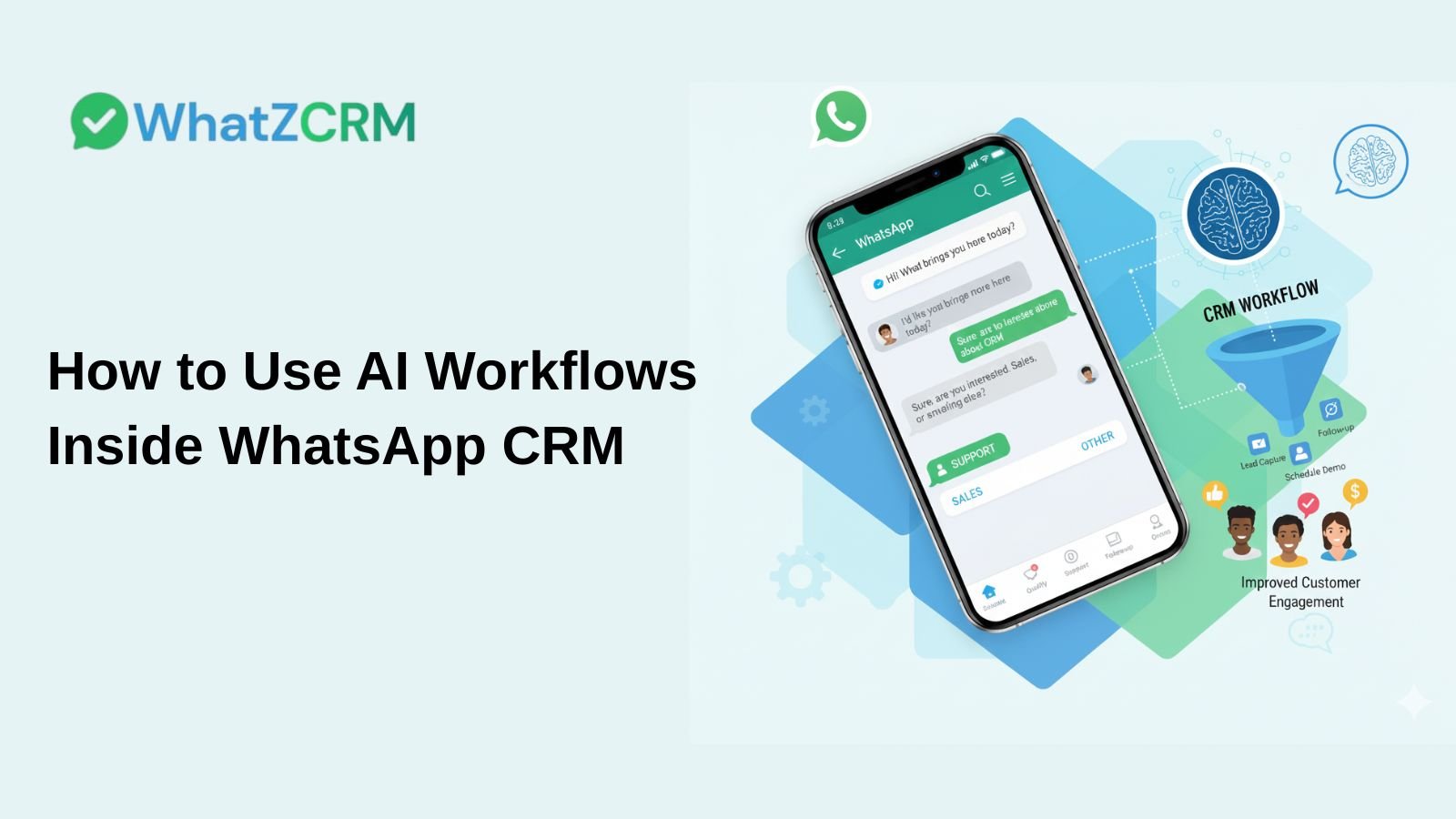

AI workflows in a WhatsApp CRM let businesses automatically handle lead capture, follow-ups, appointment booking, and customer support directly in WhatsApp, eliminating manual effort. Platforms like WhatZCRM combine the WhatsApp Business API with AI logic to trigger smart conversation flows based on customer behavior, routing chats to the right team at the right time.
Key Takeaways
- AI workflows automate repetitive WhatsApp conversations like lead qualification, follow-ups, and support
- WhatsApp CRM platforms centralize all chats, customer data, and automation in one place
- Businesses using WhatsApp automation report up to 60% faster response times
- AI handles volume; human agents handle complexity. The two work together, not in competition
- The 5 most impactful workflows are: lead capture, follow-ups, demo scheduling, payment reminders, and post-sales engagement
What Is an AI Workflow in WhatsApp CRM?
An AI workflow in a WhatsApp CRM is an automated sequence of messages and actions triggered by customer behavior, such as sending a first message, clicking a link, or submitting a form, that guides the conversation through predefined steps without human intervention.
These workflows live inside your WhatsApp CRM, meaning every conversation, action, and outcome is tracked in a single platform. Instead of agents manually replying to every inquiry, AI handles the routine interactions while escalating complex cases to humans.
Also Read: Top 9 Bulk WhatsApp Sender Software for Business Growth
What Are the Benefits of AI WhatsApp Workflows?
| Benefit | What It Means for Your Business |
| Faster Response Times | Instant replies 24/7, even outside business hours |
| Better Lead Qualification | AI asks screening questions before handing off to sales |
| Reduced Manual Work | Teams focus on high-value conversations only |
| Consistent Messaging | Every customer gets the same accurate, structured response |
| Scalable Communication | Handle thousands of chats without growing your team |
What Are the Top AI Workflows for WhatsApp Sales Funnels?
1. Lead Capture & Qualification
Automatically collect name, requirements, budget, and timeline before a human agent ever gets involved.
2. Automated Follow-Ups
Re-engage leads who went silent with timed, contextual reminders; no manual tracking needed.
3. Appointment & Demo Scheduling
Let prospects book demos or consultations directly inside WhatsApp without back-and-forth emails.
4. Payment & Reminder Workflows
Send payment links, due-date reminders, and confirmation messages automatically at the right time.
5. Post-Sales Engagement
Trigger onboarding messages, usage tips, and feedback requests after a deal closes to reduce churn.
Also Read: What Is WhatsApp CRM and How It Works for Businesses in 2026
How Does WhatsApp API Integration Enable AI Workflows?
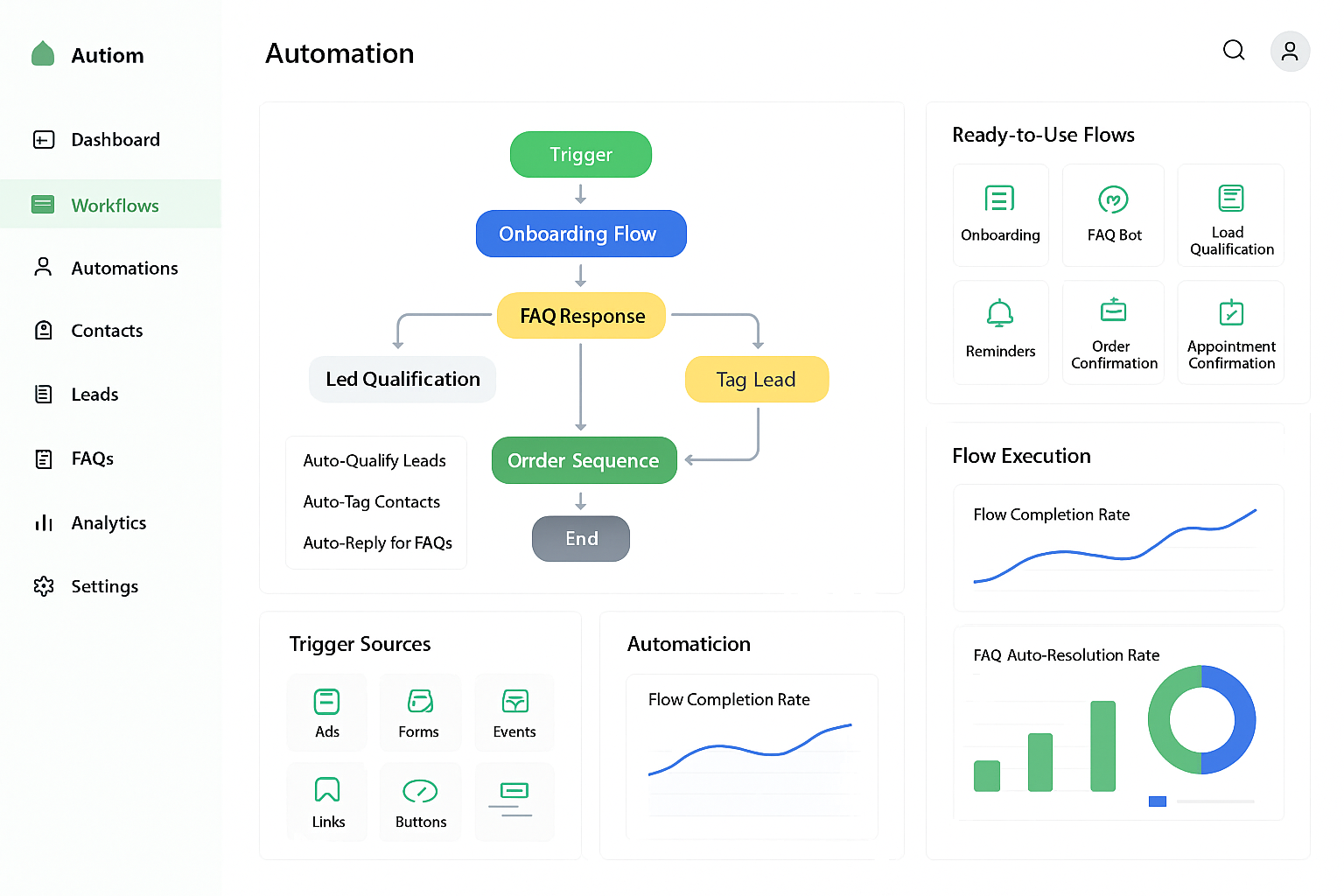
The WhatsApp Business API is the technical layer that connects WhatsApp to external platforms, such as CRMs and AI engines. It enables businesses to send approved WhatsApp message templates, receive messages programmatically, and trigger automated workflows at scale.
When integrated with a CRM like WhatZCRM, the API enables:
- Workflow triggers based on incoming message keywords or events
- Sending pre-approved message templates compliant with Meta’s policies
- Syncing all chat data with CRM contact records in real time
- Applying AI routing logic to assign chats to the right agent or team
Also Read: How WhatZCRM Simplifies Automated WhatsApp Follow-Ups for Businesses
How Do You Set Up an AI Workflow in WhatsApp CRM? (Step-by-Step)
| Step | Action | Purpose |
| 1 | Define the goal | Lead capture, support, follow-up, or booking |
| 2 | Choose a trigger | First message, keyword, form submit, status change |
| 3 | Design conversation flow | Map welcome → questions → responses → next steps |
| 4 | Add AI conditions | Route by intent, send reminders, and assign agents |
| 5 | Configure automated actions | Auto-reply, tag contacts, update CRM fields |
| 6 | Set timing & delays | Avoid message overload with natural pacing |
| 7 | Define human handoff rules | Transfer complex queries to live agents |
| 8 | Test everything | Verify triggers, logic, handoff, and edge cases |
| 9 | Activate & monitor | Track response time, CTR, conversion rate |
| 10 | Optimize & scale | Expand flows, personalize further, automate more |
Experience: Lead Qualification Chatbot
When Should AI Hand Off to a Human Agent?
AI should hand off to a human agent when:
- The customer expresses frustration or urgency
- The query requires judgment, negotiation, or empathy
- The conversation involves high-value deals or complaints
- The AI cannot confidently interpret the customer’s intent
Always pass the full chat history to the human agent so the customer never has to repeat themselves. This is the single biggest factor in customer satisfaction during handoffs.
How Do You Measure the ROI of WhatsApp AI Workflows?
| Metric | What to Measure | Target Benchmark |
| Response Time | Average time to first reply | Under 1 minute |
| Lead Conversion Rate | Chats that become sales | [Add your baseline] |
| Engagement Rate | Replies, clicks, actions taken | Above 40% |
| Agent Productivity | Chats handled per agent per day | [Add your baseline] |
| Customer Satisfaction | CSAT score or repeat interactions | Above 4/5 |
Is WhatsApp AI Automation Secure?
Yes, when implemented using the official WhatsApp Business API and a compliant CRM platform, AI workflows meet Meta’s data and privacy standards. Key security factors include:
- End-to-end encryption on all WhatsApp messages
- Compliance with Meta’s messaging policies and template approval process
- GDPR-aligned data handling within reputable CRM platforms
Final Summary
AI workflows within a WhatsApp CRM enable businesses to automate lead qualification, follow-ups, scheduling, payments, and post-sales communication, all within a single platform. The WhatsApp Business API powers the automation, while human agents focus on what matters most: building relationships and closing deals. When measured correctly and optimized over time, these workflows deliver faster responses, higher conversion rates, and a more consistent customer experience at scale.