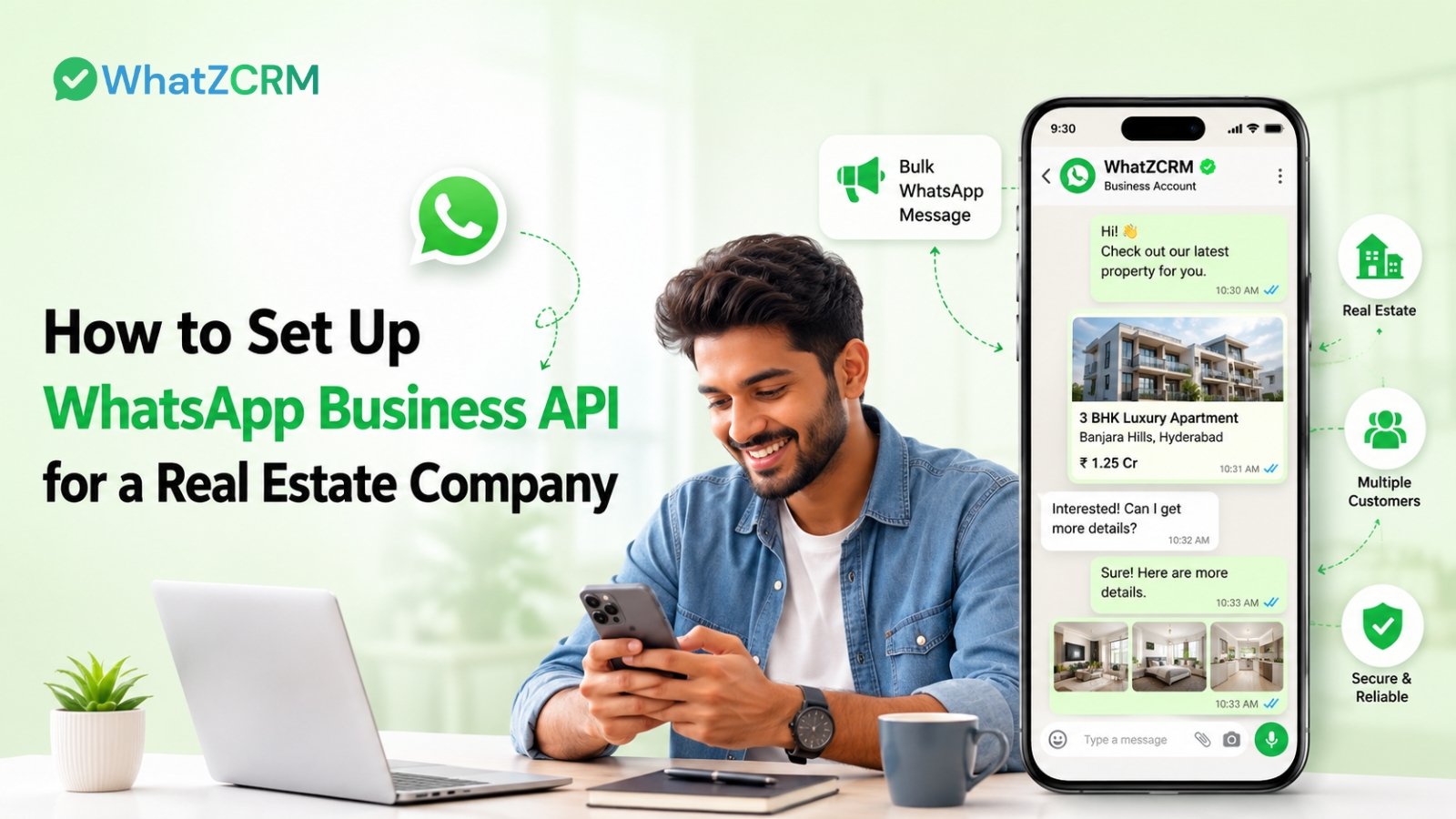

WhatsApp Business API for real estate is the enterprise-grade version of WhatsApp that lets developers, brokerages, and agents automate property inquiries, qualify leads instantly, and manage the entire buyer journey from the first message to possession, all within a single WhatsApp thread. Unlike the free WhatsApp Business app, the API supports unlimited broadcasts, AI chatbots, multi-agent inboxes, and CRM integration, which is why it has become the default communication layer for real estate teams selling at scale in 2026.
Setting up WhatsApp Business API for real estate takes five steps: sign up with a solution provider, connect your Meta Business account, create your WhatsApp Business profile, submit your business portfolio to Meta for verification, and link the API to your CRM. Once live, you can automate lead qualification, site-visit scheduling, and broker communication, the areas where real estate teams lose the most pipeline today.
Why Real Estate Teams Are Moving to WhatsApp Business API
Property buying is a high-consideration, slow-trust decision, and most of that trust is won or lost in the first response. Industry data consistently shows two problems eating into real estate pipelines: slow first response times that let leads shortlist competing properties within hours, and site-visit no-show rates that commonly run between 40% and 60%. WhatsApp closes both gaps: messages sent through the Business API see open rates north of 90%, compared to roughly 18–20% for email, and AI-qualified leads route to a sales agent in seconds rather than hours.
For channel-heavy businesses like real estate, where a single project launch can generate thousands of inquiries from property portals, Meta ads, and QR codes on hoardings, that speed advantage compounds directly into booked site visits and closed deals.
Also Read: Click to WhatsApp Ads for Real Estate: Generate & Convert Leads Instantly
What You Need Before You Start with Real Estate WhatsApp Business API
Before beginning setup, have these ready:
- A valid business email address and phone number (mobile, landline, or VOIP this number can’t already be active on the personal WhatsApp app)
- A Meta Business Manager account with complete business details
- Basic business documentation for Meta’s verification process (registration proof, website, GST/business ID depending on region)
- A CRM or WhatsApp CRM platform to receive and manage the leads once the API is live
Step-by-Step Guide to Set Up WhatsApp Business API for Real Estate
Step 1: Sign Up with a WhatsApp Business Solution Provider
Meta doesn’t issue WhatsApp Business API access directly to businesses; you need to go through an official Business Solution Provider (BSP) like WhatZCRM. Sign up and create your account; this is also where your CRM, pipeline, and automation layer get set up alongside the messaging API itself, so leads don’t just arrive; they get tracked from day one.
Step 2: Connect Your Meta Business Account
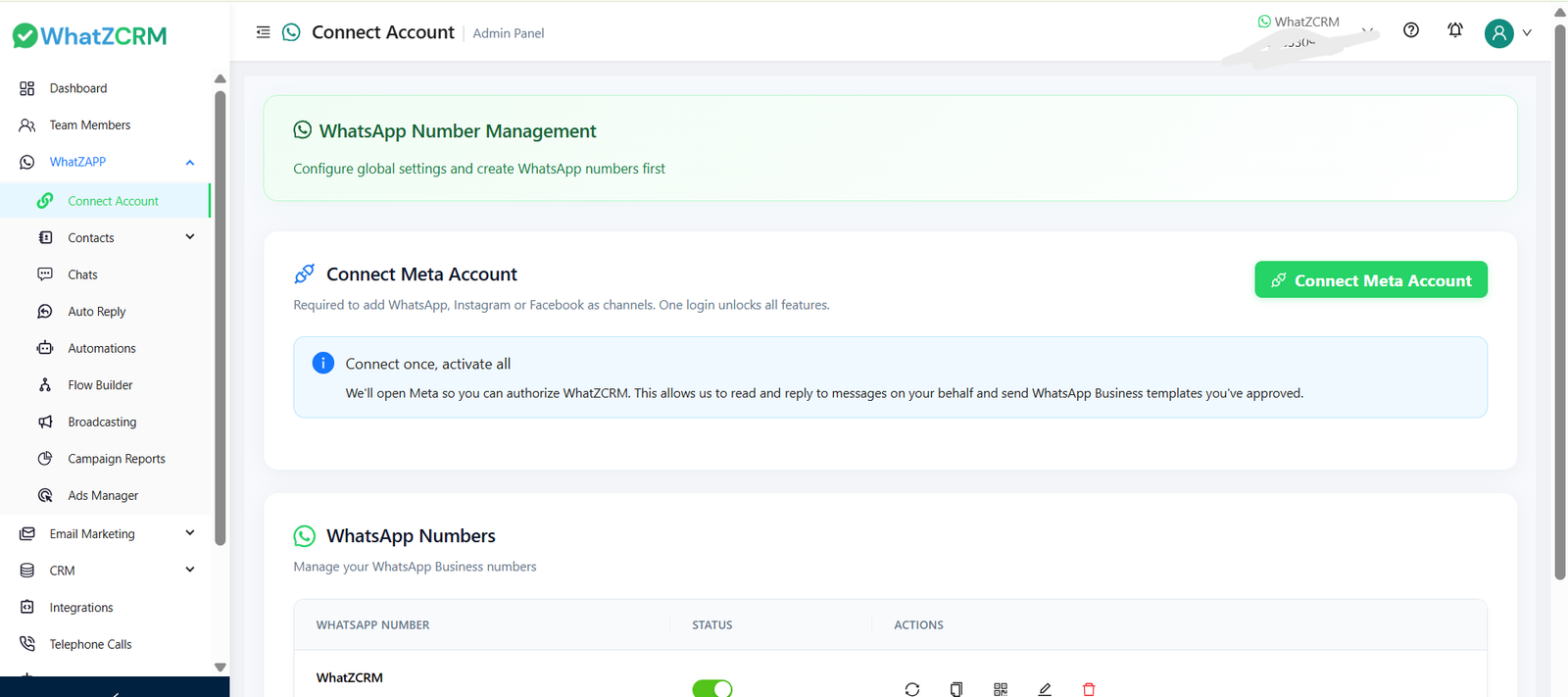
Log in with your Facebook Business Manager credentials and authorize the connection. This links your Meta Business Account to your future WhatsApp Business Account (WABA), which is what allows Meta to associate your messaging activity with a verified business entity.
Step 3: Create Your WhatsApp Business Account and Profile
Set up your WABA and complete your business profile with your company name, logo, category (Real Estate), address, and a short “About” description. Add the phone number you want to use for WhatsApp; if it’s currently active on a personal WhatsApp account, that account needs to be removed from the device first, since one number can’t run both simultaneously.
Try Real Estate WhatsApp Business API
Step 4: Submit Your Business Portfolio to Meta for Verification
This is the step most guides underplay, and it’s often where real estate businesses get delayed. Meta requires business verification before granting full messaging limits. Submit your business portfolio with accurate registration details, a matching website, and consistent business information across all fields. Mismatched details (a common issue for real estate firms operating under a builder name and a separate sales/marketing entity) are the most frequent cause of verification delays.
Step 5: Link the WhatsApp API
Once verified, connect your WABA to your WhatZCRM dashboard. This is the step that determines whether WhatsApp becomes a real revenue channel or just a faster inbox. With the API linked to a CRM built for sales pipelines rather than messaging alone, every inquiry automatically creates a lead profile, tags its source (99acres, Magicbricks, Facebook Ads, your website), and enters your pipeline, ready for AI qualification, visit scheduling, and follow-up automation.
What to Automate First: Real Estate-Specific Use Cases
- Instant inquiry response and lead qualification: an AI chatbot captures budget, preferred location, configuration (2BHK vs. 4BHK), and purchase timeline in the first reply, so agents spend time only on qualified leads.
- Site-visit scheduling with automated reminders: buyers pick a slot, get a confirmation with the location pin, and receive a day-before nudge. This is the single highest-ROI automation for real estate, since it directly cuts no-show rates.
- Broker and channel partner updates: centralized broadcasts for inventory changes, commission updates, and lead routing replace the scattered WhatsApp groups-and-phone-calls approach that most agencies still use.
- Post-booking communication: construction milestones, payment reminders, and possession updates- keeps buyers engaged long after the sale, which is also where most referral opportunities are currently lost.
Also Read: Why Real Estate Businesses are Switching to WhatsApp CRM?
WhatsApp Messaging Tool vs. WhatsApp CRM for Real Estate
Most WhatsApp platforms stop at sending and automating messages. Real estate sales cycles are longer and more relationship-driven than in other industries; inquiries need to become tracked leads, leads need to move through a pipeline, and deals need proposals, e-signatures, and revenue forecasting. That gap is exactly where a WhatsApp CRM for real estate, like WhatZCRM, differs from a pure messaging tool.
Capability | Messaging-Only WhatsApp Tools | WhatZCRM (WhatsApp CRM) |
Automated replies & chatbots | Yes | Yes |
Bulk broadcast messaging | Yes | Yes |
Lead capture from portals & ads | Limited or manual | Native 99acres, Magicbricks, Facebook/Google Ads integration |
Sales pipeline & deal stages | Not available | Visual pipeline from inquiry to closing |
Site visit scheduling + reminders | Basic reminders only | Calendar sync (Google/Outlook) with no-show reduction workflows |
Proposal, invoicing & e-signature | Not available | Built-in, with DocuSign integration |
Team & broker lead routing | Manual | Rule-based auto-assignment by geography, property type, workload |
Revenue forecasting | Not available | Deal-stage based forecasting dashboard |
Post-Setup Technical Checklist to Refer
- Confirm your WABA display name and category match your registered business entity exactly
- Pre-approve message templates (inquiry response, visit confirmation, payment reminder) before launch, since unapproved templates can’t be sent outside the 24-hour service window
- Set up lead source tagging (portal, ad, website, QR code) at the CRM level before turning on automation
- Test the 24-hour customer-initiated messaging window and 72-hour Click-to-WhatsApp window to plan campaign timing around free-messaging periods
- Add opt-in consent capture on all lead forms and ads feeding into WhatsApp, to stay compliant with Meta’s messaging policy
Conclusion
Setting up WhatsApp Business API for your real estate business isn’t just a technical checkbox; it’s the fastest way to close the response-time gap that’s currently costing you leads. The five-step process is straightforward: sign up with a provider, connect your Meta account, create your WABA profile, get verified, and link it to your CRM. The real difference shows up after setup, in whether that connection is just sending messages or actually building your pipeline. With WhatZCRM, every inquiry becomes a tracked lead from day one, so you’re not just live on WhatsApp; you’re closing more deals through it.