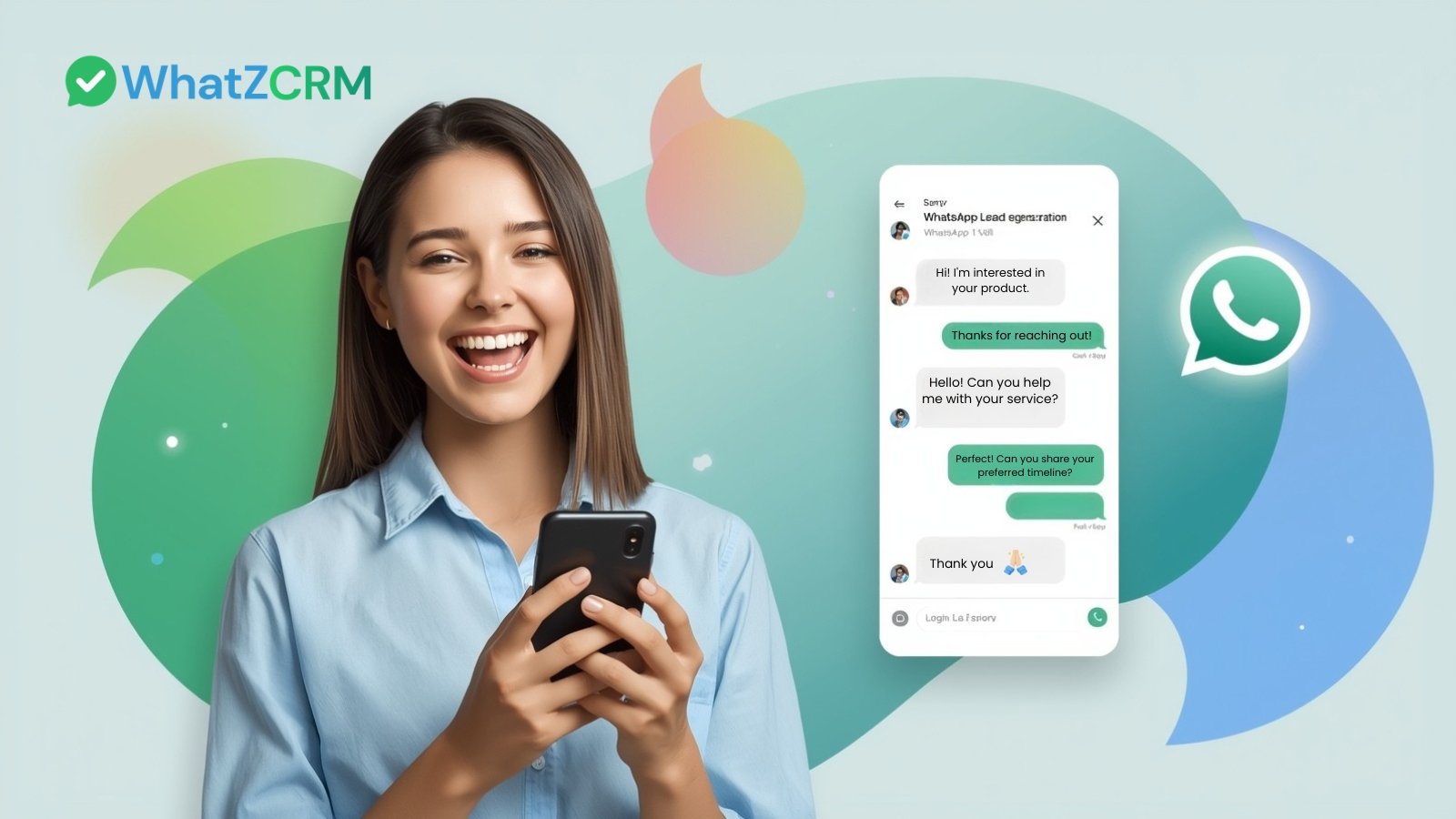

WhatsApp lead generation is the process of capturing, qualifying, and nurturing potential customers through WhatsApp conversations, using the platform as a direct, real-time channel for the entire sales journey from first contact to conversion.
Unlike traditional lead generation, which relies on website forms, cold email, or inbound phone calls, WhatsApp lead generation is conversational and instant. A prospect sends a message, receives an immediate response, is automatically qualified, and enters a structured sales pipeline, all within a single messaging thread.
Key components of WhatsApp lead generation:
- Lead capture: Collecting contact details through WhatsApp chats initiated from ads, QR codes, or website buttons
- Lead qualification: Using chatbots or structured conversation flows to score and categorise prospects
- Lead nurturing: Sending follow-up messages, product information, and offers at defined intervals
- Lead conversion: Guiding prospects to a purchase, booking, or sign-up directly inside WhatsApp
When integrated with a CRM platform like WhatZCRM, every WhatsApp conversation becomes a trackable, managed sales event rather than an informal chat.
Why WhatsApp Outperforms Every Other Lead Channel
Before choosing a lead generation channel, consider how WhatsApp compares to the alternatives on the metrics that matter most.
WhatsApp vs Email vs SMS: Engagement Comparison
Metric | SMS | ||
Message open rate | 98% | 21% | 95% |
Click-through rate | 45–60% | 2–5% | 10–20% |
Average response time | Under 1 minute | 24–48 hours | Variable |
Customer preference | 65% prefer WhatsApp | Standard | Declining |
Conversion improvement | 120–127% increase | Baseline | ~20% |
For businesses in India, Southeast Asia, the Middle East, Latin America, and Europe, where WhatsApp is the dominant messaging platform, these numbers translate directly into competitive advantage for early adopters.
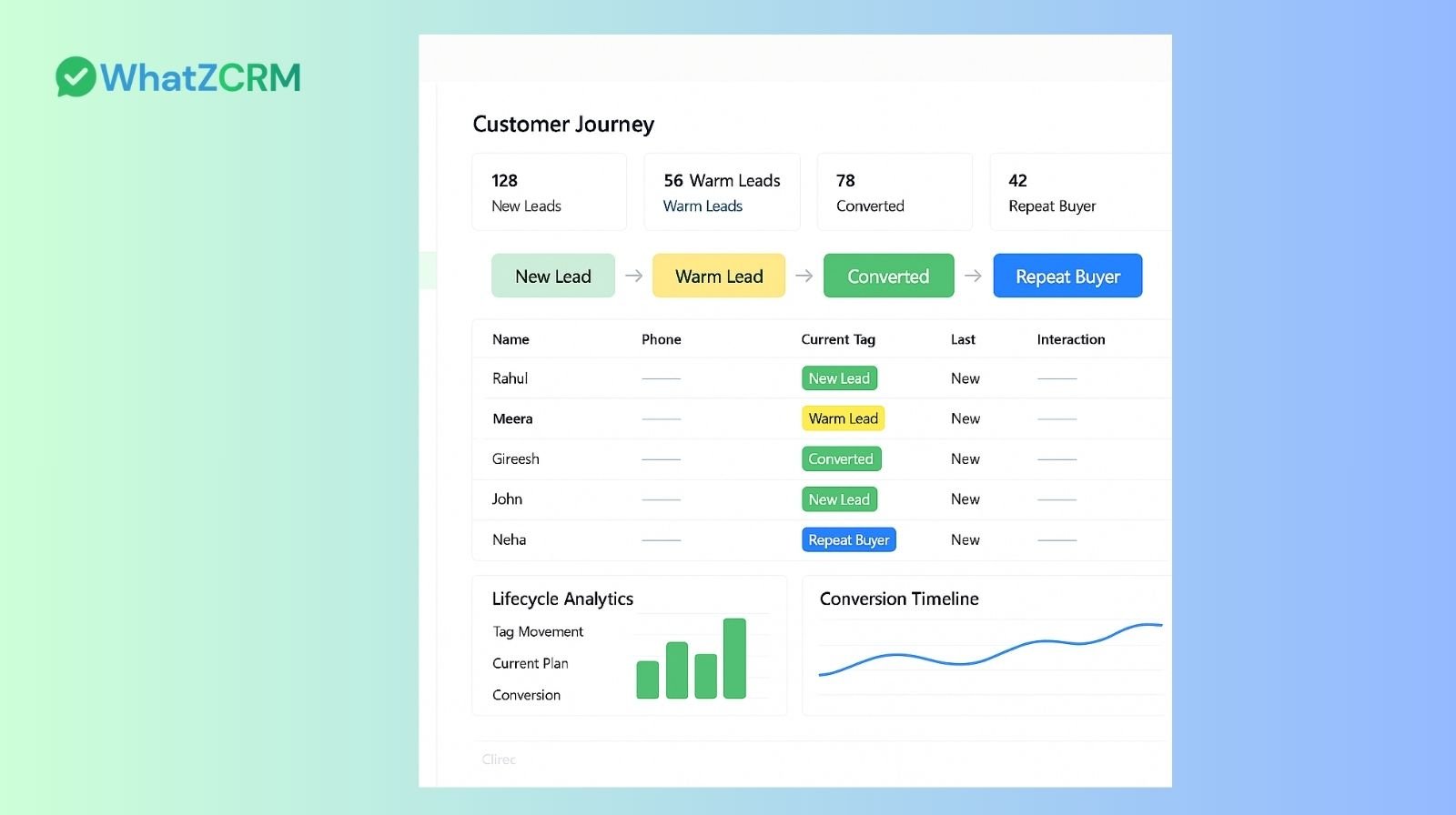
How WhatsApp Lead Generation Works
WhatsApp lead generation follows a structured sequence. Understanding each stage helps businesses set up the right automation and avoid the common failure points.
Stage 1: Lead Entry
A prospect encounters a touchpoint, a click-to-WhatsApp ad on Facebook or Instagram, a QR code on a brochure, a “Chat with Us” button on a website, or a WhatsApp link in an email signature. They tap the link, and a WhatsApp chat opens, pre-filled with a message.
At this moment, the lead enters the system. A CRM-connected WhatsApp number automatically captures the contact, with no manual data entry required.
Stage 2: First Response
Within seconds, an automated welcome message arrives. This serves two purposes: it confirms the business is active and sets expectations, and it begins the qualification process by asking one or two simple questions (“What are you looking for today?” / “What’s your budget range?”).
This immediate response is critical. Research shows that after 15 minutes, customer satisfaction begins to drop significantly, and the probability of conversion falls sharply.
Stage 3: Lead Qualification
A chatbot continues the conversation, collecting the details a sales team needs: name, location, requirements, budget, and purchase timeline. Leads are automatically tagged and scored based on their answers. High-intent leads are escalated to a human agent immediately, while lower-priority leads enter a nurture sequence.
Stage 4: Human Handoff and Pipeline Entry
The qualified lead is assigned to a sales representative. The agent sees the full conversation history, the lead’s tags, and their position in the pipeline. No context is lost. The agent picks up the conversation without asking the prospect to repeat themselves.
Stage 5: Follow-up and Nurture
Automated follow-up sequences timed messages with product information, offers, or appointment reminders to keep the lead engaged. Businesses using automated WhatsApp follow-ups report recovering 60% of abandoned cart leads and significant improvements in conversion rates for cold or unresponsive leads.
Stage 6: Conversion and CRM Update
When the lead converts, makes a purchase, books a call, or completes a form, the CRM records the outcome. The pipeline updates automatically. Analytics track which lead source, which agent, and which message sequence produced the result.
The 5 Methods Businesses Use to Capture Leads on WhatsApp
1. Click-to-WhatsApp Ads (Facebook and Instagram)
The most scalable entry point for most businesses. A Facebook or Instagram ad includes a “Send Message” button that opens WhatsApp directly. If the prospect never visits a website or fills in a form, the friction is minimal. Every click automatically creates a new lead in a connected CRM.
2. Website Chat Widget
A “Chat on WhatsApp” button placed on a website or landing page initiates a conversation when clicked. This captures high-intent visitors people already browsing a product or service at exactly the right moment.
3. QR Codes (Offline and Packaging)
QR codes on printed materials, product packaging, shop signage, or business cards open a pre-set WhatsApp chat when scanned. This bridges offline customer touchpoints to a digital sales pipeline.
4. WhatsApp Link in Email Campaigns and Social Profiles
A wa.me link placed in an email signature, bio, or newsletter creates a direct path from existing audiences into a WhatsApp conversation. Businesses using this method report faster follow-up cycles compared to reply-by-email flows.
5. Chatbot Landing Pages
A dedicated landing page with a single call-to-action “Start your free consultation on WhatsApp” drives paid or organic traffic into a structured WhatsApp flow. The chatbot handles qualification from the first message, removing the need for a human agent in the early stages.
Key Differences Between WhatsApp CRM vs Standard WhatsApp Business
Feature | WhatsApp Business App | WhatsApp CRM (e.g., WhatZCRM) |
Number of agents | 1 (1 phone + 1 PC) | Unlimited (team inbox) |
Lead capture | Manual | Automatic |
Pipeline/stages | None | Visual pipeline |
Automated follow-ups | No | Yes |
Chatbot qualification | No | Yes |
Analytics | Basic | Full (conversion, agent, source) |
CRM integrations | No | Yes (HubSpot, Zoho, Salesforce, etc.) |
Multi-channel lead import | No | Yes (ads, QR, forms, website) |
WhatsApp message templates | Limited | Full API-approved library |
Compliance (bulk messaging) | Risk of ban | API-compliant |
The distinction is important: the WhatsApp Business app is a communication tool. A WhatsApp CRM is a sales and marketing system that runs on WhatsApp.
Also Read: How WhatsApp CRM Made Simple with WhatZCRM
How to Manage Leads Using a WhatsApp CRM (Step-by-Step)
The following workflow applies to any business using WhatZCRM or a comparable WhatsApp CRM platform.
Step 1: Connect your WhatsApp Business API number
Link a verified business phone number to the CRM. This activates API-level capabilities: multi-agent access, automation, analytics, and bulk messaging compliance. Setup typically takes 10–30 minutes with a guided wizard.
Step 2: Set up lead capture from all sources
Connect the sources where leads will arrive: the website chat widget, click-to-WhatsApp ad accounts, QR code tracking links, and any landing pages. Each source gets a unique identifier so the CRM can track which channel each lead came from.
Step 3: Configure the welcome and qualification flow
Write a chatbot flow that fires immediately when a new contact messages the business number. The flow should: greet the lead by name (if available), ask 2–3 qualifying questions, tag the lead based on their answers, and either escalate to a human agent or send a follow-up sequence.
Keep the initial qualification to a maximum of 3 questions. Drop-off rates increase sharply with each additional message in the opening flow.
Step 4: Set up the lead pipeline
Create pipeline stages that match your sales process. A typical structure: New Lead → Contacted → Qualified → Proposal Sent → Follow-up → Closed Won / Closed Lost. Every lead moves through these stages manually or via automation triggers.
Step 5: Assign leads to team members
Configure assignment rules: leads from real estate ads go to the property sales team; healthcare enquiries go to the clinic admin; B2B queries above a certain budget threshold go to senior sales. Automated assignment eliminates manual triage and accelerates first contact.
Step 6: Activate follow-up sequences
Set automated reminders to send if a lead hasn’t responded after 24 hours, 48 hours, and 5 days. Use WhatsApp-approved templates for these messages. Include a clear call-to-action in each follow-up, a link to book a call, view a product, or answer a question.
Step 7: Monitor and optimise
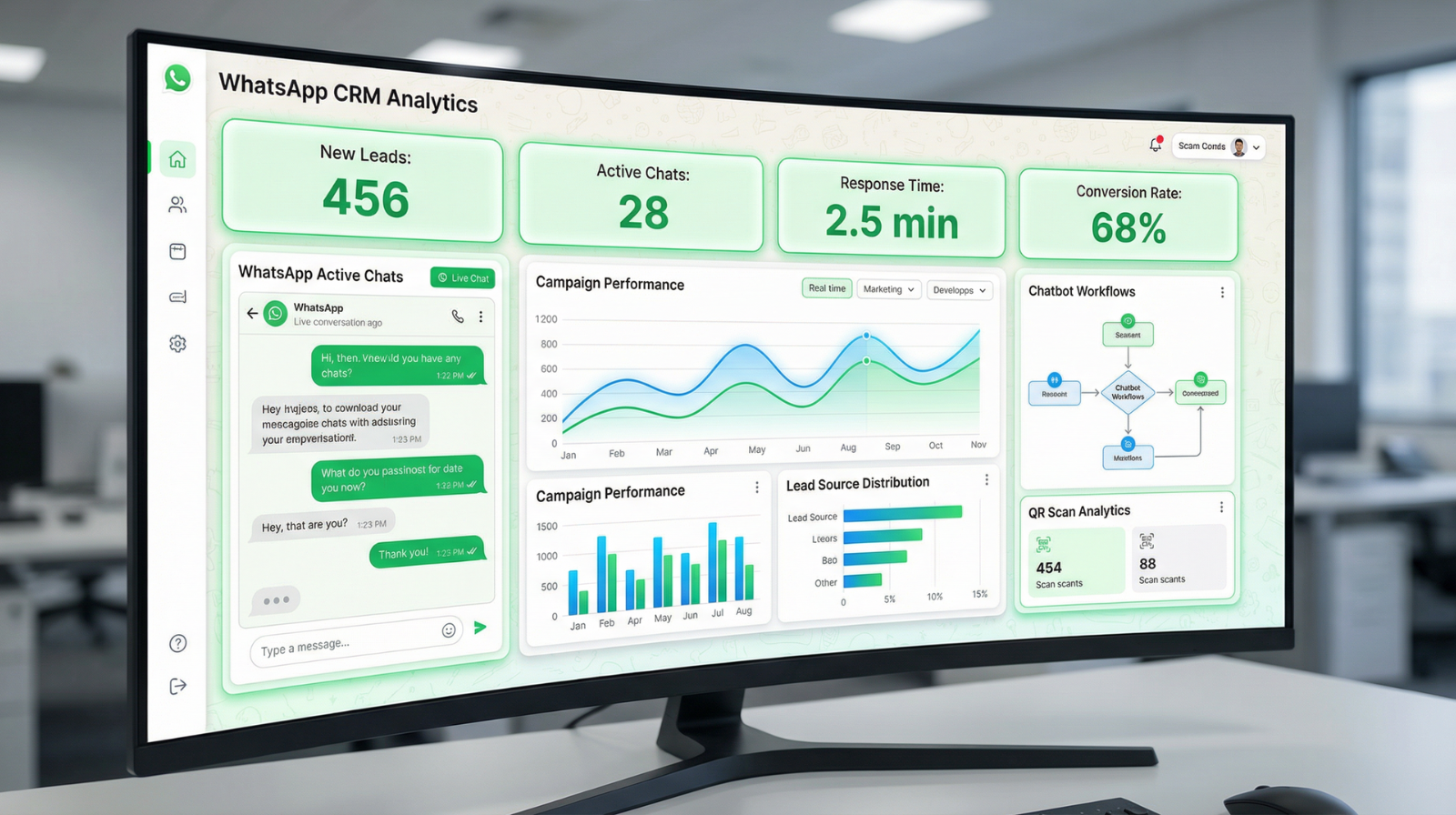
Review the analytics dashboard weekly: lead volume by source, average response time, agent performance, conversion rate by pipeline stage, and message open rates by campaign. Use this data to identify the highest-performing lead sources and the stages where leads most commonly drop off.
Common Mistakes Businesses Make with WhatsApp Lead Management
Understanding what not to do is as important as following the right process.
Mistake 1: Using the standard WhatsApp Business app at scale. The basic app supports one device. As soon as multiple team members need access, messages are missed, leads fall through the gaps, and there is no visibility into what any individual agent is doing. The moment daily lead volume exceeds 15–20 messages, a CRM-integrated API setup is necessary.
Mistake 2: No first-message automation. Businesses that rely on agents to manually send the first message lose leads whenever an agent is unavailable. An immediate automated welcome, even a simple acknowledgement, is essential. Research consistently shows that contact within the first 5 minutes is the most significant driver of lead qualification success.
Mistake 3: Sending unsolicited bulk messages. Broadcasting messages to contacts who have not opted in violates the WhatsApp Business API policy and risks having the business phone number suspended. All outbound campaigns should only reach contacts who have explicitly agreed to receive WhatsApp messages from the business.
Mistake 4: Not tagging or segmenting leads. Without tags, every lead looks the same. Tagging leads by source, interest, budget, and status enables targeted follow-up, accurate reporting, and meaningful re-engagement campaigns. Untagged contact lists are essentially unusable for any form of personalised outreach.
Mistake 5: No pipeline tracking. Many businesses manage WhatsApp leads informally. A conversation happens, it is not recorded, and three weeks later, nobody can confirm whether the lead was followed up on. A pipeline with defined stages, assigned owners, and activity logs ensures accountability across the team.
Mistake 6: Over-messaging. Sending too many automated messages too quickly damages trust and leads to blocks. A well-spaced sequence of welcome messages, one follow-up after 24 hours, another after 48 hours, is more effective than daily broadcasts. Quality and timing matter more than volume.
Also Read: What Is a WhatsApp CRM, and Why Businesses Need It
Conclusion
WhatsApp is no longer just a chat tool—it’s a high-conversion lead generation channel when combined with the right CRM strategy. Businesses leveraging WhatsApp consistently achieve faster response times, stronger engagement, and improved conversion rates.
With a WhatsApp CRM like WhatZCRM, you gain structured workflows, automation, and complete lead visibility. Every interaction becomes trackable, every lead becomes manageable, and every conversation moves closer to conversion. For businesses aiming to scale lead generation and operate with sales-team efficiency, WhatZCRM delivers a clear competitive advantage.