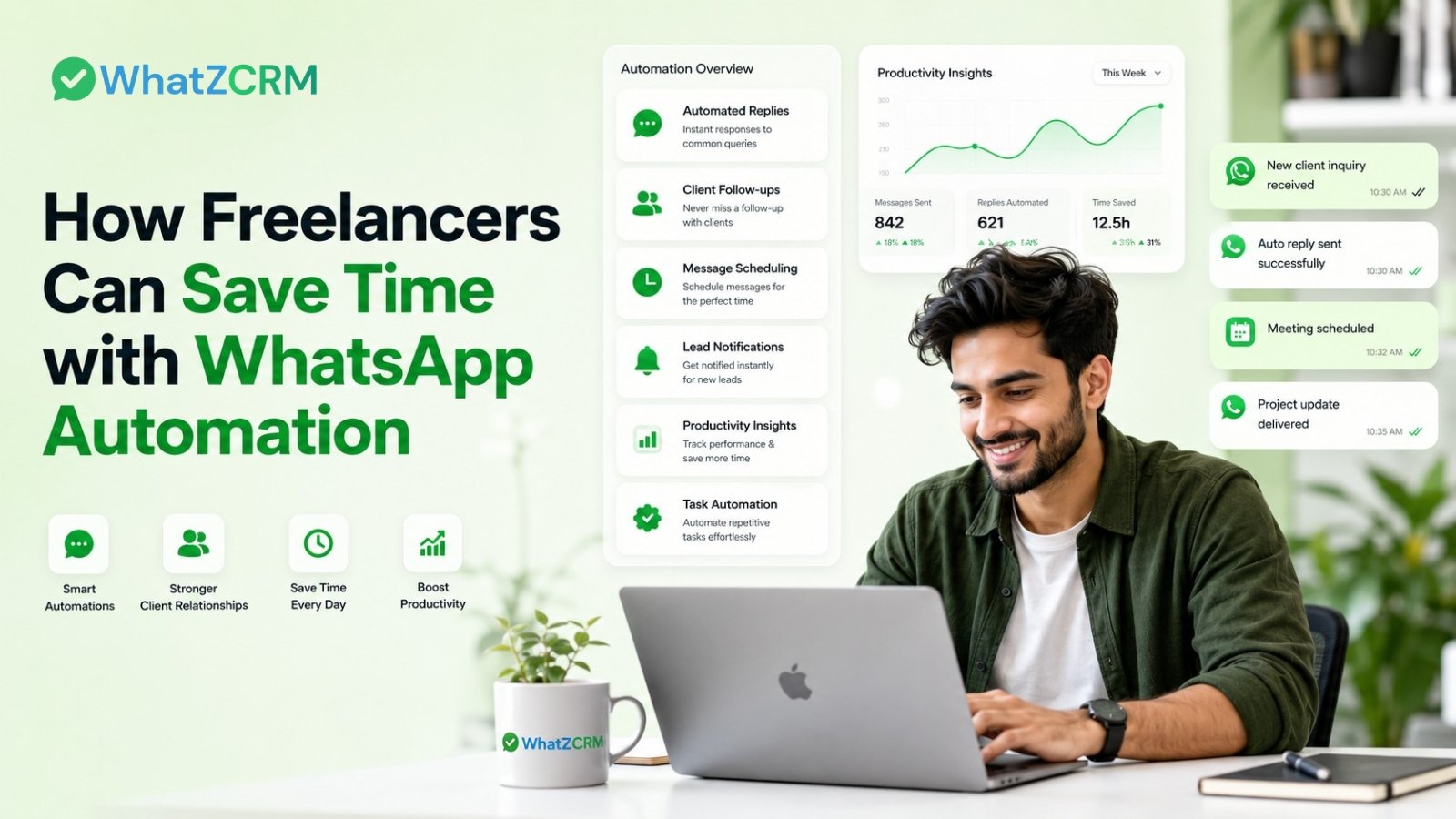

Freelancing is freedom, but it also means you wear every hat: sales rep, project manager, customer support agent, and invoice chaser, all at once. If you’re a freelancer spending hours replying to repetitive client messages, manually following up on unpaid invoices, or forgetting to send project updates, you’re not alone. And you’re losing valuable time that should go toward billable work.
That’s exactly where WhatsApp automation changes the game. With over 3 billion active users, WhatsApp is already where your clients communicate. Using WhatsApp Business for freelancers, especially powered by the WhatsApp Business API, you can automate repetitive tasks, impress clients with instant responses, and reclaim hours every week. This article breaks down exactly how.
Why Freelancers Need WhatsApp Automation in 2025
The average freelancer spends 30–40% of their working week on non-billable admin: responding to status queries, chasing payments, sending proposals, and onboarding new clients. This is time that isn’t generating revenue.
WhatsApp Business API for freelancers is no longer just a nice-to-have. It’s a competitive advantage.
What Is WhatsApp Business API for Freelancers?
The standard WhatsApp Business app gives you a business profile and quick replies, but it has limits. You can only reply manually, use one device, and can’t automate workflows at scale.
The WhatsApp Business API is a step above. It connects your WhatsApp number to platforms like WhatZCRM, enabling:
- Automated replies to client inquiries 24/7, even while you sleep
- Broadcast messages are sent to multiple clients simultaneously
- Chatbots that qualify leads before you even respond
- CRM-linked conversations, so every client interaction is tracked
- Automated invoices, reminders, and payment follow-ups sent via WhatsApp
Think of it as your WhatsApp service for freelancers, a digital assistant that handles client communication while you focus on the work that actually pays.
6 Ways WhatsApp Automation Saves Freelancers Time
1. Instant Lead Capture Never Miss a Potential Client
Every missed message is a missed project. With WhatsApp CRM for freelancers, inbound inquiries from your Instagram bio, portfolio website, Facebook ads, or WhatsApp link are automatically captured and logged. The moment someone says “I’m interested,” the CRM creates a lead profile, records the source, and tags it for follow-up, no manual data entry required.
2. Automated Client Onboarding via WhatsApp
Once a client signs on, onboarding usually involves 10+ back-and-forth messages: welcome notes, contract signing, project briefs, intake forms, and payment links. With WhatsApp Business for freelancers, this entire sequence can be automated.
A triggered automation sequence can:
- Send a personalized welcome message within seconds
- Share your project brief form automatically
- Follow up if the form isn’t filled within 24 hours
- Send a payment link once the brief is confirmed
3. Automated Payment Reminders No More Awkward Follow-Ups
Late payments are one of the biggest frustrations in the freelance world. Chasing invoices manually is time-consuming and professionally uncomfortable. WhatsApp automation takes this task off your plate entirely.
Using WhatZCRM WhatsApp service for freelancers, you can set up automated payment reminders that trigger at preset intervals, say, 3 days before the due date, on the due date, and 2 days after. Each message is personalized with the client’s name, invoice amount, and a direct payment link. The system tracks when the invoice is paid and automatically stops the sequence.
4. Proactive Project Status Updates
“How’s the project going?” is probably the message every freelancer dreads because it interrupts deep work. The solution? Send project updates before clients have to ask.
WhatsApp CRM for freelancers lets you schedule milestone updates that are sent automatically when a task is marked complete. Clients feel informed and valued; you maintain focus without constant interruption. It’s a professional touch that most freelancers ignore and one that dramatically increases client satisfaction and repeat business.
5. AI-Powered Chatbot to Handle FAQs and Qualify Leads
Imagine having a 24/7 assistant who speaks 50+ languages, understands client intent, and escalates to you only when necessary. That’s what an AI WhatsApp chatbot in your WhatsApp Business API setup for freelancers does.
The chatbot can handle:
✔ Pricing and service inquiries
✔ Project brief collection
✔ Scheduling discovery calls
✔ FAQs about turnaround times, revisions, and formats
Only truly qualified, interested leads reach your inbox filtered and ready to convert.
Also Read: How to Build a WhatsApp Chatbot Without Coding (2026 Step-by-Step Guide)
6. WhatsApp Marketing for Freelancers: Retain and Upsell
Your past clients are your most valuable asset. WhatsApp marketing for freelancers involves sending targeted, pre-approved broadcast messages to segmented client lists, such as former clients, leads who went cold, or project-specific audiences.
With WhatZCRM, you can:
- Announce a new service or package
- Re-engage clients you haven’t worked with in 90+ days
- Request testimonials and Google reviews post-project
- Share seasonal offers or referral incentives
WhatsApp marketing messages have an average open rate of 98%, far outperforming email. For freelancers, this means a higher return from every client relationship you’ve already built.
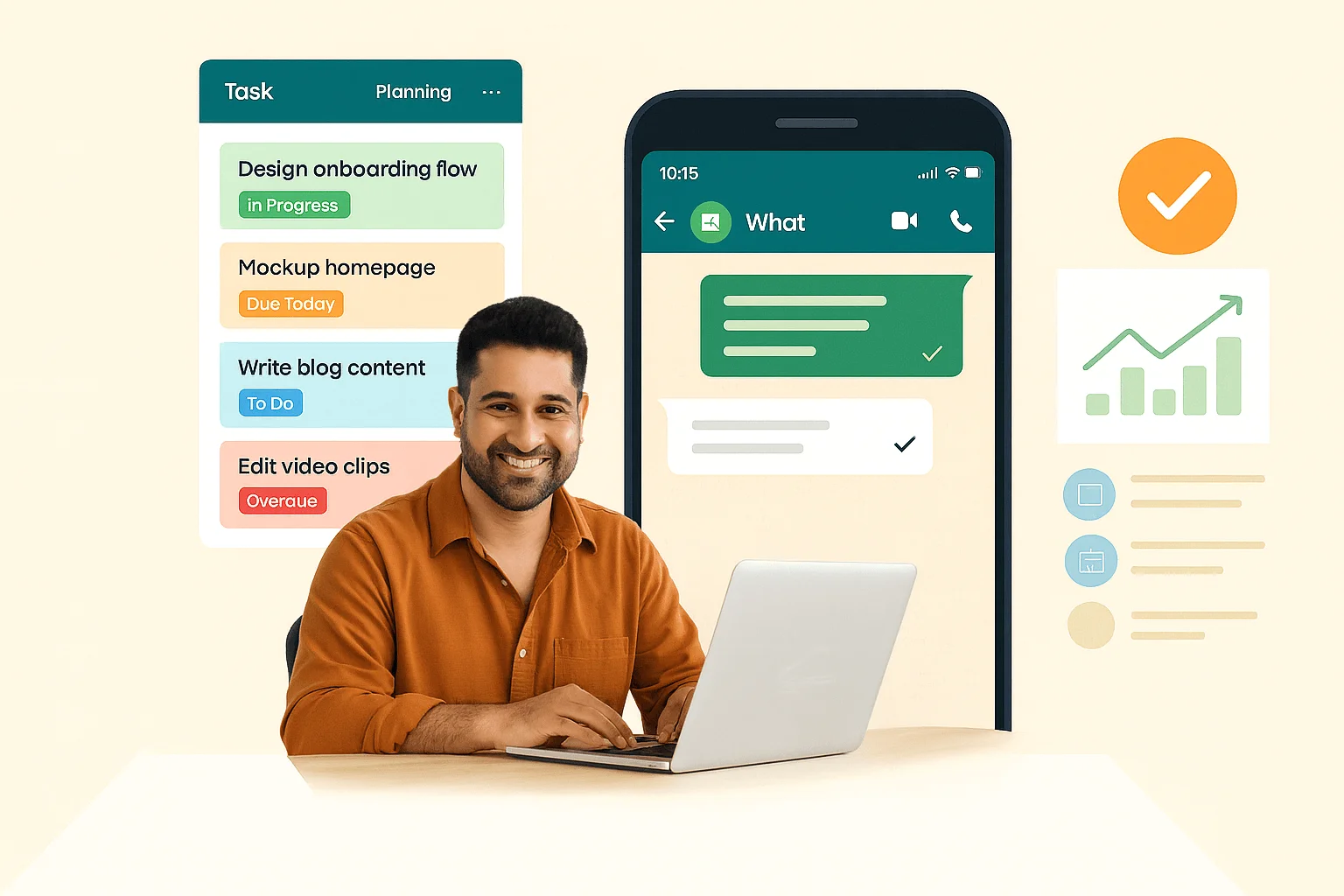
How WhatsApp Marketing Helps Freelancers Grow
WhatsApp Marketing for Freelancers is becoming one of the most effective strategies for client engagement. Compared to emails, WhatsApp messages usually achieve higher open and response rates.
Freelancers can use WhatsApp marketing for:
- Sharing portfolio updates
- Sending service offers
- Promoting new packages
- Running seasonal campaigns
- Sharing testimonials
- Re-engaging old clients
Because WhatsApp communication feels more personal and conversational, freelancers can build stronger client relationships and increase repeat business.
Benefits of WhatsApp CRM for Freelancers
A dedicated WhatsApp CRM for Freelancers offers more than simple messaging. It creates a complete communication ecosystem that helps freelancers manage clients efficiently.
Key advantages include:
- Centralized communication dashboard
- Multi-device accessibility
- Faster lead management
- Client history tracking
- Automated workflows
- Better conversion management
- Reduced response delays
- Improved customer satisfaction
For growing freelancers and agencies, a CRM integrated with WhatsApp can significantly improve productivity and scalability.
WhatsApp Business App vs. WhatsApp Business API: What’s the Difference?
Many freelancers start with the free WhatsApp Business app, and it’s a good place to start. But as your client base grows, its limitations become clear:
| Feature | WhatsApp Business App | WhatsApp Business API (WhatZCRM) |
| Automation | Basic quick replies only | Full workflow automation |
| Broadcast limit | 256 contacts | Unlimited with segmentation |
| CRM integration | None | Full CRM with lead tracking |
| AI chatbot | No | Yes, 24/7 with 50+ languages |
| Invoice & payments | No | Yes, via WhatsApp |
| Multi-device | Limited | Yes, team-ready |
| Analytics | Basic | Detailed campaign analytics |
How WhatZCRM Makes WhatsApp Automation Easy for Freelancers
WhatZCRM is built specifically as a WhatsApp CRM for freelancers and independent professionals. Unlike generic CRMs that bolt on WhatsApp as an afterthought, WhatZCRM is WhatsApp-first. Here’s what makes it the preferred WhatsApp service for freelancers:
- No-code setup, you’re live within minutes, not weeks
- Drag-and-drop automation builder to create complex workflows without writing a single line of code
- Official WhatsApp Business API access is fully compliant and verified
- Smart lead capture from WhatsApp, Instagram, Facebook Ads, and your portfolio site
- Branded proposal and invoice generation inside WhatsApp
- AI chatbot capable of handling discovery, FAQs, and scheduling around the clock
- WhatsApp marketing broadcasts with audience segmentation and analytics
- Integrated task management with WhatsApp-based deadline reminders
Whether you’re a solo designer, a consultant, a developer, or a digital marketer, WhatZCRM is designed to fit into your workflow, not the other way around.
Final Thoughts
Freelancing is about freedom but that freedom disappears fast when your calendar fills up with client follow-ups, invoice chasing, and repetitive status updates. WhatsApp automation gives it back.
By combining the reach of WhatsApp with the intelligence of a CRM, tools like WhatZCRM turn your most-used messaging app into a full client management engine one that works even when you don’t. Whether you’re just starting out or scaling a busy solo practice, setting up WhatsApp Business for freelancers isn’t a luxury anymore; it’s the smartest move you can make for your time, your client relationships, and your bottom line. The sooner you automate the routine, the sooner you can focus on the work that actually grows your business.