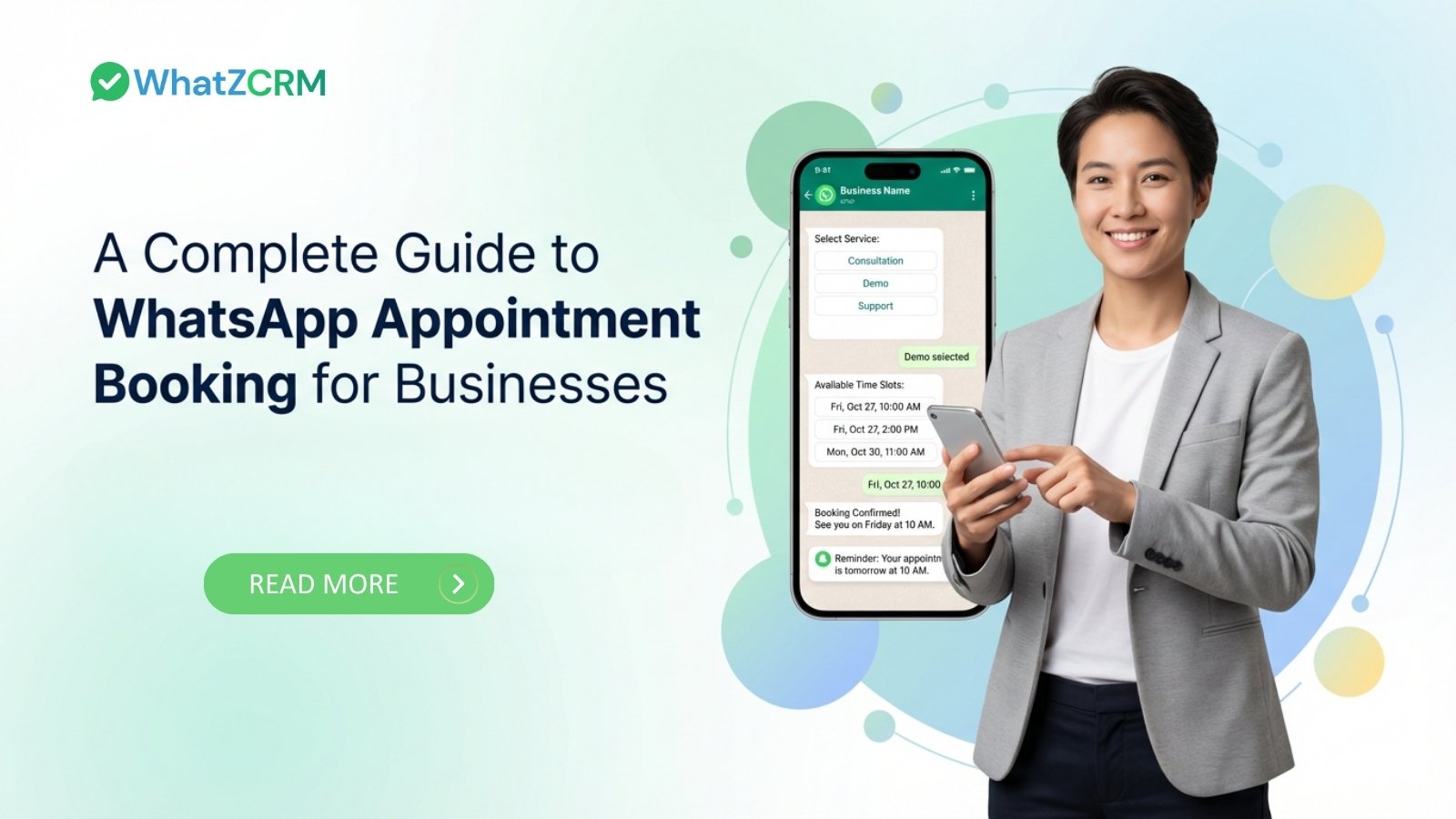

WhatsApp appointment booking enables businesses to schedule, confirm, and manage appointments directly within WhatsApp conversations using automation and CRM integration. By combining the WhatsApp Business API with calendar syncing and AI-powered workflows, companies can reduce no-shows, improve conversions, and streamline scheduling without relying on external booking forms.
Understand About WhatsApp Appointment Booking
WhatsApp appointment booking is a system that allows customers to schedule appointments directly via WhatsApp, using automation and calendar integration.
Instead of calling or filling out long forms, customers simply message a business, select an available time slot, and receive instant confirmation inside the chat.
At scale, businesses use the WhatsApp Business API integrated with CRM and calendar tools to automate:
- Service selection
- Real-time slot availability
- Booking confirmation
- Reminder scheduling
- Rescheduling workflows
This transforms WhatsApp from a messaging app into a structured appointment management system.
WhatsApp Business App vs WhatsApp Business API
Understanding the difference is critical.
WhatsApp Business App
- Designed for small businesses
- Manual messaging only
- No automation support
- No CRM or calendar integration
- Single-device limitation
WhatsApp Business API
- Supports automation and chatbots
- Enables CRM integration
- Allows calendar synchronization
- Supports multi-agent access
- Uses webhooks and APIs
- Supports template messaging outside the 24-hour session window
Scalable WhatsApp appointment booking requires the WhatsApp Business API. The standard app cannot support structured automation or calendar sync.
Also Read: The Complete Business Guide for WhatsApp Business API
Why Are Businesses Switching to WhatsApp Appointment Booking?
Businesses are switching to WhatsApp appointment booking because it increases conversion rates, reduces no-shows, and improves operational efficiency.
Customers prefer messaging over calling. WhatsApp provides instant engagement, which prevents lead drop-offs caused by slow responses.
Key drivers behind adoption include:
- Faster Conversions: Immediate automated responses help secure bookings while customer intent is high.
- Higher Open Rates: WhatsApp messages are read significantly more often than email reminders, reducing missed appointments.
- Lower Operational Load: Automation eliminates manual calendar checks, confirmations, and follow-ups.
- Seamless Customer Experience: Customers stay within a familiar messaging interface instead of being redirected to external scheduling portals.
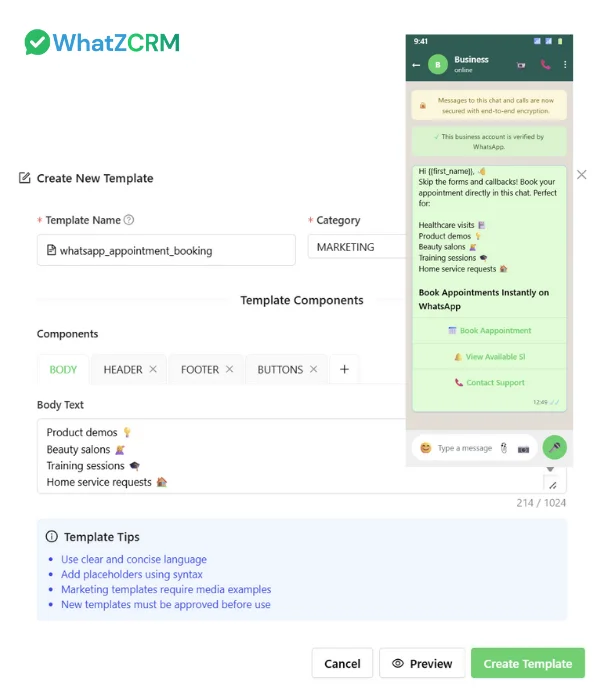
How Does WhatsApp Appointment Booking Work?
WhatsApp appointment booking works by combining the WhatsApp Business API, calendar integration, and automated CRM workflows.
A typical automated flow includes:
- A customer sends a booking request via WhatsApp.
- The system displays available time slots synced from a live calendar.
- The customer selects a preferred date and time.
- The appointment is automatically confirmed and stored in the CRM.
- Reminders are scheduled and sent before the appointment.
To enable this process, businesses need:
Also Read: How Multi-Agent WhatsApp Inbox Solves Team Collaboration Challenges
1. WhatsApp Business API Access
Unlike the standard WhatsApp Business app, the API supports automation, CRM integration, and multi-agent management.
2. Calendar Synchronization
Integration with tools like Google Calendar or Microsoft Outlook ensures real-time availability and prevents double bookings.
3. CRM-Based Automation
Appointments are linked to customer records, allowing tracking, follow-ups, and performance monitoring.
This creates a fully automated conversational booking system inside WhatsApp.
Also read: How WhatsApp API Integration Works & Why Your Business Needs It
The Role of AI-Powered WhatsApp CRM in Appointment Booking
Appointment booking is not just scheduling. It is part of a broader customer lifecycle.
An AI-powered Best WhatsApp CRM allows businesses to:
- Track booking history
- Score leads before consultations
- Route appointments automatically
- Trigger post-appointment follow-ups
- Monitor sales pipeline performance
Instead of isolated bookings, every appointment becomes part of a structured revenue workflow.
How WhatZCRM Enhances WhatsApp Appointment Booking
WhatZCRM integrates WhatsApp messaging, automation, and CRM tracking into a single system.
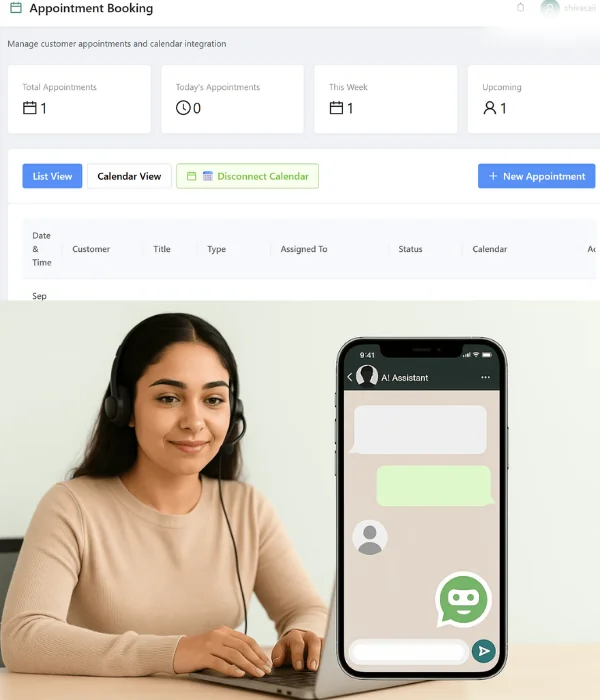
- Centralized Booking: Appointments are booked directly inside WhatsApp without external forms.
- Real-Time Calendar Sync: Live availability prevents scheduling conflicts.
- Automated Confirmations and Reminders: Reduce no-shows and manual effort.
- Intelligent Team Assignment: Routes bookings based on department, expertise, or region.
- CRM and Pipeline Visibility: Tracks the entire journey from inquiry to conversion.
This ensures appointment booking becomes a growth engine, not just a scheduling tool.
How WhatsApp Appointment Booking Feature Work for Various Industries?
Healthcare clinics use WhatsApp booking to automate consultation scheduling and reminders.
Real estate agencies allow prospects to book property visits and auto-assign agents.
Educational institutions manage demo classes and counseling sessions through conversational booking.
Service businesses such as salons and home maintenance providers reduce reliance on call centers by using automated chat scheduling.
The Future of WhatsApp Appointment Booking
Appointment scheduling is becoming AI-driven and predictive. Future systems will recommend optimal time slots, personalize booking flows based on customer history, and WhatsApp automate follow-ups without human intervention.
Businesses adopting structured WhatsApp appointment workflows today are building a scalable, AI-ready operational system.
Also Read: How WhatZCRM Simplifies Automated WhatsApp Follow-Ups for Businesses
To Conclude
WhatsApp appointment booking is no longer a convenience feature. It is an operational necessity for businesses that prioritize speed, automation, and customer experience.
When powered by the WhatsApp Business API and integrated with a CRM system like WhatZCRM, appointment booking becomes:
- Automated
- Measurable
- Scalable
- AI-ready
Businesses that rely on consultations, demos, or service appointments can significantly increase efficiency and conversion rates by implementing a structured WhatsApp-based scheduling system.
Explore how WhatZCRM’s appointment and calendar integration can help your business automate scheduling, reduce no-shows, and manage every booking from a single, unified WhatsApp CRM dashboard.