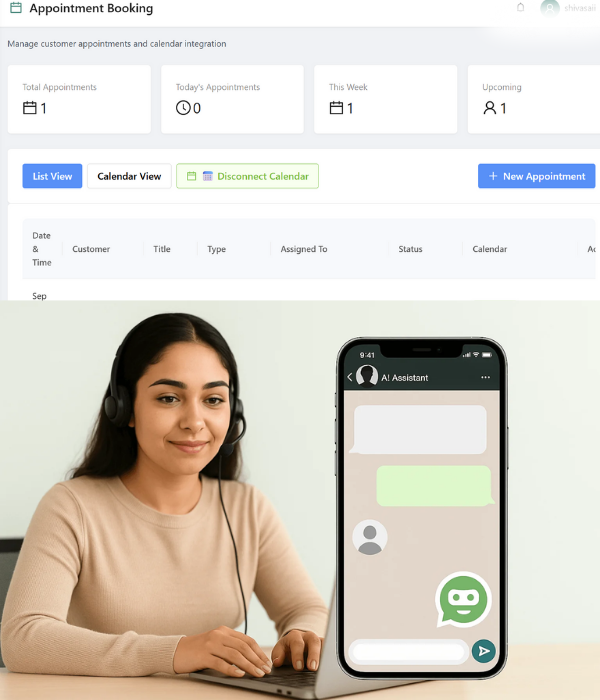
Appointment & Calendar Integration

From Chat to Calendar in Seconds

With WhatZCRM's Appointment & Calendar Integration, customers can seamlessly book slots, receive automated reminders, and sync schedules with your team, all without leaving WhatsApp. Instead of juggling between phone calls, emails, and third-party booking links, everything is handled in one unified platform.
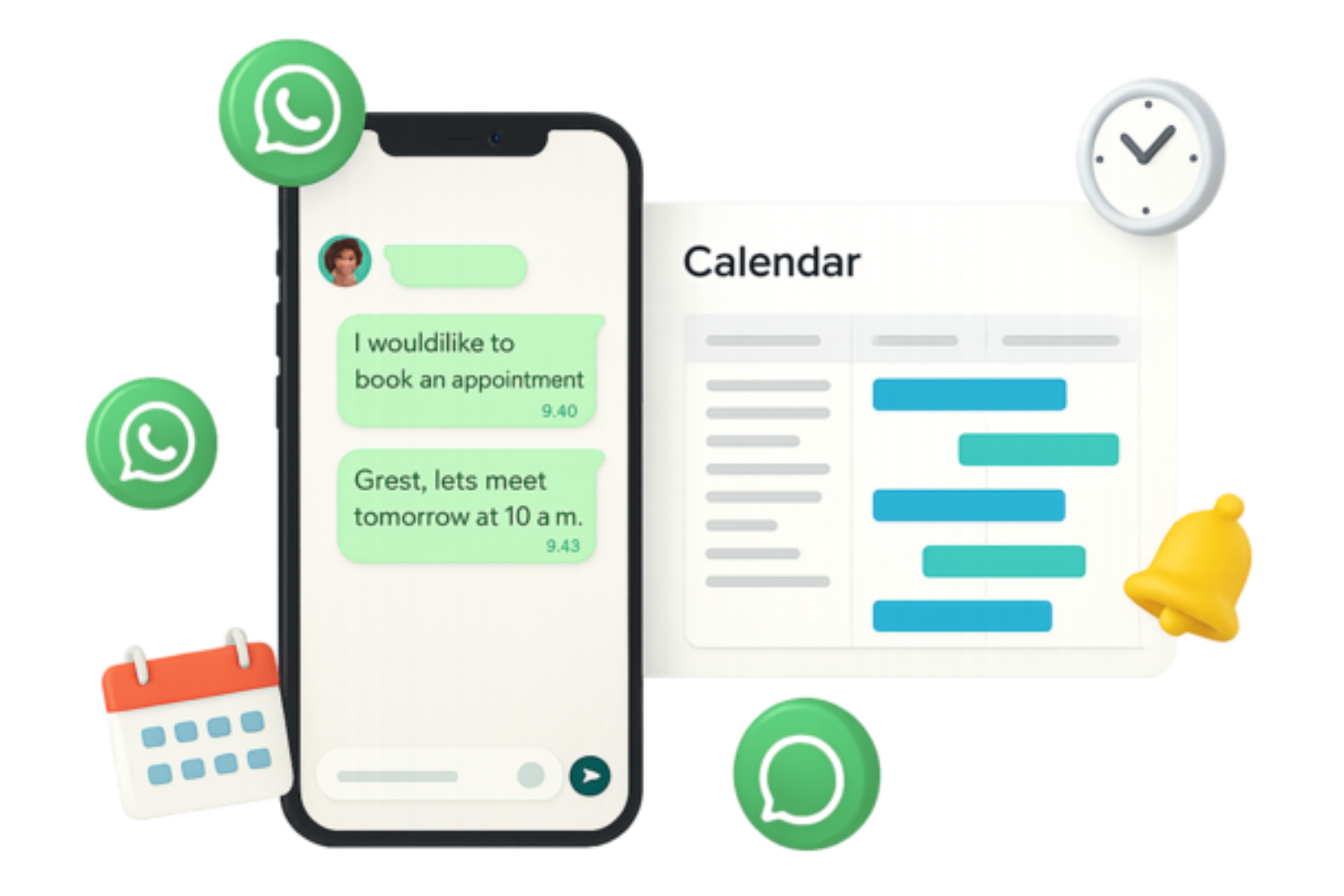
WhatsApp Appointment & Calendar Integration Dashboard
OUR EXPERTISE

Why Choose WhatsApp Appointment & Calendar Integration with WhatZCRM?

In today's always-on, mobile-first world, appointment scheduling must be quick, reliable, and convenient for customers: every missed call or late reply risks losing business. With WhatZCRM, you gain the advantage of automation, calendar syncing, and instant confirmations all inside WhatsApp.

Direct WhatsApp Booking

Let customers book appointments directly via WhatsApp chat without lengthy forms or callbacks, making scheduling instant and convenient.

Seamless Calendar Sync

Sync seamlessly with Google Calendar, Outlook, or Calendly for automatic schedule updates and conflict prevention.

Automated Reminders

Send automated WhatsApp reminders to reduce no-shows and keep customers informed with timely notifications.

Multi-Timezone Support

Allow multi-timezone scheduling for global teams and clients with automatic time zone detection and adjustment.

Smart Assignment

Auto-assign bookings to the right agent, doctor, or department based on expertise, availability, and workload.

Instant Rescheduling

Share reschedule/cancellation links instantly without back-and-forth communication, keeping schedules updated automatically.

What You Can Do with WhatsApp Appointment & Calendar Integration in WhatZCRM?

Transform your appointment scheduling with seamless WhatsApp integration that handles bookings, reminders, and calendar sync automatically, ensuring no missed opportunities.

Book Appointments in WhatsApp

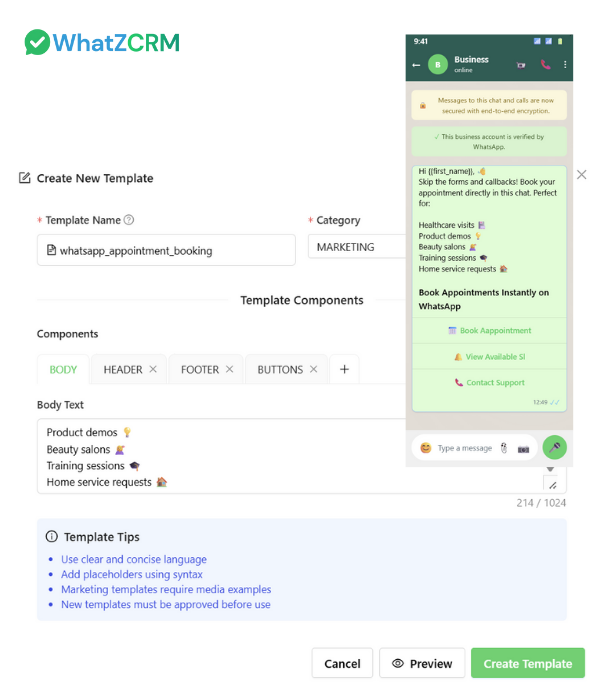
Customers no longer need to fill out long forms or wait for a callback. They can book appointments directly in a WhatsApp chat, making it perfect for healthcare visits, product demos, beauty salons, training sessions, or home service requests.

Calendar Sync Made Easy

All appointments are automatically connected to your Google Calendar, Outlook, or Calendly, with full details such as time, contact info, and service type logged. Your team never has to update schedules manually again.

Send Automated Reminders

Cut missed appointments by sending smart WhatsApp reminders 24 hours or 1 hour before the meeting. You can even attach Zoom/Google Meet links, clinic addresses, or payment instructions inside the reminder.

Handle Reschedules & Cancellations

Customers can reschedule or cancel with one tap via WhatsApp buttons or quick reply templates. The system updates your calendar instantly, keeping schedules accurate and avoiding confusion.

WhatsApp Appointment Booking Dashboard
WhatsApp Calendar Integration Dashboard

Support Multi-Timezone Teams

For global companies, WhatZCRM detects the customer's location and adjusts available slots automatically. A client in New York and another in London both see local timings without manual coordination.

Assign & Route Automatically

Bookings can be automatically routed to the most suitable agent, consultant, or provider based on expertise, workload, or location—ensuring faster responses and a smoother experience.

Collect Payments Before Appointments

Send invoices or secure payment links via Stripe, Razorpay, or PayPal via WhatsApp at the time of booking. Customers can confirm and pay instantly, reducing cancellations and ensuring commitment.

Track Attendance & Performance

Managers can see how many appointments were booked, attended, rescheduled, or missed. Analytics also track agent performance and customer engagement for better decision-making.

HOW DOES IT WORK

How WhatsApp Appointment Booking Works

WhatZCRM's Appointment Booking Process seamlessly integrates WhatsApp with your calendar systems for effortless scheduling and automated reminders.

Capture Appointment Requests

Customers initiate bookings through various channels, including WhatsApp, scanning a QR code, clicking an ad, or using your website link Multiple entry points Seamless initiation process

Auto-Create Booking Profile

WhatZCRM logs contact info, service type, and preferred time, creating a complete booking profile instantly Automatic data collection Complete customer profiles

Send Confirmation & Calendar Invite

WhatsApp auto-replies confirm the booking while syncing details to Google Calendar, Outlook, or Calendly Instant confirmation Calendar synchronization

Send Smart Reminders

Automated WhatsApp reminders with maps, links, or attachments keep customers engaged and reduce no-shows Timely notifications Reduce missed appointments

Track & Optimize

Managers monitor real-time metrics for bookings, attendance, cancellations, and agent efficiency to improve scheduling continuously Performance analytics Continuous improvement

Ready to Streamline Your Appointment Booking?

WhatsApp Appointment for Booking

WhatsApp Appointment & Calendar Integration is designed for teams and businesses that need efficient, automated scheduling solutions with seamless calendar sync and customer engagement.

Healthcare Teams

Doctors, clinics, and hospitals can let patients book consultations instantly via WhatsApp. Sync with calendars, send prescription reminders, or follow up with lab report delivery.

Sales Teams

Sales reps can schedule product demos, consultations, or contract reviews directly from WhatsApp ads. Bookings sync automatically, saving time and accelerating deal closures.

Education Providers

Schools, colleges, and training centers can manage trial class sign-ups, parent-teacher meetings, or admissions counseling through WhatsApp seamlessly.

Service Providers

Salons, spas, home repair businesses, and fitness trainers can automate appointment bookings, reminders, and payments all from WhatsApp for seamless operations.

TESTIMONIALS

What Our Clients Say

Hear from professionals who have transformed their appointment scheduling and reduced no-shows with WhatZCRM's Calendar Integration

"No-shows dropped by 40% after using WhatsApp reminders from WhatZCRM. Patients love the convenience of booking directly on chat."

Dr. Aditi Sharma
Dr. Aditi Sharma
Clinic Owner
Healthcare Clinic

"Scheduling sales demos is instant. Leads click our ad, open WhatsApp, and confirm a slot in seconds. Our conversion rate has never been higher."

Jason Lee
Jason Lee
Sales Director
Tech Solutions

"We manage over 200 monthly appointments with zero errors. Calendar sync and automated reminders keep us organized and efficient."

Sonal Mehta
Sonal Mehta
Training Coordinator
Learning Center
FAQ

Frequently Asked Questions

Find answers to common questions about WhatsApp Appointment & Calendar Integration

It's a scheduling feature that lets customers book, confirm, or reschedule appointments directly through WhatsApp. Every booking is automatically synced with calendars like Google Calendar, Outlook, or Calendly, ensuring schedules are accurate, up-to-date, and conflict-free.

Yes. With automated WhatsApp reminders, businesses can cut no-shows by up to 40%. Customers receive timely notifications with meeting details, maps, or Zoom links, helping them stay informed and reducing missed appointments.

Absolutely. WhatZCRM integrates seamlessly with Google Calendar, Outlook, and Calendly. Every new booking, reschedule, or cancellation is updated in real time, eliminating manual work and avoiding scheduling conflicts.

Yes. Customers can reschedule or cancel with one-tap WhatsApp buttons or quick links. The system updates your calendar instantly, so your team always has the latest availability without manual adjustments.

Yes. WhatZCRM supports multi-timezone scheduling, automatically adjusting available slots for each customer's region. This makes it ideal for international companies, consultants, and global service providers.

Yes. You can send secure payment links or invoices directly in WhatsApp when confirming a booking. This ensures commitment, reduces last-minute cancellations, and provides a seamless payment experience.

Yes. The Appointment & Calendar Integration is completely no-code. Simply connect your preferred calendar, set reminder preferences, and start scheduling in minutes—no technical skills required.

Yes. WhatZCRM supports group reminders for classes, webinars, or team meetings. You can also schedule recurring reminders for weekly or monthly sessions, keeping everyone updated without manual effort.

Yes. Along with calendar sync, you can attach Zoom, Google Meet, or Microsoft Teams links directly in WhatsApp reminders. Customers receive clickable links, making it easy to join meetings instantly.

Yes. Reminders can include the customer's name, appointment type, service details, and location. Personalized reminders help build trust and increase the likelihood of attendance.

Get Started Today

Simplify scheduling and maximize show-ups with WhatsApp-powered bookings.

Built to Work with WhatsApp Business API