360dialog Alternative

360dialog Alternative for WhatsApp CRM in 2026 – WhatZCRM

360dialog provides access to the WhatsApp API, but many businesses need more than just messaging infrastructure.

WhatZCRM offers a complete WhatsApp CRM to manage conversations, organize leads, and automate customer communication from one dashboard.

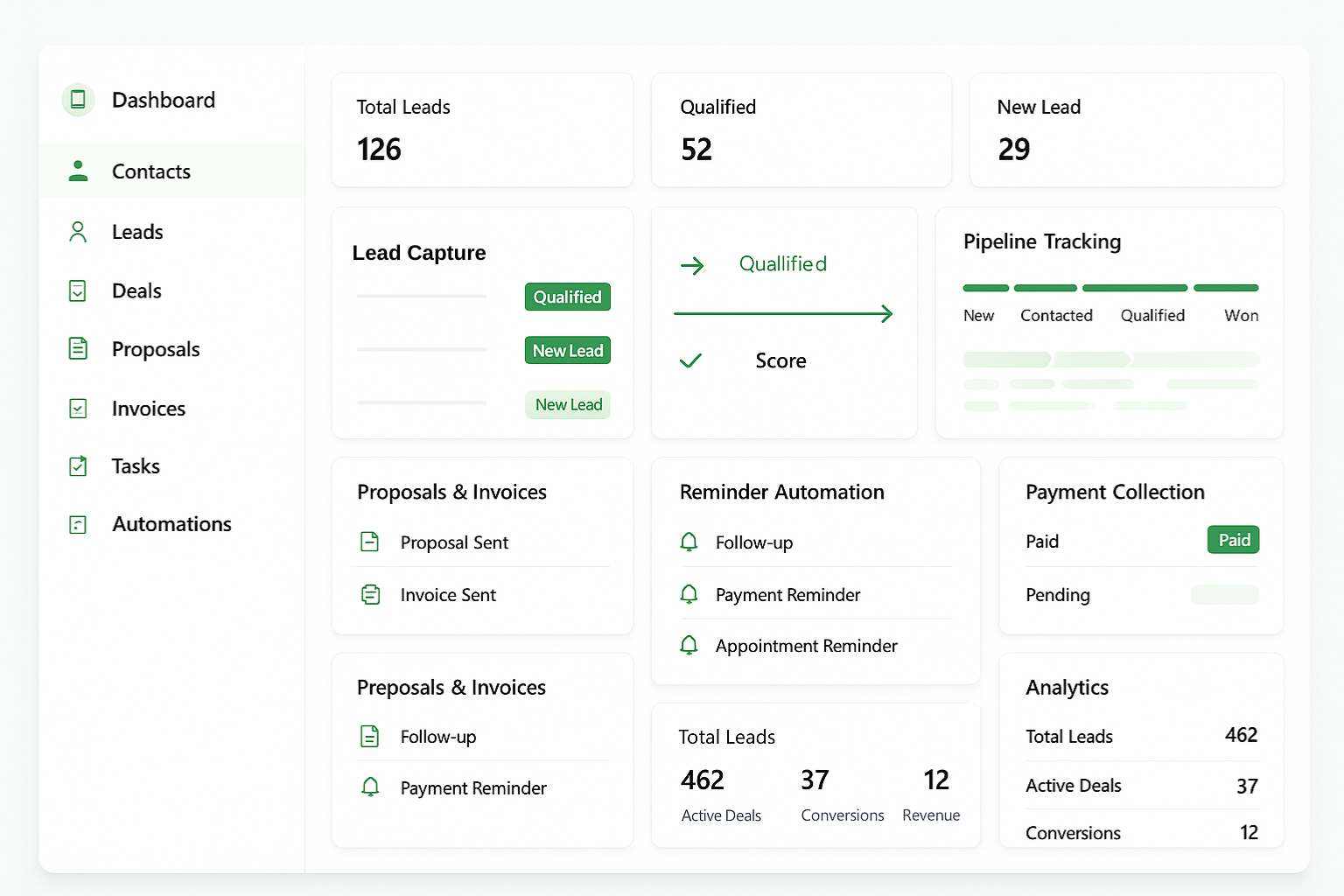
360dialog Alternative Dashboard
360dialog vs WhatZCRM

What’s the Core Difference?

360dialog: WhatsApp API Infrastructure Provider
WhatZCRM: A Complete WhatsApp CRM + Business Automation Platform

360dialog

While both platforms enable businesses to communicate via WhatsApp, their core purposes differ.

360dialog provides the technical infrastructure that allows developers and software platforms to connect to WhatsApp.

WhatZCRM focuses on helping businesses manage conversations, leads, and workflows directly within a CRM environment.

WhatZCRM

WhatZCRM is designed for businesses that want to operate their entire WhatsApp communication system from a single dashboard without building custom infrastructure.

Instead of only providing messaging access, WhatZCRM enables organizations to manage conversations, track customer relationships, automate follow-ups, and coordinate teams efficiently.

Businesses using WhatZCRM can:

  • Capture and organize WhatsApp leads
  • Manage conversations with multiple agents
  • Track customer interactions and engagement history
  • Assign chats to sales or support teams
  • Automate responses and follow-up workflows
  • Monitor team productivity and customer engagement
This transforms WhatsApp from a simple messaging channel into a structured business communication system.

Detailed Feature Comparison

A practical comparison between WhatZCRM and 360dialog based on their platform capabilities.

Feature
360dialog
WhatZCRM
Messaging & API
Official WhatsApp API
Direct WhatsApp API Access ✓ Full developer API ✓ API integration
High Throughput Messaging ✓ Enterprise messaging infrastructure ✓ Optimized business messaging
Webhook Event Support Managed internally
WhatsApp Template Messaging ✓ Template management dashboard
Conversation Dashboard ✓ Built-in chat interface
CRM & Contact Management
Requires external CRM ✓ Full CRM (Built-in)
Customer Profile Info ✓ 360° contact view
Contact Activity Timeline
Contact Tags & Segmentation ✓ Advanced tagging
Custom Contact Fields ✓ Flexible data fields
Conversation Management
Shared Team Inbox ✗ Basic / partner tools ✓ Built-in advanced inbox
Multi-agent Chat Handling
Chat Assignment to Agents
Conversation Status Tracking ✓ Extensive tracking
Internal Team Notes
Chat History Tracking ✓ Complete conversation logs
Sales & Pipeline
Lead Management
Sales Pipeline Tracking ✓ Visual deal pipeline
Opportunity Tracking
Follow-up Reminders ✓ Automated reminders
Lead Qualification Stages
Customer Conversion Tracking

What Makes WhatZCRM the Best Alternative for 360dialog?

Complete WhatsApp CRM Lifecycle in WhatZCRM

A Complete WhatsApp CRM Instead of Only Messaging Infrastructure

Platforms like 360dialog focus primarily on providing WhatsApp API connectivity.
This means businesses typically need to integrate additional software, such as CRM platforms, help desk tools, or automation systems, to manage customer communication effectively. WhatZCRM combines these capabilities into one platform.
Instead of building multiple integrations, businesses can immediately start managing conversations, leads, and customer relationships directly within the system.

Built-In Customer Relationship Management

360dialog does not include a native CRM system. Companies usually connect the API to external CRM platforms such as Salesforce or HubSpot to manage customer data.

WhatZCRM includes a fully integrated CRM that allows businesses to store customer profiles, track interaction history, organize leads, and monitor engagement throughout the entire customer lifecycle.

This helps businesses convert WhatsApp inquiries into structured sales opportunities.

Complete WhatsApp CRM Lifecycle in WhatZCRM
Feature
360dialog
WhatZCRM
Automation & Workflows
Automated Messaging Requires development ✓ Built-in automation
Trigger-based Workflows Developer configuration ✓ Visual workflow builder
Auto Lead Assignment
Auto Follow-up Workflows
Multi-step Customer Journeys
Marketing Automation
Team Collaboration
Multi-user Access Limited
Department Routing
Role-based Permissions
Agent Activity Tracking
Team Conversation Ownership
Messaging Logs
Analytics & Reporting
Conversation Analytics
Agent Performance Reports
Lead Conversion Reports
Business Performance Dashboards
Exportable Reports Limited Unlimited
AI-Powered WhatsApp Automation in WhatZCRM

Team Collaboration for Customer Conversations

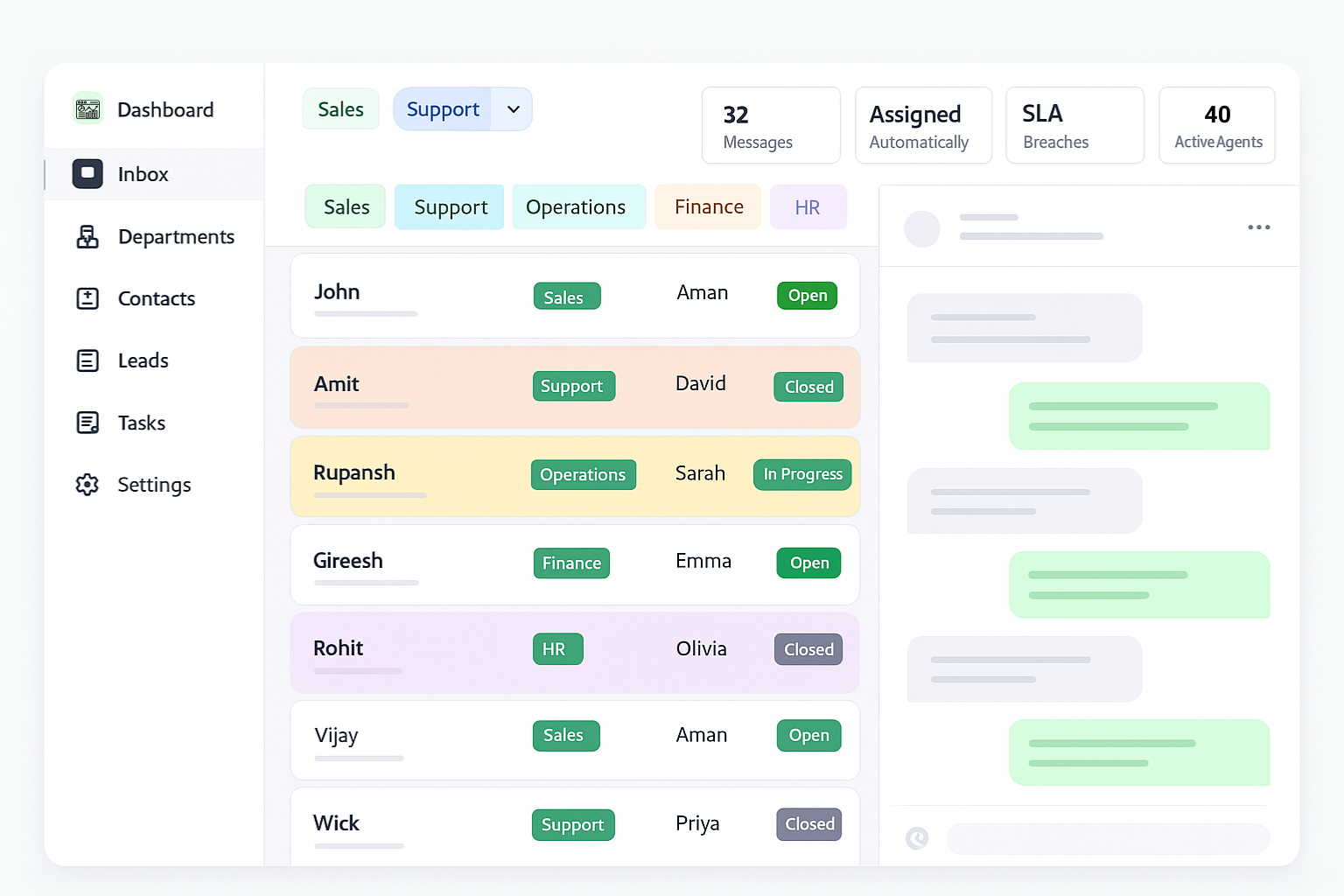
Customer communication often involves multiple departments, including sales, support, and operations.

WhatZCRM provides a shared team inbox where conversations can be assigned to agents, monitored by status, and managed collaboratively.

While 360dialog supports team inbox integrations, these typically require additional tools or partner platforms.

WhatZCRM provides these capabilities directly within the platform.

Sales Pipeline and Opportunity Management

Many businesses generate leads through WhatsApp campaigns, advertisements, or website inquiries.

Tracking these leads manually becomes difficult as conversation volume grows.

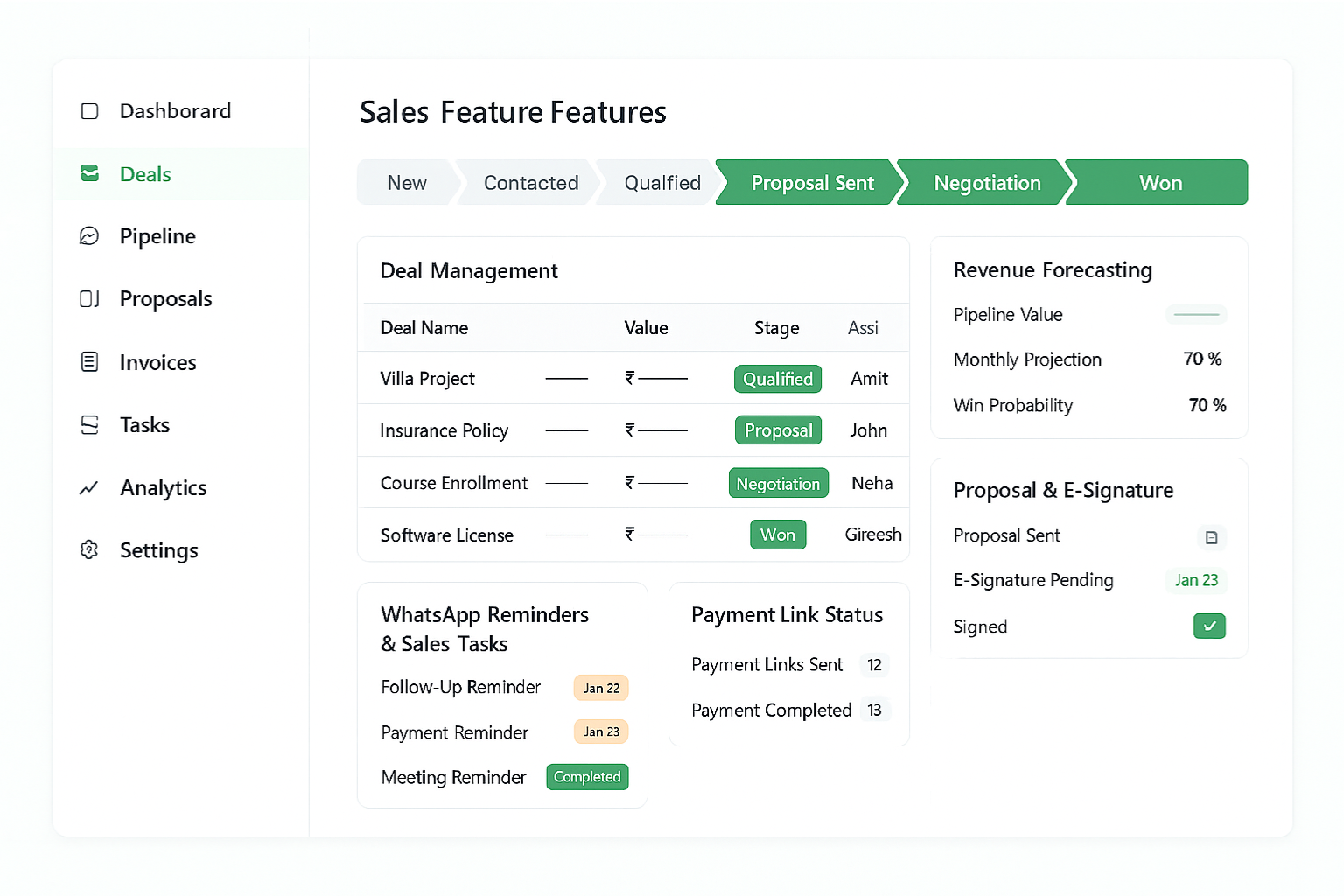
WhatZCRM allows businesses to manage leads through visual sales pipelines, schedule follow-ups, and monitor deal progress directly within the CRM.

This makes WhatsApp an effective channel for sales management and customer conversion tracking.

WhatZCRM Advanced Sales CRM Features
AI-Powered WhatsApp Automation in WhatZCRM

Workflow Automation for Customer Engagement

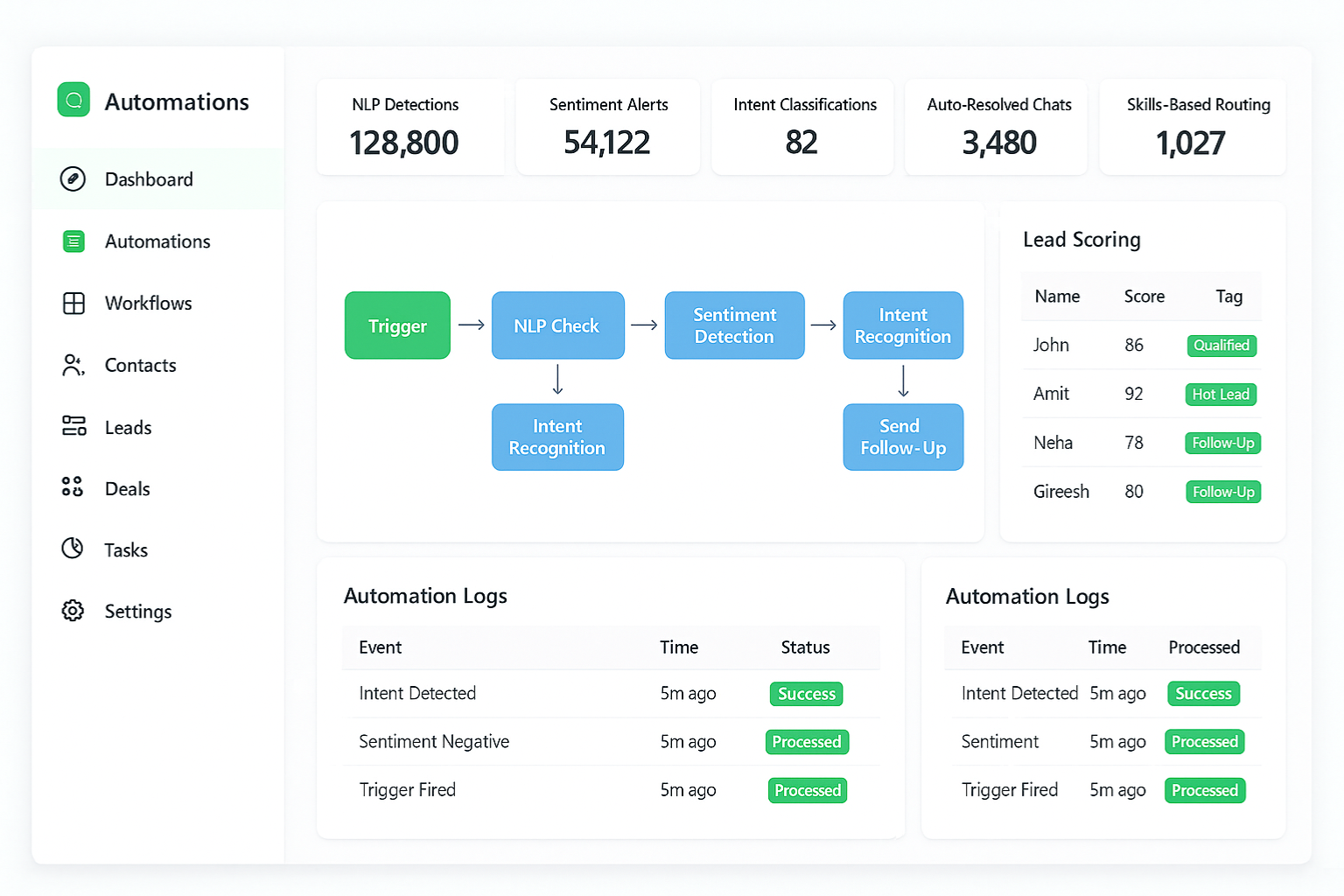
Automation is essential when businesses handle large numbers of customer conversations.

WhatZCRM provides automation tools that allow teams to:

360° Customer Profiles

Trigger automated responses

Assign leads automatically

Schedule follow-up messages

Build multi-step customer journeys

In contrast, automation with 360dialog typically requires custom API development or third-party platforms.

Who Should Use 360dialog?

The platform is ideal for:

  • Developers building messaging applications
  • SaaS platforms integrating WhatsApp communication
  • Companies building custom automation systems
  • Businesses needing direct API access
  • Technology companies building messaging products
These organizations benefit from the flexibility of direct API infrastructure.

Who Should Use WhatZCRM?

WhatZCRM is ideal for:

  • Sales teams managing WhatsApp leads
  • Customer support teams handling conversations
  • Marketing teams running WhatsApp campaigns
  • Businesses managing customer communication workflows
  • Organizations that want a ready-to-use CRM solution
These teams can operate WhatsApp as a complete customer communication system without building custom infrastructure.

Transform Your WhatsApp Into a Complete CRM

Switch from 360dialog to WhatZCRM and manage leads, conversations, and customer workflows in one powerful WhatsApp CRM platform.

Frequently Asked Questions

WhatZCRM is a strong alternative because it provides a complete WhatsApp CRM environment, including conversation management, lead tracking, automation workflows, and sales pipelines.

360dialog focuses on providing API infrastructure for developers.

WhatZCRM provides a ready-to-use WhatsApp CRM platform designed for managing customer conversations and business workflows.

360dialog primarily provides WhatsApp API infrastructure. Businesses typically integrate external CRM platforms, such as Salesforce or HubSpot, to manage customer relationships.

Yes. WhatZCRM is designed for business users and does not require technical knowledge or API integrations to manage WhatsApp communication.

Yes. Platforms like 360dialog allow businesses to send automated WhatsApp campaigns, newsletters, and marketing broadcasts via the official WhatsApp API.

When choosing a 360dialog alternative, look for a platform that offers more than just WhatsApp API access. Key features include a shared team inbox, built-in CRM, automation workflows, analytics, and tools for managing leads and customer conversations in one dashboard.

Yes. Businesses can migrate from 360dialog to another WhatsApp Business API provider without losing their WhatsApp number. The migration process usually involves verifying the number with the new provider and reconnecting your messaging setup through the official WhatsApp Business API.